34
Finishing Installation of the ooma Hub
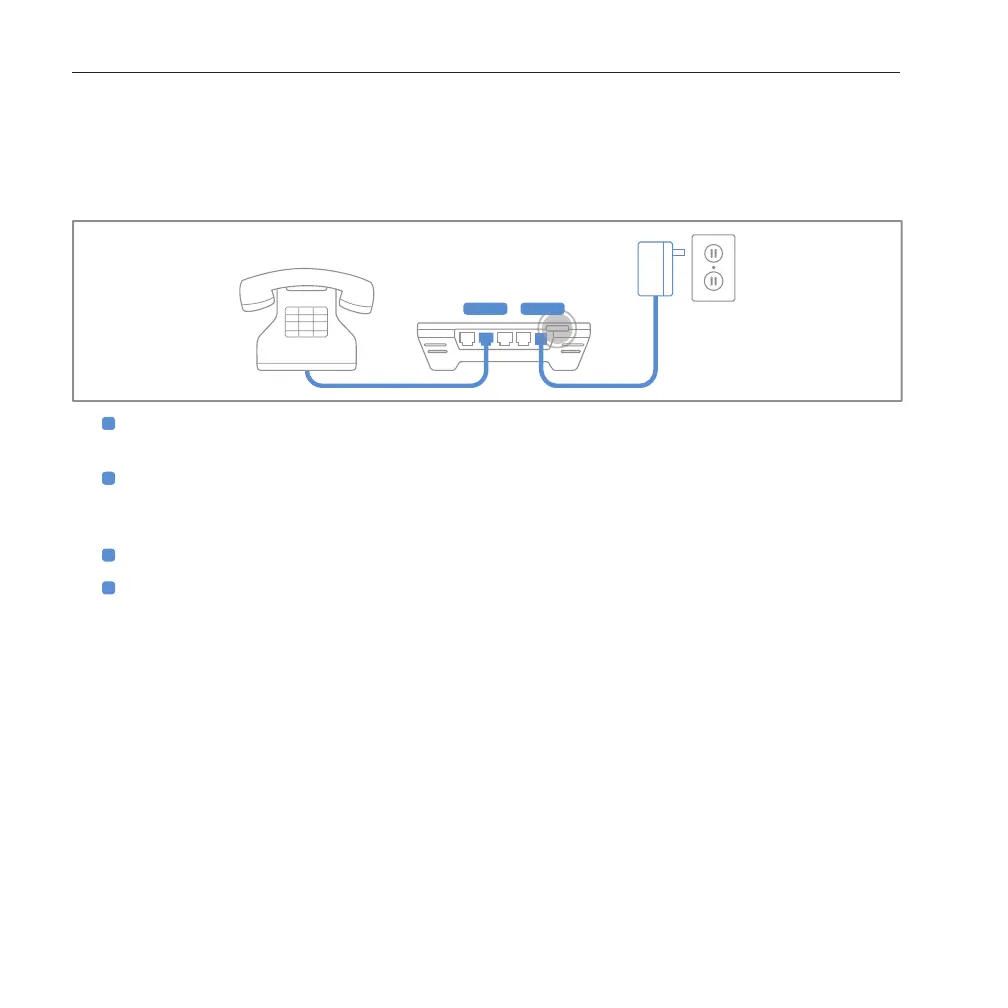
The last step in installing the ooma Hub device is to connect a phone and power.
1
Use a phone cable to plug your phone into the port labeled PHONE on the ooma Hub (a short phone
cable has been provided).
2
Plug one end of the AC adaptor into the port labeled POWER on the ooma Hub and the other end into a
power outlet. The clear ooma Tab, at the top left corner of the ooma Hub device, should light up red as
it boots up.
3
Power on your network devices (modem, switch, router). Wait a few minutes for everything to boot up.
4
Turn on your computer and connect to the Internet. Open up a web browser to make sure you are
online. This will allow the ooma Hub to complete its conguration.
Within a few minutes, the clear ooma Tab should turn blue. Pick up a phone connected to the ooma Hub. You
will hear the signature ooma dialtone. This conrms your ooma system has been properly congured.
installing the ooma hub



 To Next Page