Download and install the Ooma Home Security app on your
iOS or Android device. When the app is installed, log in using
your Ooma phone number and My Ooma password. If you
forgot your password, reset it at: my.ooma.com
Complete the initial setup in the app.
Install the App
Step 1
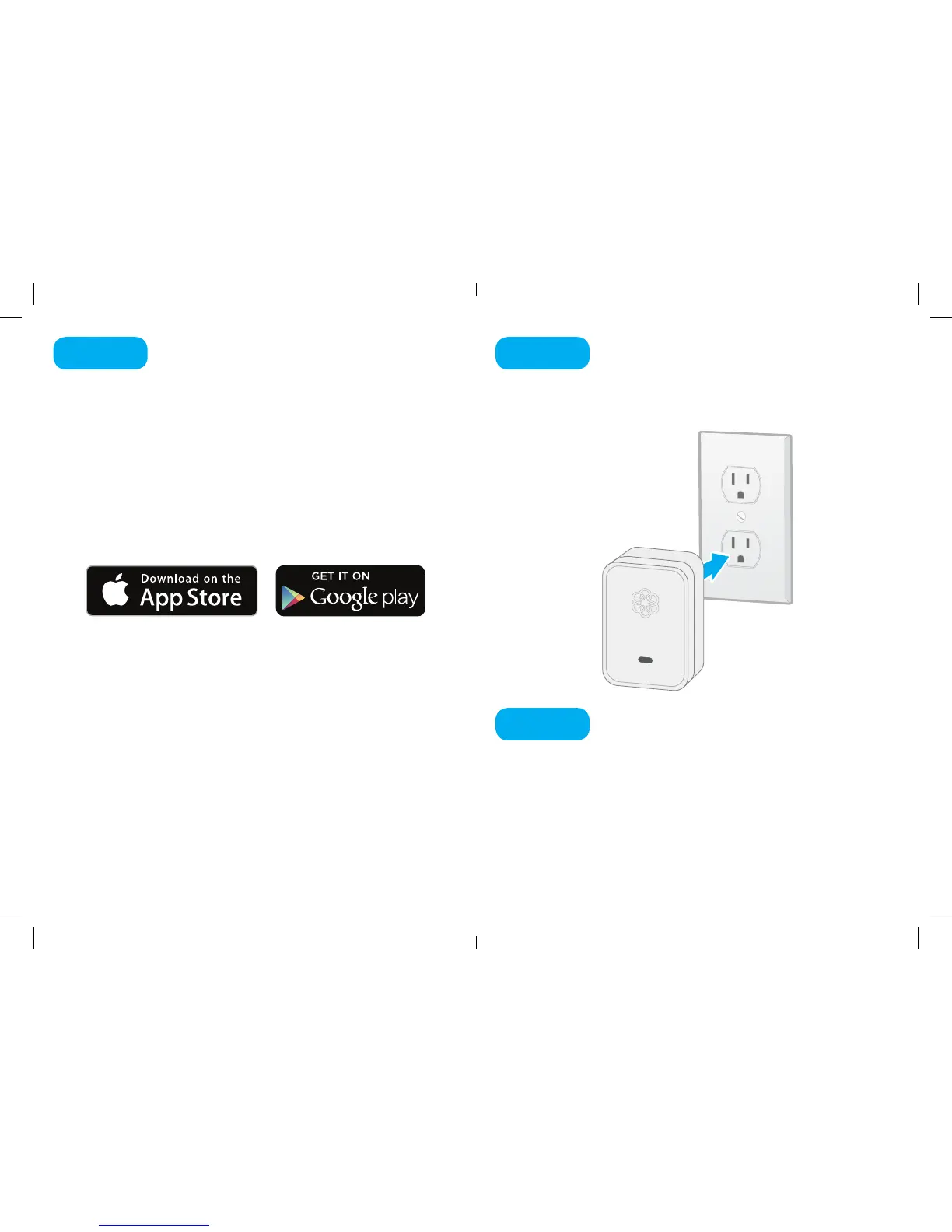
Find a power outlet and plug your Siren in.
In the mobile app, press the Add Sensor button on the
Dashboard. Select that you want to pair a Siren. Follow
the instructions on your screen to pair your sensor and
congure your settings.
Plug in your Siren
Pair your Siren
Step 2
Step 3
4 5
Ooma-Siren-QSG_EN_FR 2018-Feb-14-R3.indd 4-5 2/20/18 5:31 PM



 To Next Page