6
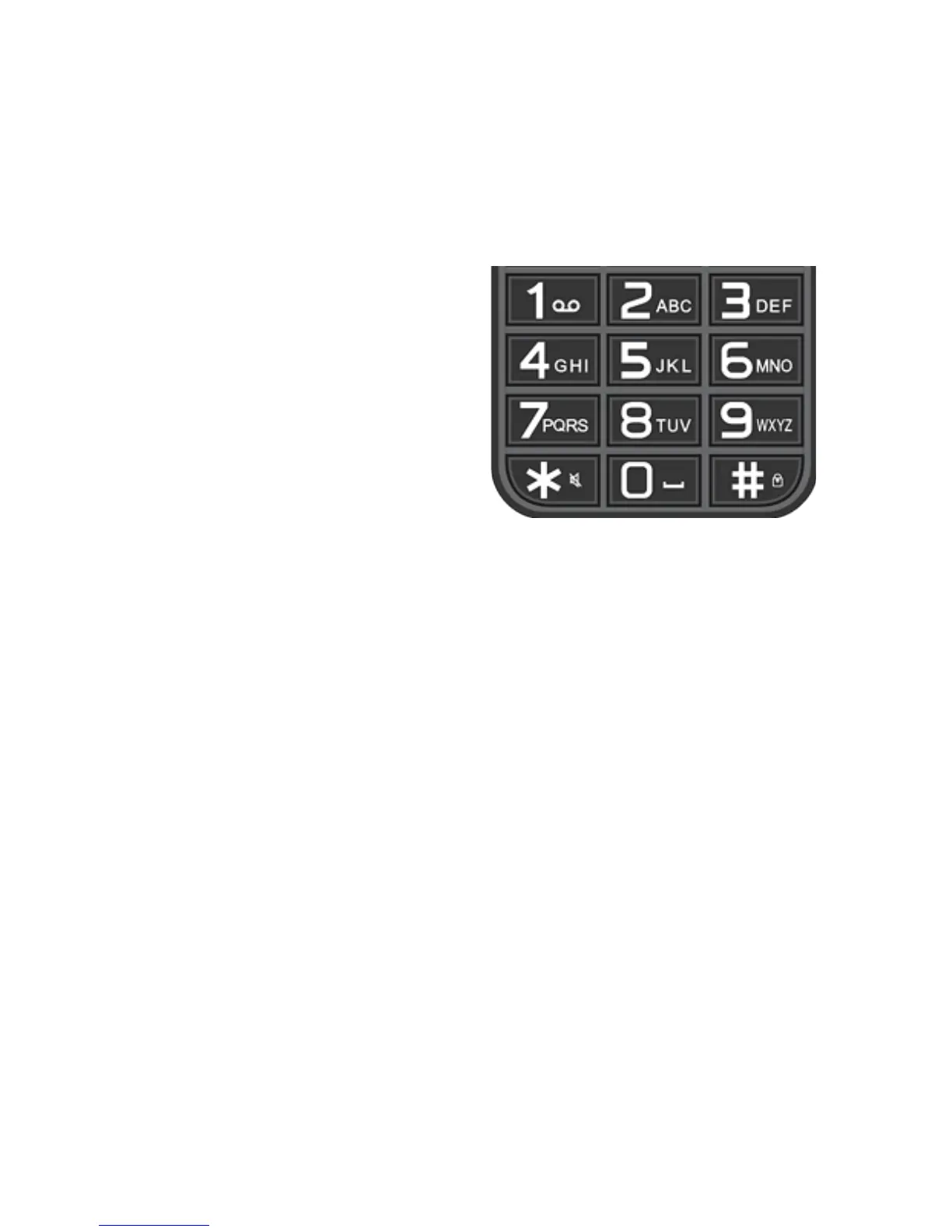
Numbers Key Pad
Home Screen:
Press number keys to dial numbers.
If you have set up Speed Dial, numbers 2 – 9 will be
your speed dial numbers to contacts, you have selected
Text Message Screen:
Each number will have letters in them.To make a text
message click the number button which has the letter
you want to select, clicking the number quickly will
change through each letter on that key pad















 To Next Page