5
Key Pad Functions
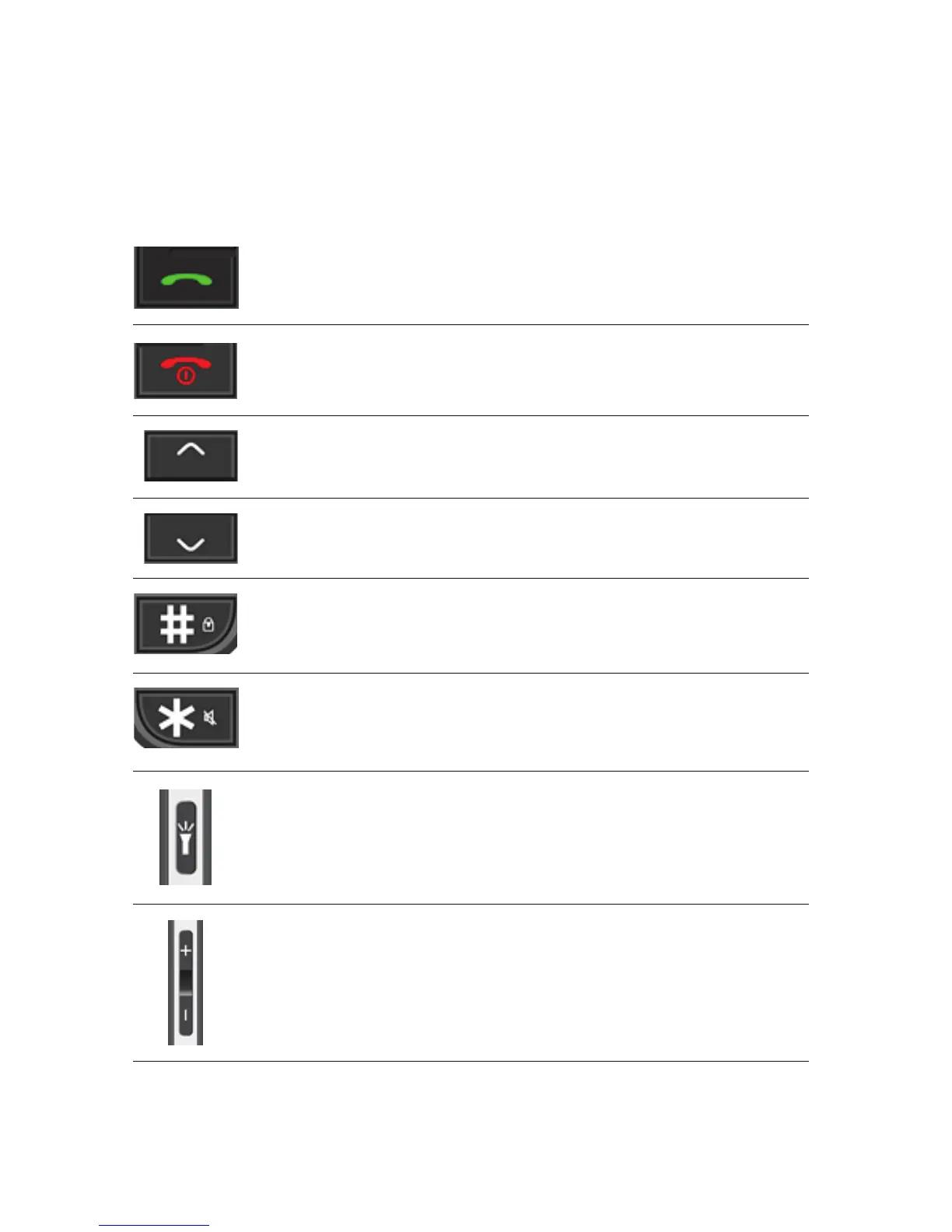
Answer Key
(Green Key)
End Key
(Red Key)
Navigation Key
(Up Key)
Navigation Key
(Down Key)
# Key
Press to answer a call: Press to answer an
incoming call
Standby mode: Press to enter call list
Home Screen: Press to enter Message Menu
Operating: Press to move cursor up
Phone Off:Long press to switch off
Phone On:Long press to switch on
Short Press: Takes you back to home screen
* Key
Torch Key
Volume Key
Home Screen: Press to enter Alarm Menu
Operating: Press to move cursor down
Home screen:
Long Press: To lock keypad
Short Press: To enter #
Editing Mode: Press to switch input method
Home screen:
Long Press: To switch on/off silent mode
Short Press: To enter *
Editing mode: Press to add symbols in
messages
Home screen:
Long press to turn on/off torch.
Home screen:
Press +: To increase key tone volume
Press -: To decrease key tone volume
Talking Mode: Adjust the volume of calls















 To Next Page