CD Player 103
Switching off Repeat Track
Hold down the rocker switch c until
the i symbol is no longer displayed.
Repeat Off appears in the display for
a few seconds.
Or:
Select a new track.
Or:
Select the Normal option field.
The i symbol is no longer displayed.
Scan CD
With the Scan CD function, the CD/
MP3 changer plays each track for 10
seconds.
Switching on Scan CD
A track will be played.
Hold down the rocker switch d until
the 6 symbol appears in the display.
Or:
Select the Scan CD option field.
The 6 symbol appears in the
display.
Switching off Scan CD
Hold down the rocker switch d until
the 6 symbol is no longer displayed.
Or:
Select a new track.
Or:
Select the Normal option field.
The CD menu appears in the display.
The 6 symbol is no longer
displayed.
Activating/deactivating CD text
Different information can be
displayed depending on whether CD
text is activated or deactivated.
Activated = CD name
Track name
Artist name
Album name
Deactivated = Track number
CD-number
Album name
Playing time
Not all CDs contain CD text. In these
cases, the track numbers and playing
times are always displayed.
Activate/deactivate the Show title
check box.
Traffic announcement in CD mode
Traffic announcements can be
received while a CD is playing. Traffic
programme (TP) 3 91.
A traffic announcement can be
terminated with the TP button and the
current CD will continue to play.
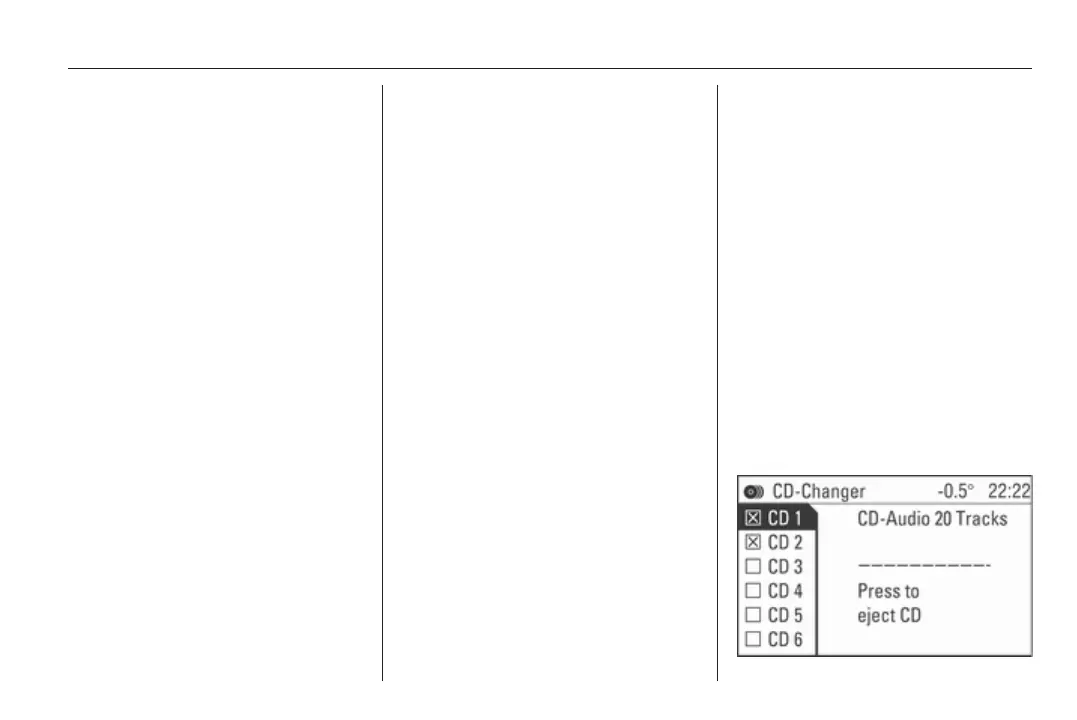
Removing a CD
Press the j button.
The CD-Changer menu appears in
the display.









 To Next Page