Introduction 11
■ t Audio
■ K Navigation
■ J Trip computer (if available)
■ I Mobile phone portal (if
available)
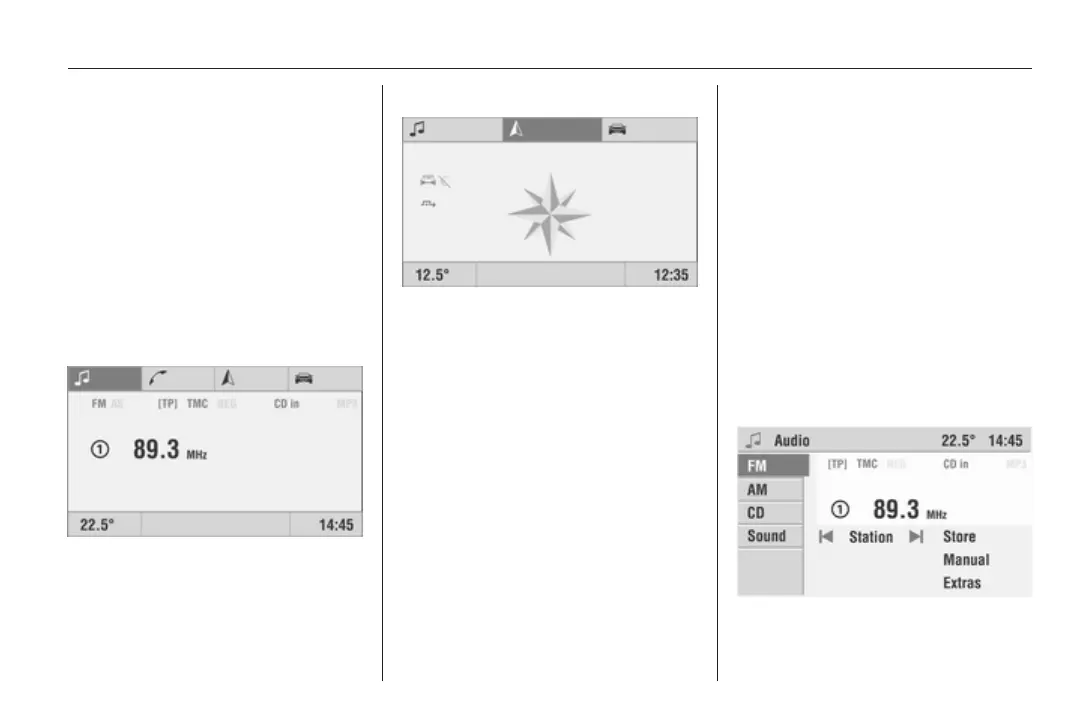
Turn the multifunction knob to call up
the display of the required function.
Depending on the selected function,
the following information is displayed
on the main page:
Audio
Information about the currently
selected audio source (e.g.
waveband, station name or frequency
or CD track and track number, etc.).
Navigation
Guidance information (if guidance is
activated) and navigation
parameters.
Trip computer
(if available)
The following information is displayed
in all functions of the main page:
■ Outside temperature
■ Time of day
■ Information on the climate control
system (if available)
When the Infotainment system is off
and the ignition is on, the outside
temperature, time of day and date (if
available) are displayed.
Mobile phone portal
(if available)
Mobile phone portal information.
Menu concept
The menu structure of the
Infotainment system consists of
different types of menu pages:
■ Selection pages
■ Feature pages
■ Settings pages
The different pages have different
functionalities:
Selection pages









 To Next Page