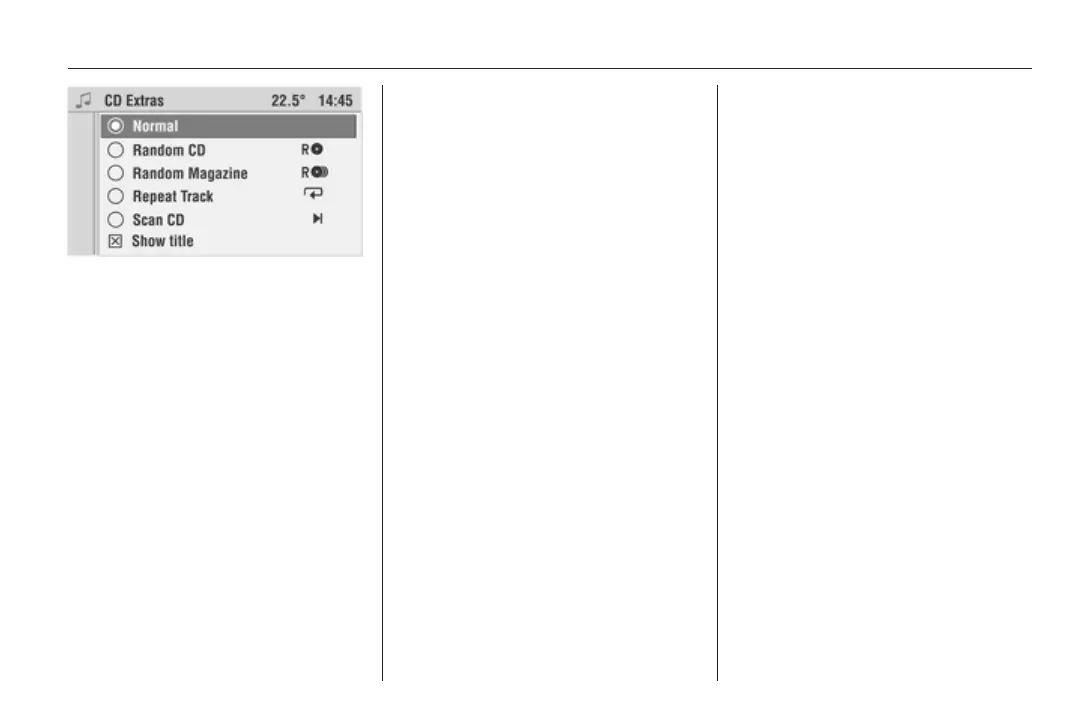
CD Player 33
The following option fields are
available:
Normal
With this option, the subsequent
functions Random CD/Random
Magazine, Repeat Track and scan
CD will be deactivated
Random CD
Audio CD:
When random play is selected for an
audio CD, the tracks on a CD will be
played in random order.
MP3 and mixed mode CD:
When random play is selected for an
MP3 or mixed mode CD, the tracks on
a CD will be played in random order.
Enabling Random CD
Select the Random CD option field.
The CD menu appears in the display.
The g symbol appears in the
display.
Random Magazine
With Random Magazine, the tracks
on all CDs inserted will be played in
random order.
Depending on the CD type (audio CD,
MP3 CD or mixed mode CD),
a specific number of tracks will be
played before switching to the next
CD.
This does not stress the mechanism
and avoids long interruptions in
playback due to CD changes.
Enabling Random Magazine
The CD menu is displayed.
Select the Extras menu item.
Select the Random Magazine option
field.
The CD menu appears in the display.
The h symbol appears in the
display.
Disabling Random CD or
Random Magazine
The CD menu is displayed.
Select the Extras menu item.
Select the Normal option field.
The CD menu appears in the display.
The g or h symbol is no longer
displayed.
Repeat Track
The CD/MP3 changer repeats the
current track using the repeat
function.
Enabling Repeat Track
A track will be played.
Hold down the rocker switch c until
the i symbol appears in the display.
Repeat Track On appears in the
display for a few seconds.
This track will be repeated constantly.
Or:
The CD menu is displayed.
Select the Extras menu item.
Select the Repeat Track option field.
The CD menu appears in the display.









 To Next Page