CD Player 35
Removing a CD
1. Press the a button.
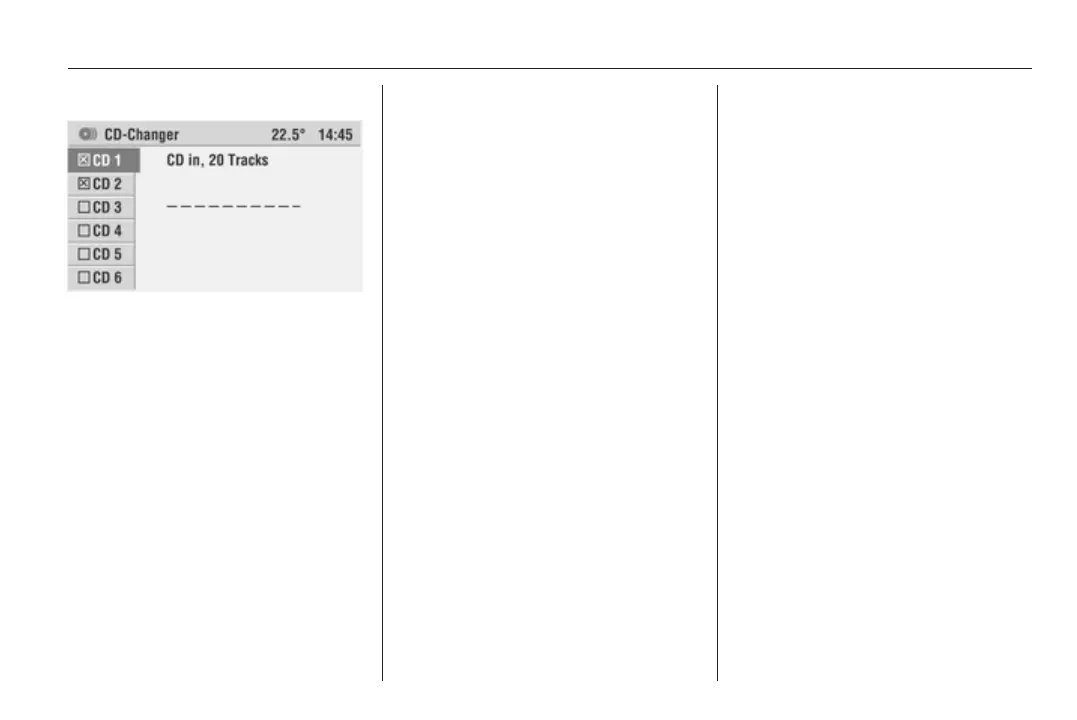
The CD-Changer menu appears
in the display.
The last station set or the last CD
played will be played.
2. Select the desired CD tray.
3. Press the multifunction knob.
The CD/MP3 changer ejects the
CD.
4. Remove the CD.
If the CD is not removed, it will
return to the player automatically
after a short time.
You can remove all CDs one after the
other from the CD/MP3 changer:
Hold down the a button until a pop-
up menu appears in the display,
asking Eject all CDs?
Confirm OK by pressing the
multifunction knob.
The CDs will be ejected one after the
other.
If a CD is not removed, it will return to
the player automatically and the
ejection process will be stopped.









 To Next Page