Navigation 41
Delete lists
This submenu allows you to delete
the entries in the following lists.
■ Addressbook
■ Last destinat.
■ Home
■ Tour memory
Highlight the desired lists and then
select the Delete menu item.
Extras
This submenu allows you to make the
following settings for guidance:
Driving time / Arrival time
Choose between the display of the
remaining driving time or the arrival
time.
The Infotainment system bases the
driving time and arrival time on an
average speed. These times may
therefore vary depending on driving
style and traffic volume.
To show the remaining driving time or
arrival time, press the INFO button
while navigation is active.
Intersect. zoom
(Colour Info Display only)
This function allows you to activate
and deactivate the junction zoom. For
more information on junction zoom
3 56.
Destination input
The following options for destination
input are available:
■ Destin. Input: To input a new
destination address with country,
city, road, number or corner.
■ POIs: Selection of special
destinations (restaurants, hotels,
etc.)
■ Destination mem.: To select
a destination from the address
book, the list of destinations last
used or to load the home address.
■ Entering destinations via the map:
To input a destination using
a cursor on the navigation map,
3 61.
CD 60 NAVI only:
In the event that the destination is in
a different country, it might not be
stored on the current navigation CD.
In this case, you should first input
a larger city near the destination
which is stored on the CD. After you
have reached this city, insert the
navigation CD of the destination
country and input the destination
town.
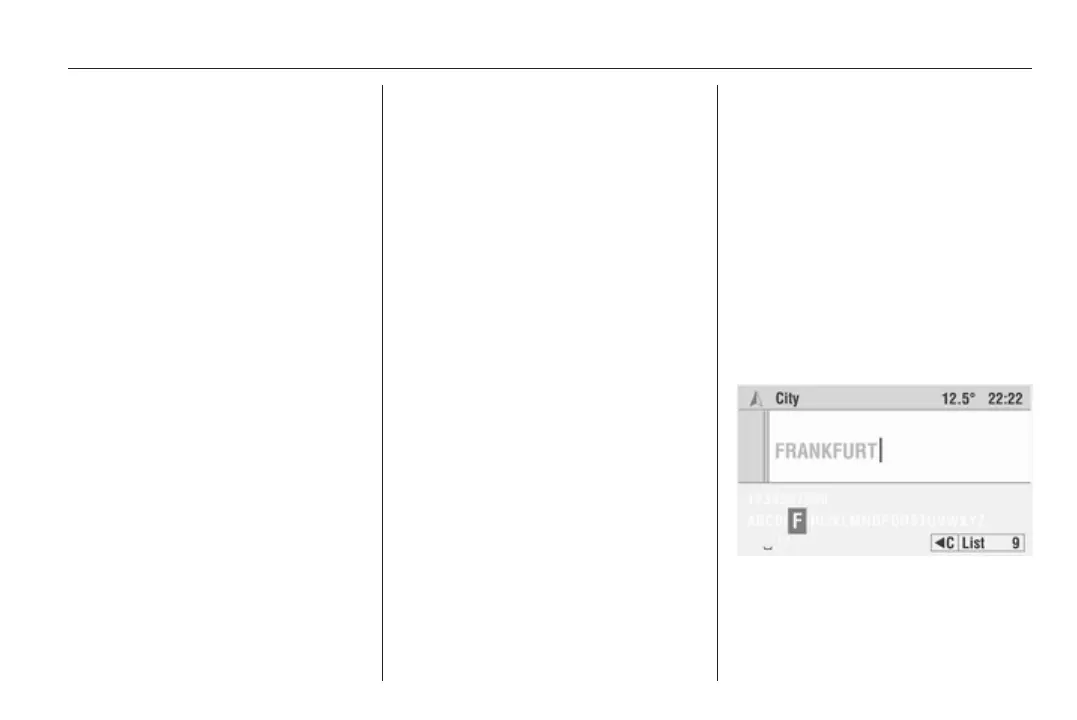
Entering an address using the
speller function
Characters for navigation are entered
by selecting letters from a list of
letters, digits and special characters.









 To Next Page