Navigation 45
Select the Corner menu item in the
Destin. Input menu.
If a destination address has already
been input, the road name of the last
destination entered is displayed
instead of the Corner menu item.
Enter the road name of the
intersecting road as previously
described.
Re-entering parts of a destination
address
If you want to enter a new road, house
number or a new intersecting road,
just select the corresponding menu
item from the Destin. Input menu.
Activating guidance
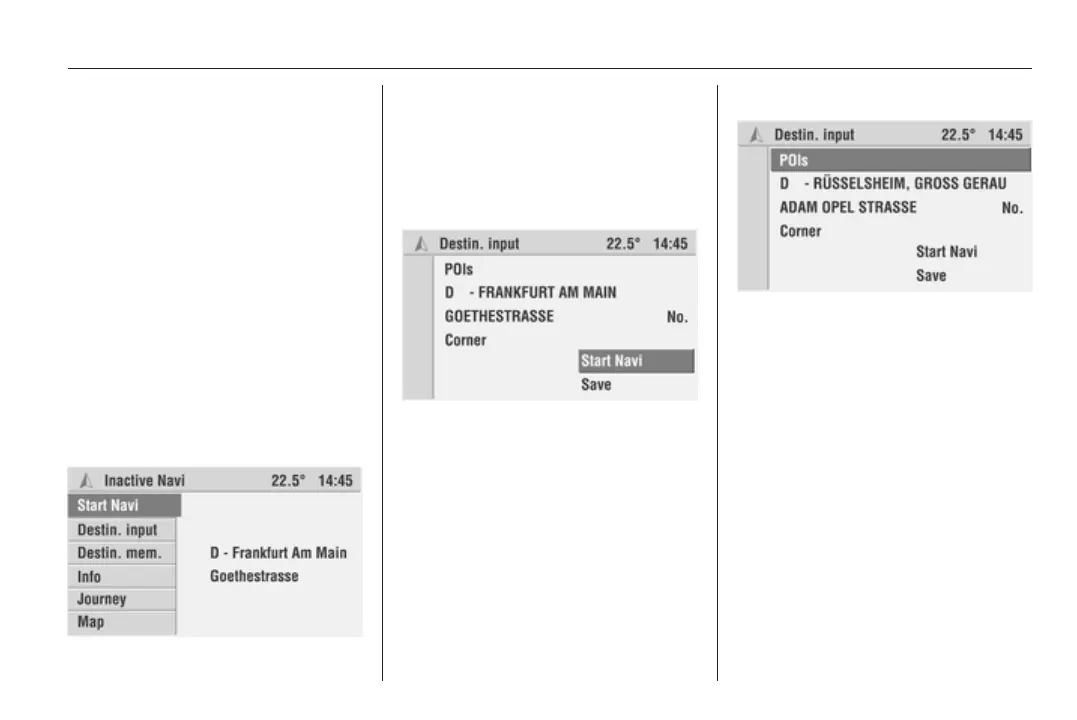
In the main menu:
Select the Start navi menu item to
start guidance.
The Destin. Input menu is displayed
and the route will be calculated (this
may take several seconds).
Guidance 3 56.
In the Destin. Input menu:
Select the Start navi menu item to
start guidance.
You can save the destination entered
in the address book using the Save
menu item.
Entering a point of interest (POI)
In the vicinity of the current position,
the destination or other towns,
interesting or helpful POIs may be
selected. For this, the Infotainment
system offers various categories in
which important addresses are
stored:
Select the POIs menu item in the
Destin. Input menu.
The Select POIs menu is displayed.









 To Next Page