Instruments and controls 71
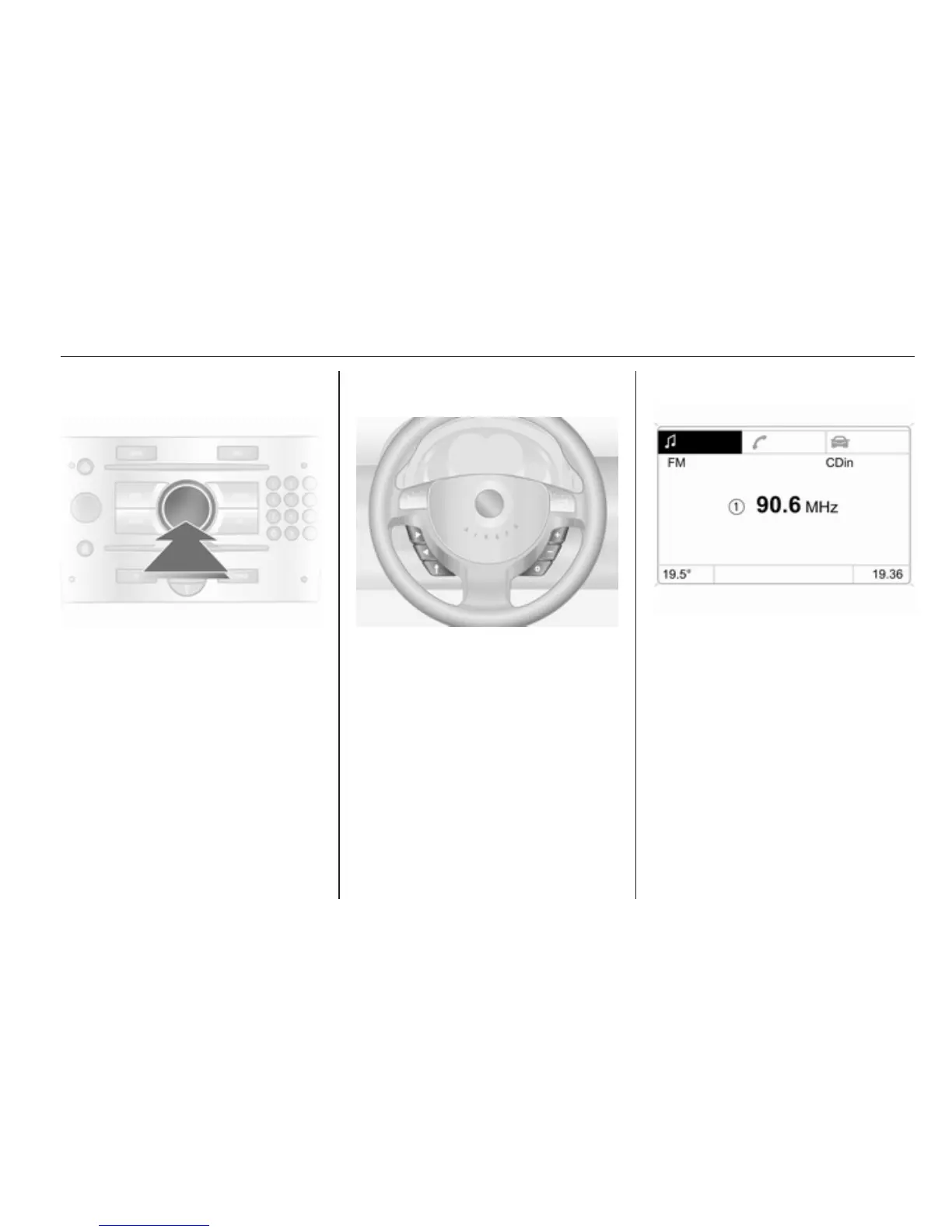
Selecting with the multifunction
control
Turn the multifunction control to
highlight menu items or commands
and to select function areas.
Press the multifunction control to
select the highlighted item or confirm
a command.
To exit a menu, turn the multifunction
control until Return or Main appear
and select.
Selecting with the steering wheel
buttons
Select menu options via the menus
using the buttons.
Function areas
For each function area there is a main
page (Main), which is selected at the
top edge of the display (not with
Infotainment system CD 30 or the
Mobile Phone Portal):
■ Audio
■ Navigation
■ Telephone



 To Next Page