Instruments and controls 73
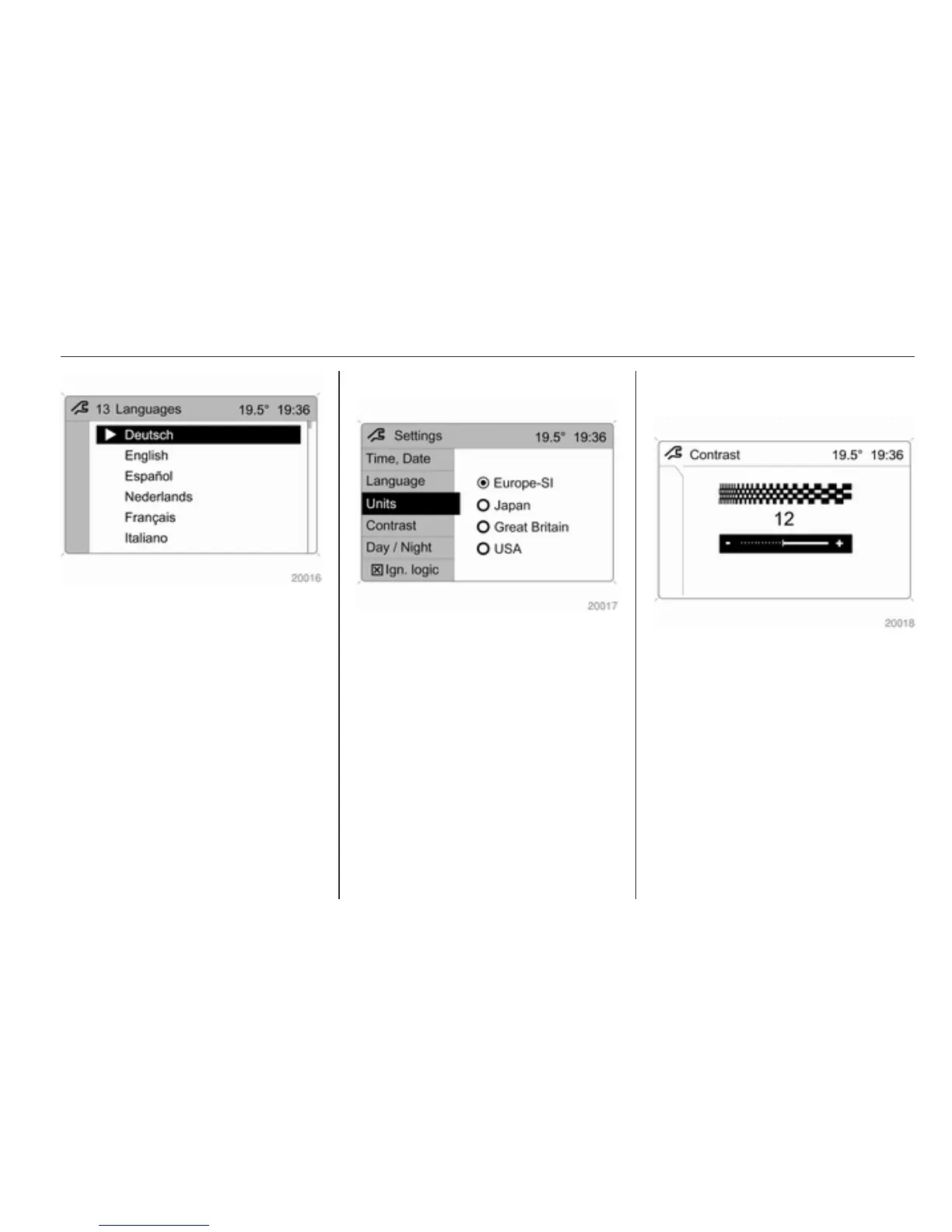
Selection is indicated by a 6 in front
of the menu item.
In systems with voice output, when
the language setting of the display is
changed the system will ask whether
the announcement language should
also be changed - see Infotainment
system manual.
Setting units of measure
Select menu item Units from the
Settings menu.
Select the desired unit.
Selections are indicated by a o in
front of the menu item.
Adjusting contrast
(Graphic-Info-Display)
Select menu item Contrast from the
Settings menu.
Confirm the required setting.
Setting display mode
Display brightness is dependent of
vehicle lighting. Additional settings
can be made as follows:
Select menu item Day/Night from the
Settings menu.
Automatic: adapted based on exterior
lighting.



 To Next Page