Instruments and controls 75
and a Multifunction version with
further adjustable settings.
Some of the displayed functions differ
when the vehicle is being driven or at
a standstill. Some options are only
available when the vehicle is being
driven.
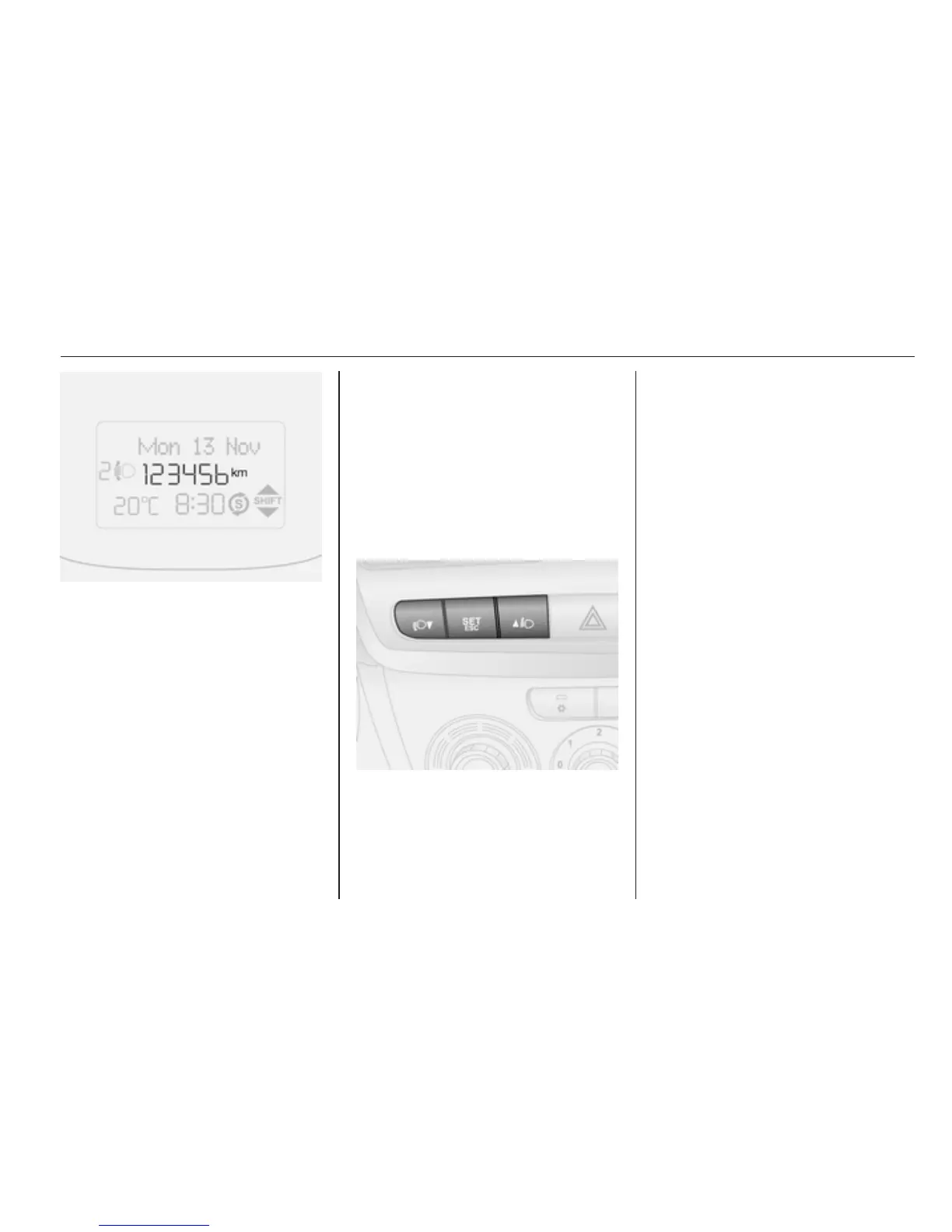
Depending on model variant, the
following items appear in the display:
■ Odometer, trip odometer 3 63
■ Clock 3 59
■ Outside temperature 3 59
■ Headlight range adjustment
3 84
■ Transmission display 3 101
■ Stop-start system indicator 3 97
■ Vehicle messages 3 80
■ Trip computer 3 81
Selecting menus and options
The menus and options can be
selected via the buttons on the
instrument panel.
Press the SET ESC button:
■ once to access the settings menu
■ press again to access a menu
option and submenu options
■ after changes have been made,
briefly press again to confirm a
value and automatically return to
the previous display screen
Alternatively, press and hold the SET
ESC button to return to the previous
display screen without saving
changes to the current menu option.
Note
The settings menu is exited
automatically after a delay. Only
changes already confirmed by
briefly pressing the SET ESC button
are stored.



 To Next Page