OpenScape Desk Phone CP600 | Screen, Buttons, and Common Functions
© 1999 - 2020 RingCentral, Inc. All rights reserved. 15
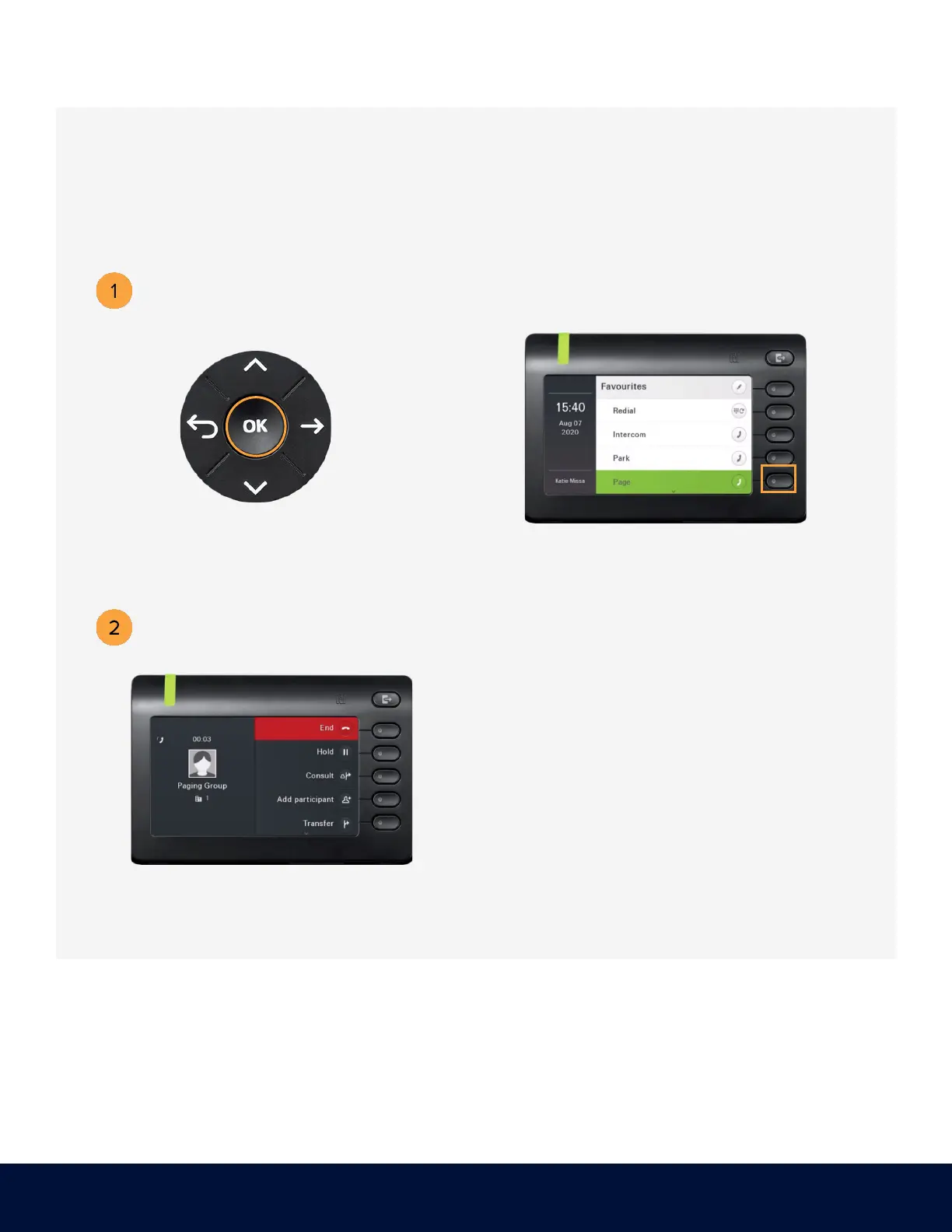
PAGING
Dial *84 and press OK.
Press the soft key adjacent to Paging.
Paging is a one-way broadcast to one or multiple devices/users.
Dial the number of the group and press
#. Example: 1#



 To Next Page