OpenScape Desk Phone CP600 | Screen, Buttons, and Common Functions
© 1999 - 2020 RingCentral, Inc. All rights reserved. 4
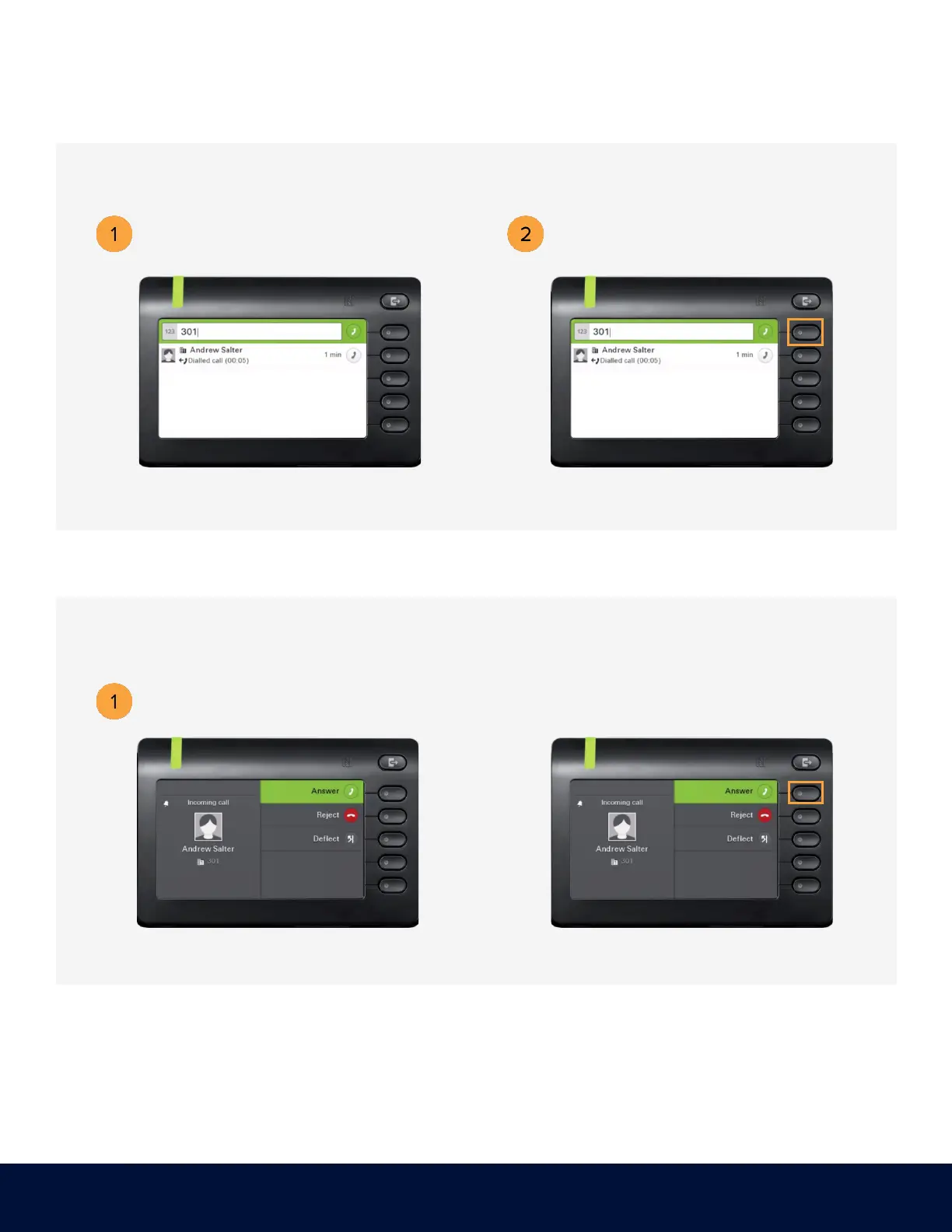
PLACING AN OUTGOING CALL
RECEIVING A CALL
Unhook the handset, then dial the
number or extension.
Dial the number or extension, then press the
upper-right soft key for hands-free mode.
Press the upper-right soft key for
hands-free mode.
OR



 To Next Page