OpenScape Desk Phone CP600 | Screen, Buttons, and Common Functions
© 1999 - 2020 RingCentral, Inc. All rights reserved. 7
RETRIEVING THE CALL FROM THE PUBLIC PARK LOCATION
PLACING A CALL IN PRIVATE PARK
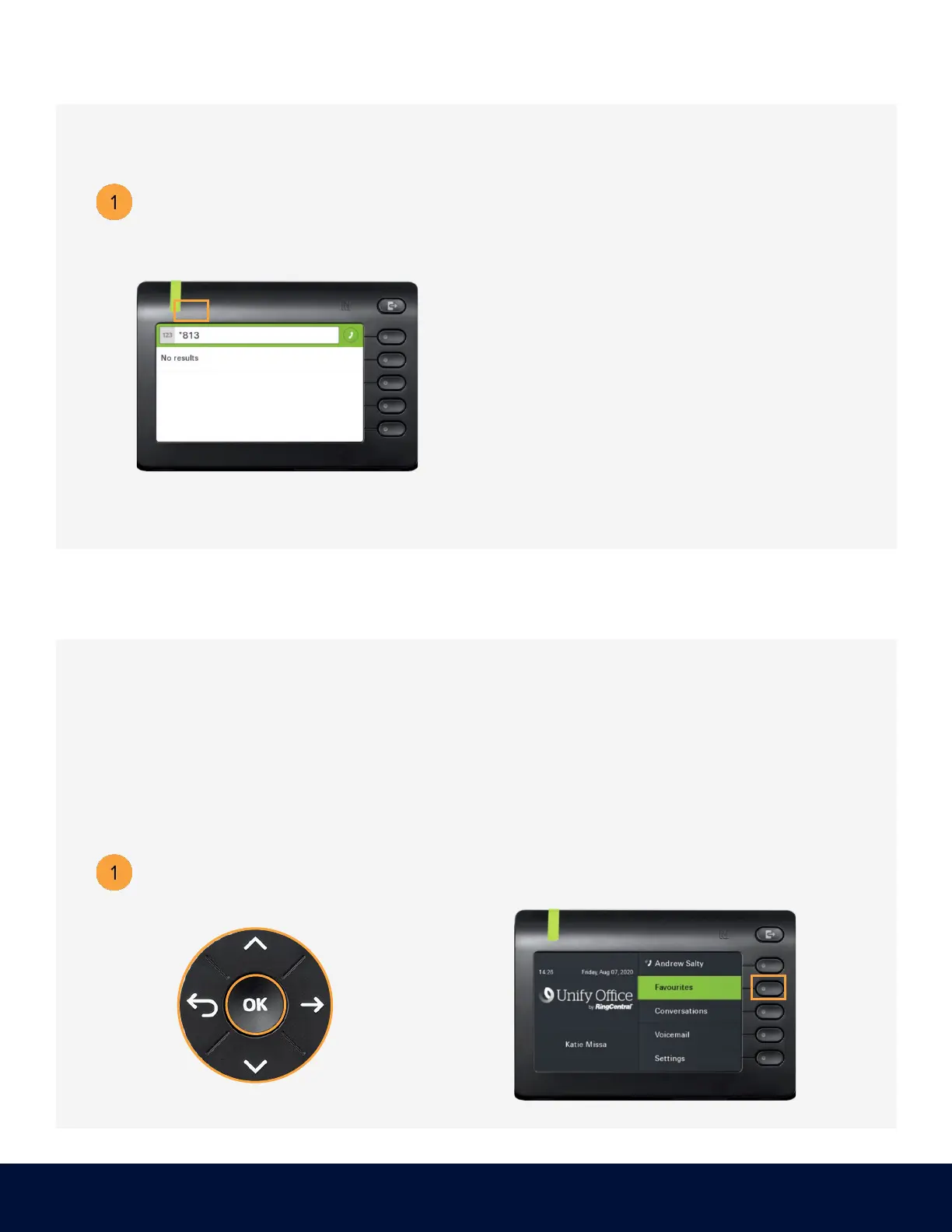
On another phone, press the star (*) key followed by the parked call’s extension.
Example:
The call is parked at extension 813. Using another phone,
dial *813 to retrieve the call from the public park location.
Use the Navigator to locate
Press the soft key adjacent
Placing a call into private park utilizes the Park Location Group feature. A call placed on hold
in this group is only visible and accessible to members using supported desk phones or the
RingCentral Phone application.



 To Next Page