EasyManua.ls Logo

OPHIR vega - User Manual

OPHIR vega
109 pages
Print Icon
To Next Page IconTo Next Page
Loading...
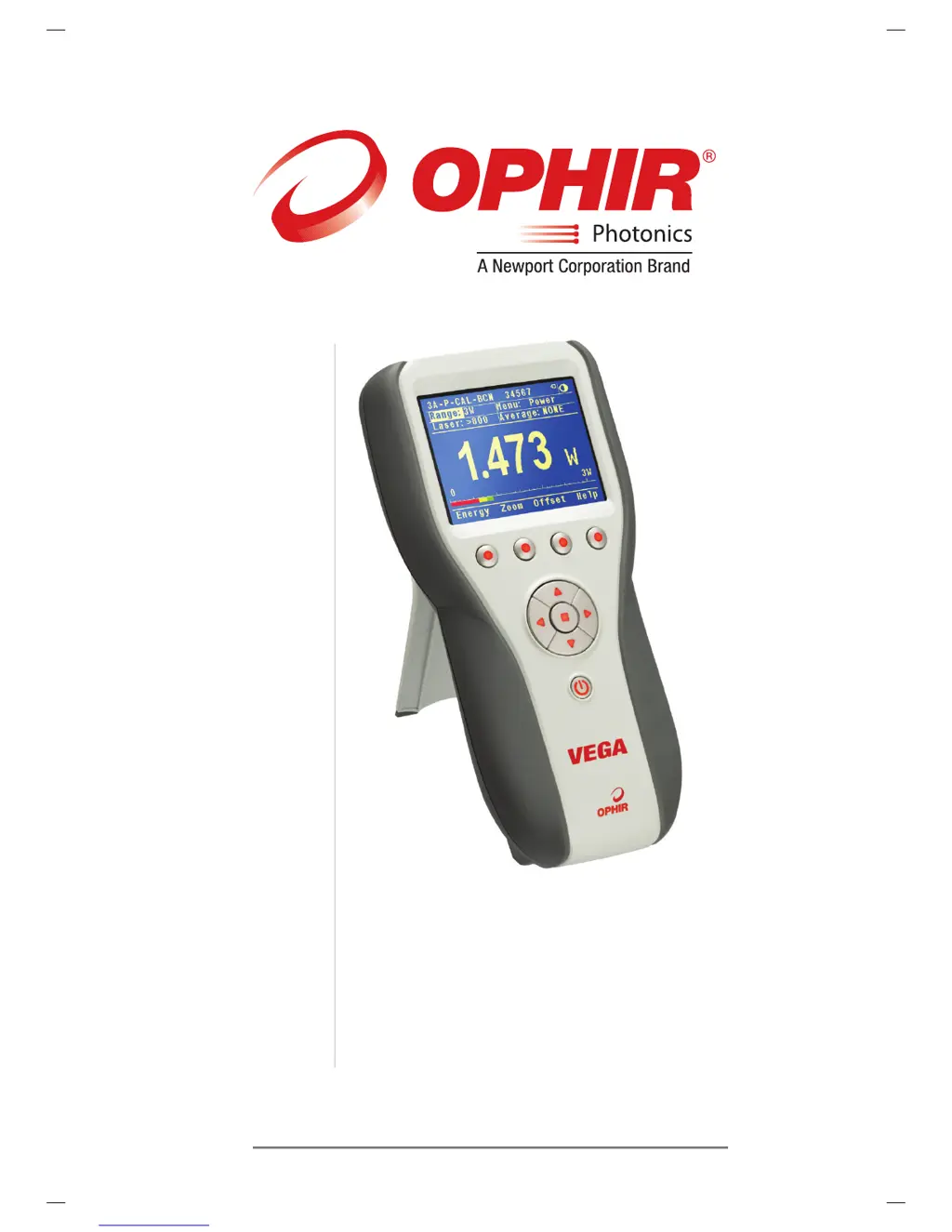
LASER POWER/ENERGY METER
USER MANUAL
VEGA
VEGA
OPHIR OPTRONICS
VEGA
www.ophiropt.com/photonics
100x200mm

Table of Contents

Questions and Answers

  • J
    John WatsonAug 2, 2025
    Why does my OPHIR vega Measuring Instruments show zero reading?
    • J
      Julie HenryAug 2, 2025
      If your OPHIR Measuring Instruments display shows a zero reading in both power and energy modes, you should check the connections between the sensor and the instrument. Also, verify that the sensor disc is operative by checking the resistance between pins 1 and 9 of the sensor connector, which should be around 11k. If the sensor is defective, there will be an open or short circuit.
  • M
    Michael McintyreAug 8, 2025
    What to do if OPHIR vega does not return to zero?
    • M
      Melissa MullenAug 8, 2025
      If your OPHIR Measuring Instruments does not return completely to zero on power measurement, and if the sensor is very hot, allow it to cool. Disconnect the sensor from the instrument. If the readout unit still doesn't zero, follow instructions in section 3.5.5. If the offset persists, try zeroing with the sensor connected as well, as described in the same section.
  • A
    Ashlee LopezAug 14, 2025
    What to do if OPHIR vega Measuring Instruments only works with charger?
    • P
      Patrick ObrienAug 14, 2025
      If your OPHIR Measuring Instruments works only when connected to the charger, but not with the battery alone, the battery might be low. Recharge it overnight (7-8 hours) with the device turned off. If it still doesn't work, the NiMH battery is likely dead and needs replacement.
  • C
    Christine SandersAug 21, 2025
    Why OPHIR vega shows frequency which is too high?
    • D
      David ScottAug 21, 2025
      If your OPHIR Measuring Instruments shows a frequency that is too high, try keeping the cable away from the bench and moving the sensor/display further away from any EMI (electromagnetic interference) sources.
  • B
    Brian NewtonAug 27, 2025
    Why does my OPHIR vega Measuring Instruments trigger without laser pulses?
    • K
      Katherine PrinceAug 27, 2025
      If your OPHIR Measuring Instruments triggers even without exposure to laser pulses, ensure the sensor is mounted to the stand using the insulated plastic rod provided, and not a metal rod.

Summary

Chapter 1. Introduction: How to Use This Manual

Chapter 2. Quick Reference

2.1 Getting Started

Provides initial steps and guidance for using the Vega laser power/energy meter.

2.2 Functions with no Sensor Connected

Details operations and settings available when no sensor is attached to the Vega.

Chapter 3. The Vega Display Unit

3.1 General Description

Overview of the Vega's features, capabilities, and design.

3.2 Smart Connectors

Explanation of how the Vega automatically identifies connected sensors.

3.3 Soft Keys

Defines the functions and operation of the Vega's soft keys.

3.4 Power Up and Shut Down

Instructions for turning the Vega meter on, off, and toggling backlights.

3.5 Vega Functions, which are Independent of Sensor Type

Describes Vega operations that do not depend on the connected sensor type.

Chapter 4. Operation with Thermopile Absorber Sensors

4.1 Thermopile Absorber Sensors

Explains the working principle of thermopile sensors and their interaction with the Vega.

4.2 Selecting Settings from the Vega Screen

Guides users on configuring Vega settings for thermopile sensors.

4.3 Startup and Configuration of Defaults

Details on setting up default configurations for the Vega upon startup.

4.4 Power Measurement

Describes basic and advanced procedures for measuring laser power.

4.5 Energy Measurement

Explains how to set up and perform energy measurements with the Vega.

4.6 Advanced Display Screens

Covers specialized display modes for enhanced measurement visualization.

Chapter 5. Operation with Photodiode Type Sensors

5.1 Photodiode Sensors

Introduction to photodiode sensors and their characteristics with the Vega.

5.2 Setting up the PD300 to display the users chosen wavelengths

Procedure to program and select specific laser wavelengths for PD300 sensors.

5.3 Startup Defaults

Configuration of startup settings for photodiode sensors.

5.4 Selecting Settings from the Vega Screen

Guides on adjusting various parameters via the Vega's screen interface.

Chapter 6. Operation with Pyroelectric Sensors

6.1 Pyroelectric & Photodiode Energy Sensors

Explains the operation of pyroelectric and photodiode energy sensors.

6.2 Selecting Settings from the Vega Screen

Covers setting up parameters for pyroelectric sensors via the Vega interface.

6.3 Startup and Configuration of Defaults

How to configure default startup settings for pyroelectric sensors.

6.4 Energy, Power or Exposure Measurement

Details on performing energy, power, and exposure measurements.

6.5 Measuring Repeating Pulses of High Energy

Methods for measuring high energy pulses with pyroelectric sensors.

6.6 Energy Log

Information on energy logging features for pyroelectric sensors.

6.7 Pyro Scope Adapter

Describes the use of the Pyro Scope Adapter for oscilloscope connection.

6.8 PE-DIF Diffuser Sensors

Setup instructions for PE-DIF diffuser sensors (IN/OUT settings).

Chapter 7. BeamTrack Features

7.1 Track Screen

Displays laser beam position and size measurements.

7.2 Menu Screen

Accesses various BeamTrack features from the main Track Screen.

7.3 Stability Screen

Tracks laser beam position over time to measure pointing stability.

7.4 Statistics Screen

Shows statistical data for power, position, and size measurements over time.

7.5 Optimizing Measurements

Provides tips and procedures for optimizing measurement accuracy.

Chapter 8. Circuit Description

Analog Circuit

Details the analog signal processing path from sensor to A/D conversion.

Fast Analog Input

Describes the secondary analog input for high-rate energy pulse measurements.

Digital Processor

Explains the microcontroller, memory, and processing capabilities.

Power Supply

Information on the internal DC supply, battery charging, and AC supply.

EMI Protection

Details on EMI protection components and electromagnetic compatibility.

Chapter 9. Calibration, Maintenance and Troubleshooting

9.1 Calibration of Thermopile or RP Sensors

Procedures for calibrating thermopile and RP sensors.

9.2 Calibration of Photodiode type Sensors

Describes the calibration process for photodiode sensors.

9.3 Calibration of Pyroelectric type Sensors

Explains the calibration methods for pyroelectric sensors.

9.4 Error Messages

Lists and explains common error messages displayed by the Vega.

9.5 Troubleshooting

Provides solutions for common problems encountered with the Vega.

9.6 Maintenance

Guides on performing maintenance tasks, including battery replacement.

Chapter 10. Vega Specifications

10.1 System;Meter Specifications

Technical specifications for the Vega meter system.

10.2 Sensor Specifications

Detailed technical specifications for various compatible sensors.

OPHIR vega Specifications

General IconGeneral
Product CategoryLaser Power Meter
ConnectivityUSB
PowerUSB or AC adapter
FeaturesData logging
Measurement RangeDepends on sensor used
Wavelength RangeDepends on sensor used
Sensor TypeThermopile, Photodiode, Pyroelectric
Beam ApertureDepends on sensor used
InterfaceUSB
Power SupplyRechargeable battery or USB
Storage Temperature-20°C to 70°C
Weight400 grams

Related product manuals