- 2 -
VIEW
SPECIFICATIONS
Ⅳ.
OPERATION
Ⅲ.
FUNCTIONS
Ⅱ.
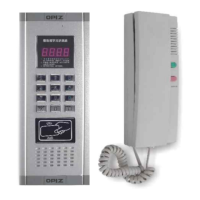
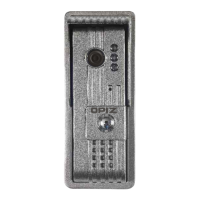
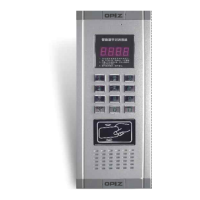
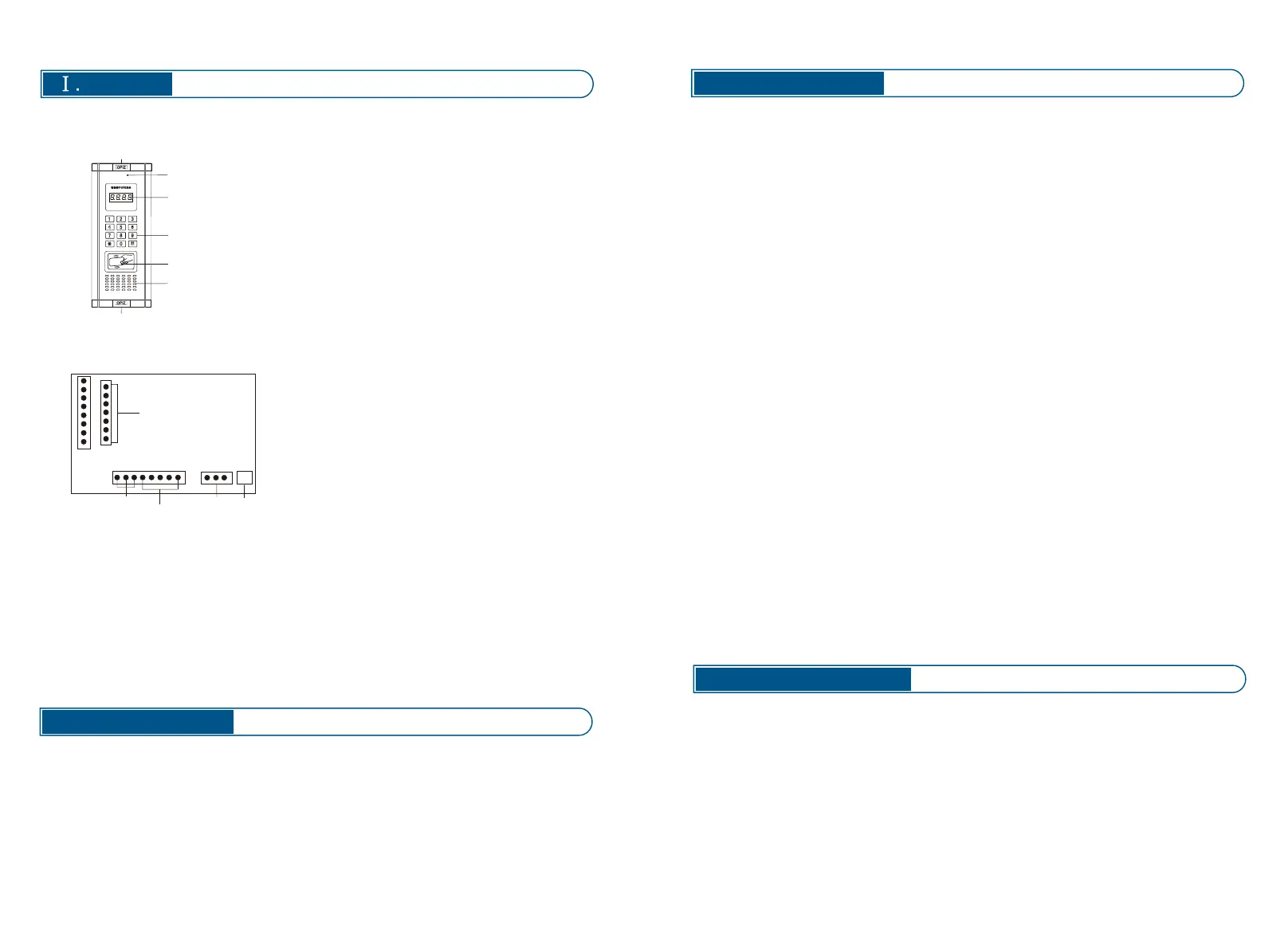
1. Front View
2. Rear View
① Screw
② Digital display area
③ The operating area of the keyboard
④ Access ID card reading area
⑤ Speaker
⑥ MIC
⑤
①
⑥
②
④
①
①
②
⑤
④
③
+
-
L
+
1 2 3 4V
+ -
1
① 1 2 V power supply
② System lines
③ DCAM
④ Expand to the second keyboard
⑤ ID card DCAM
①Power line:
②system lines
1 Power line for door phone, unlock signal line for doorbell and door phone
(connect with door phone port 1)
2 Communicating line for doorbell and door phone, (connect with door phone port 2)
3 Ground wire (connect with door phone port 3)
4 Calling line (connect with door phone port 4)
V Video line (no need)
1.Two way communication
2.One room one password
3.Release door by ID card (If required)
4.Can work with 256 door phones
5.Calling tone adjustment
Call the indoor phone A visitor key in three or four digits room number on the door stati
on, the door station will ring the household indoor phone, when the householder pick
up the handset and dual talk to the visitor, and press the unlock button to release the
door.
Release door by password:Press the code button then will display “c” then key in the
room number there will display “L” key in the right 4 passwords, the lock will be unlock
ed automatically.
Unlock password settings:Cut the doorbell power off for more than30seconds,press
the Code button and switch on again, wait the display area display a “_ _ _“,key in the
room number which need to be set password, the display area will display “L_ _”key in
4digital numbers, there will display “_ _ _”.The first group password setting finish. If ne
ed to set the other householder password, continue to key in the room number ,passwo
rd ,after finishing the setting ,press delete to confirm, the doorbell back to the standby
mode automatically .
Attention:This system contains 256groups passwords, private password for each ho
useholder, the mode is: room number+4 digital passwords, can not set 4 “0”.for if set
password as 4 “0”stands for cancel the function of unlock bu password. The initial sett
ing is password unlock, if the householder need this function, should set the password
setting first.
Password changing:Press the code button for three times continuous ,press “0”foron
ce,then press the code button for once ,the digital are will display “b_ _”,key in the room
number ,there will display “L¬_ _”,key in the old password, then display “n_ _” key in the
new 4 digital password, there will display “888”,the password changed successful.
Cancel the unlock password: If one householder need to cancel the password, accordin
g to the previous operation (changing password),wait display “n_ _”press “0”for 4 times,
then this householder can not use password unlock any more. When the householder
forgot the password and can not unlock the door ,need to adjust: cut the power off for
30seconds wait display “_ _ _ ”,key in the new 4digital password, wait display “_ _”.
Press clear button to confirm .the operation finished.
Attention:Remember the room number, do not change the other’s password by mistake,
better ask the administrator to operate.
Tone setting:Press “*” for three times continuous, and then press “01”,stands for the
first tone setting; “02” stands for the second tone, “03” stands for the third tone .
:
- 1 -
Temperature: -40℃ ~70℃
Elative humidity: 45% ~ 95%
Atmospheric pressure: 86 ~ 108Kpa
Fire endurance rating: IP33
Operating voltage: DC12V
Static current:2 0mA
Current: 0.12A
Power dissipation:1.44W
Dimension: 315*130* 45mm
Embedded size:3 0 0 * 1 13 * 3 2 mm
N.W :880 g
③


 To Next Page
 Loading...