Need help?
Do you have a question about the Opiz OP-D4D2AR and is the answer not in the manual?
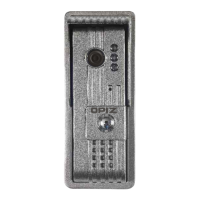
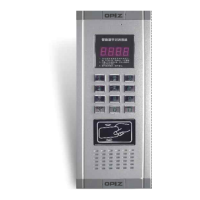
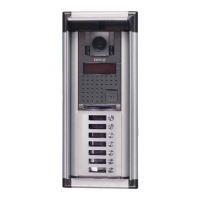
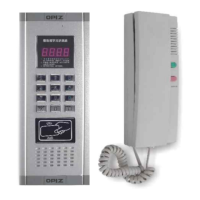
Details the front panel components and layout of the door station, including display and buttons.
Illustrates the rear panel connections for power supply, system lines, and other interfaces.
Explains the primary function of two-way audio communication between the door station and indoor units.
Describes the system's capability to assign a unique password for each individual room or unit.
Details the optional feature allowing door release via ID card access control.
Highlights the system's capacity to integrate with up to 256 interconnected door phones.
Provides information on how to adjust or select different calling tones for notifications.
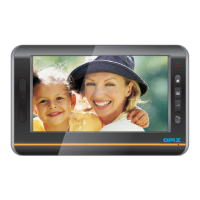
Identifies the physical unlock button on the indoor phone unit.
Indicates the location of the OPIZ brand logo on the indoor phone.
Points out the receiver component used for communication on the indoor phone.
Explains the system connection port for linking with the outdoor station's 1234 line.
Details the floor code port and how pin configurations determine the floor number.
Describes the room code port and how pin configurations determine the room number.
Explains the system connection port for linking with the outdoor station's 1234 line.
Details the floor code port and how pin configurations determine the floor number.
Describes the room code port and how pin configurations determine the room number.
 General
| Brand | Opiz |
|---|---|
| Model | OP-D4D2AR |
| Category | Intercom System |
| Language | English |

 To Next Page