User Manual
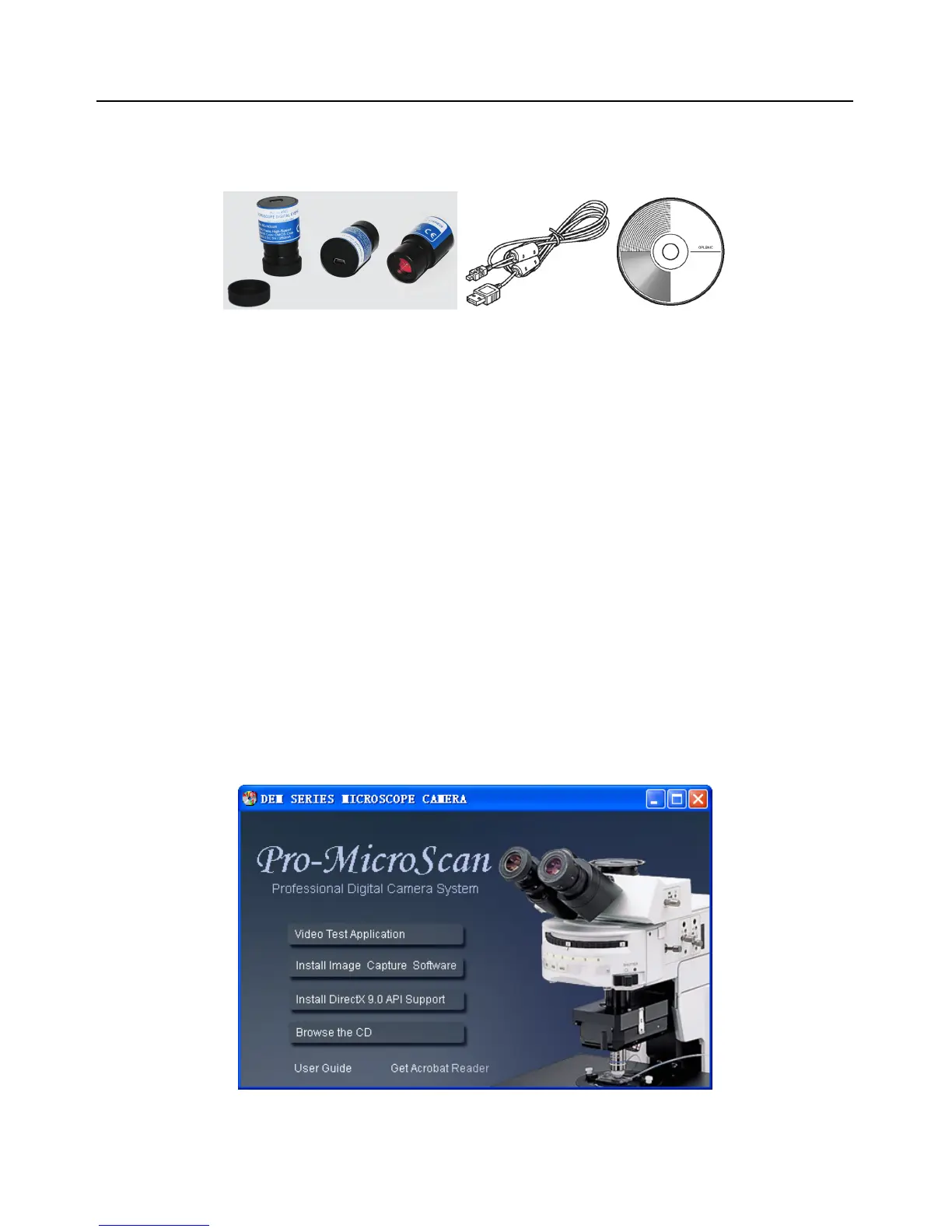
Package Contents
If you find any contents missing or damaged, contact the place of purchase
1 PCS EYEPIECE CAMERA
1 PCS DUST COVER
1 PCS MINI USB2.0 CABLE
1 PCS SOFTWARE CD (OPTION)
*Software can be download from website DEM page for free.
Installing the Software
(If you do not have the software CD, skip this step.)
1. Insert CD into CD-ROM drive
2. Install image capture software (After installation the image software icon will created
on the desktop)



 To Next Page