COMFORT PAD KIT
COMFORT PAD ADJUSTMENT
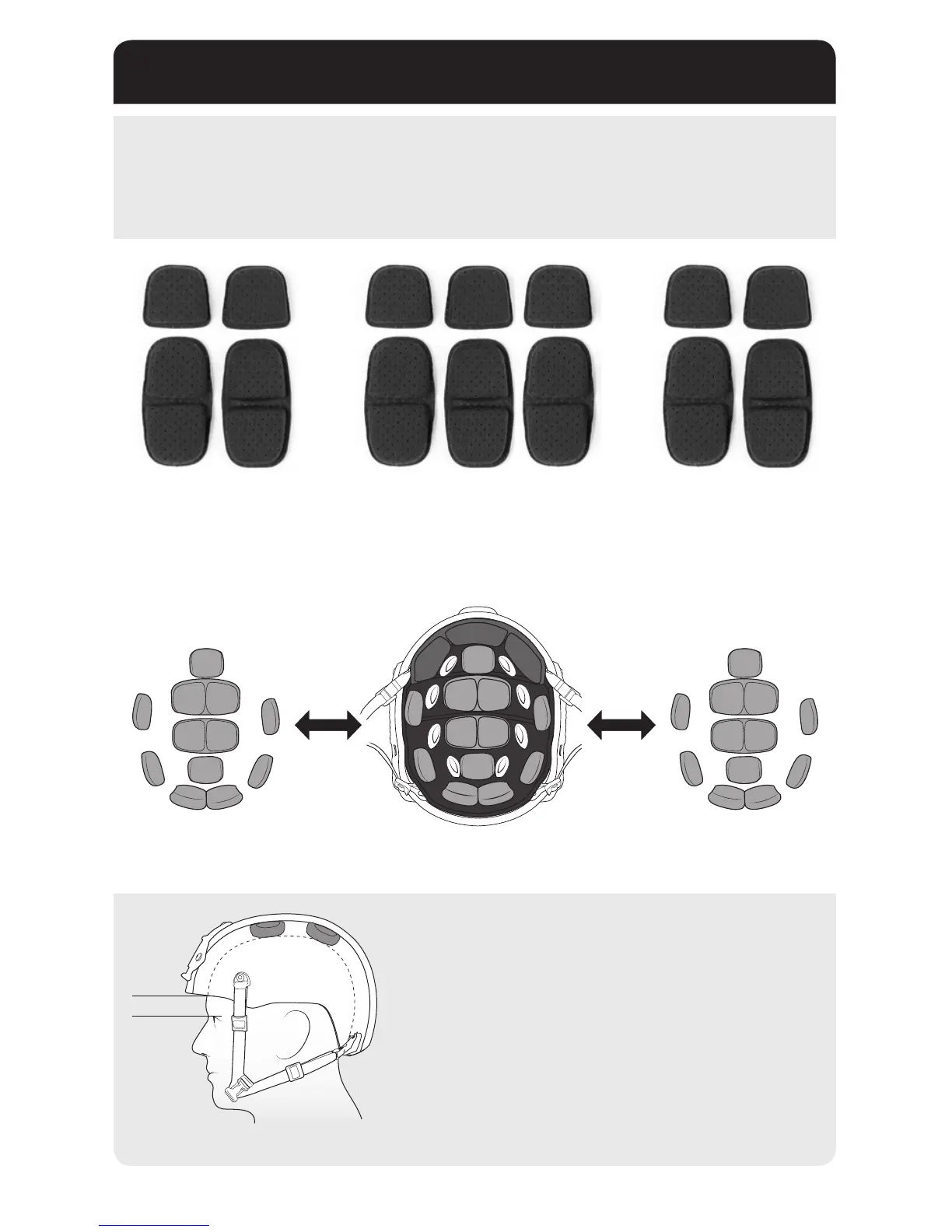
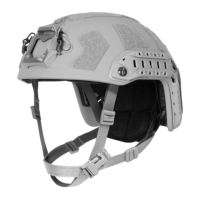
The included Pad Kit can be used to maximize the t, comfort and stability of your Ops-Core FAST Helmet.
HEIGHT ADJUSTMENT
The distance from the top of the eyebrow to the bottom of the
tband should be approximately 0.5”- 1”.
If the helmet sits too low on your head, remove the ½” top pads
and install the ¾” top pads (included separately).
If the helmet sits at an uncomfortable angle, adjust the top pads, or
use a combination of ¼”, ½” and ¾” top pads until it sits correctly.
0.5”-1”
The pad thicknesses can be adjusted for a more comfortable t and better stability. You can mix and match
different pad thicknesses to achieve the best t.
1/2” Comfort Pads
1/2” Comfort Pads
3/4” Comfort Pads
3/4” Comfort Pads
1/4” Comfort Pads
1/4” Comfort Pads
8


 To Next Page