9.
IMPORTANT! Never leave the appliance unattended with the
power switched on. Turn o the appliance and disconnect the
power cord from the power supply before emptying and filling
the tanks. Do not oversaturate the carpet.
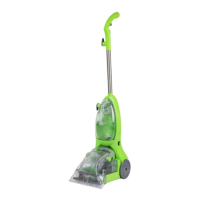
5. Plug the power socket into the power
supply. Turn on the appliance by using
the On/Off Button located on the side
of the shampooer.
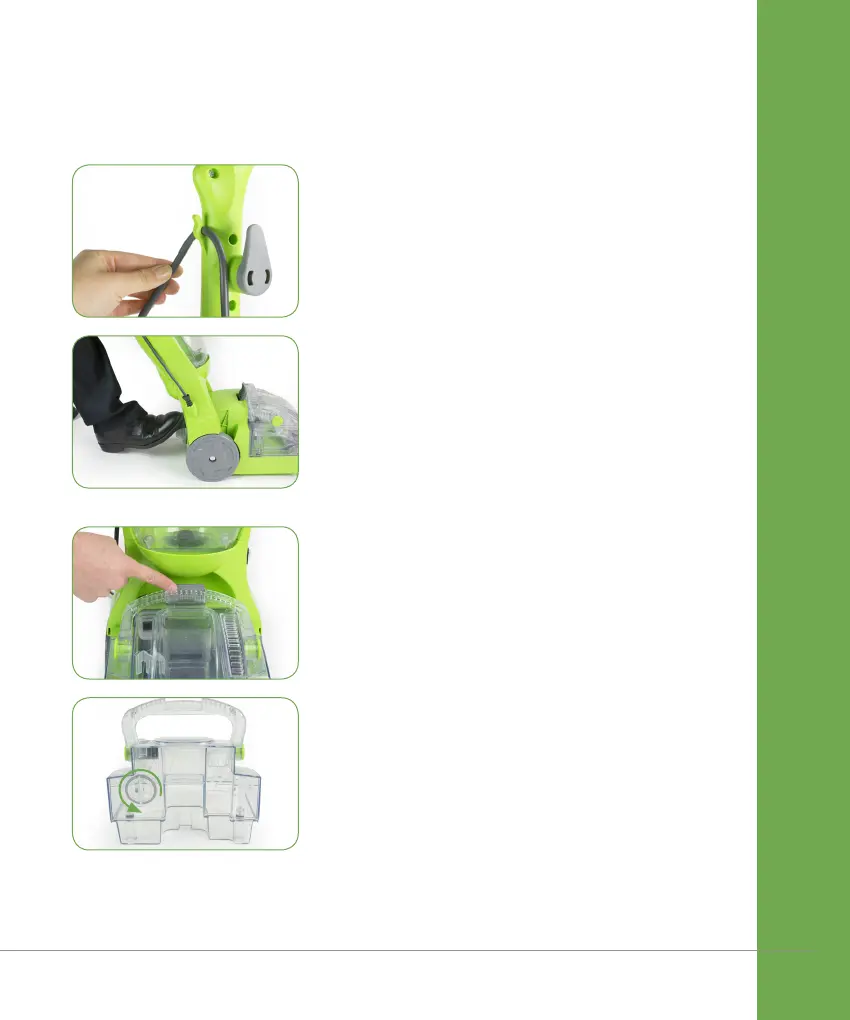
IMPORTANT! Ensure that the power cord
is secured into the Cable Hock, as shown.
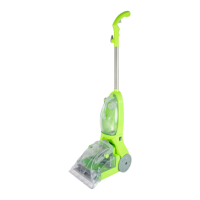
6. Step onto the Foot Release Pedal
to put the appliance into cleaning
position. While depressing the solution
spray trigger, pull shampooer in a
backward motion. Release the trigger
and push the appliance forward in the
same path to clean and remove dirty
water and solution from carpet.
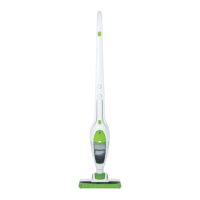
7. When the dirty water tank is full press
the Dirty Water Tank Release Latch
and remove the tank from the base
using the handle.
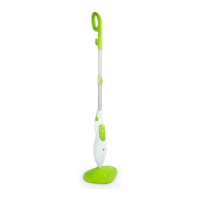
8. Unscrew the dirty water tank cap to
empty the tank. Rinse the tank and
screw back the dirty water tank cap.
Insert the Dirty Water Tank into the
base of the shampooer ensuring it
clicks into place.
OPEN
IMPORTANT! For best cleaning results use a steady, moderate, forward
and backward motion. Always work from back to front across the room
to avoid stepping on wet carpet and lowering the carpet pile.


 To Next Page