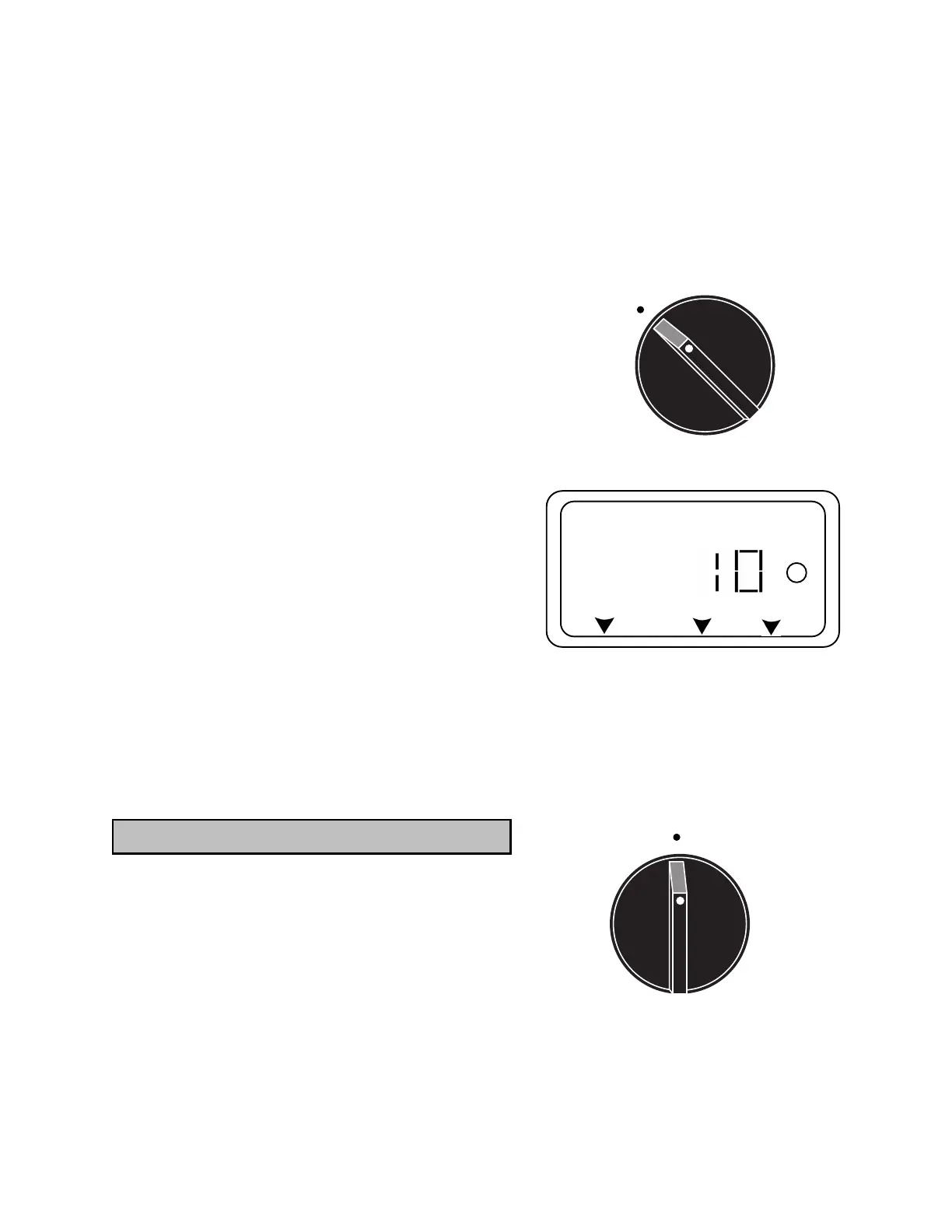
9
4.Press the Û button to move to the next zone and re-
peat Step 4 for the remainder of the zones or turn the
dial to the Auto position to activate the automatic
schedule.
5.Press the Û button to move to the next zone. (NOTE:
To return to Station 1 after the last station, you will
need to press the Û key to confirm the entry.)
STEP 5: MANUAL START FOR A CYCLE OR A ZONE
1.Turn the dial to the Auto position
2.Press
M
/
A
(MANUAL ON/ADVANCE) button. This will
cause the Station 1 indicator symbol to turn on. The
time the station is scheduled to run will show in the
display and the water on ICON (S) will appear.
3.To advance to the next station press the
M
/
A
button. If
you do not press this button, the unit will run through
each station for the amount of time programmed.
4.To turn on a specific station, press the
M
/
A
button re-
peatedly until the desired station is indicated.
5.To turn the unit OFF press either the
M
/
A
button repeat-
edly until time of day is displayed or turn the dial to
the Off position for 15 seconds then return to the Auto
position.
STEP 6: TURN UNIT OFF OR SHUT DOWN FOR RAIN
1.Turn dial to the Off position. Nothing will be displayed
at this time.
PLEASE NOTE: When dial is in the "Off" position, there
will be no display. If a battery is installed "AC" will flash
periodically.
STEP 1: SETTING CURRENT DAY AND TIME
TURN DIAL TO Day/Clock POSITION
1.An indicator symbol will blink under SU. Use the Ý or
Þ arrow button to move the blinking symbol under the
current day. Press the Û button to confirm the correct
setting.
2.The hour numbers will now be flashing. Use the Ý or
Þ arrow button to adjust the hour number to the cur-
rent hour. Press the Û button to confirm the correct
setting. Be sure AM or PM is properly showing.
PROGRAMMING THE PC-406 PS
Auto
SU MO TU WE TH FR SA
A
B
C
1 2 3 4 5 6 MANUAL DURATION
S
Day/Clock



 To Next Page