7
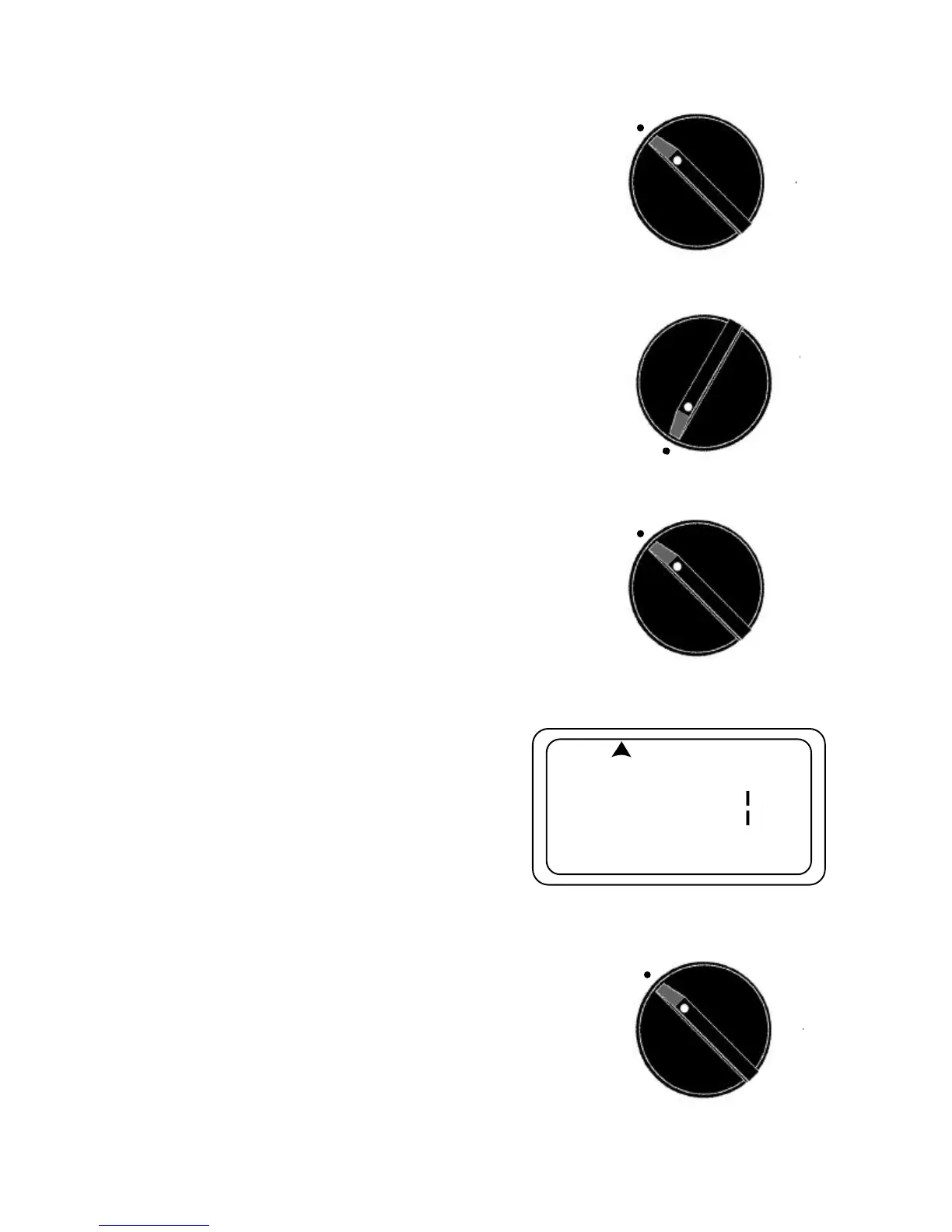
5. Press the Û button to confirm the program. The
lights and display will be on steady to show how the
program is set.
6.Rotate the dial to Auto make sure there is not a sym-
bol showing under the SKIP, MO, WE, FR, or TU, TH,
SA position. If there is an indicator symbol under any
of the above mentioned positions, press the Ý arrow
button until there is no symbol showing under any of
the above mentioned positions. Leave dial in Auto to
run or change dial to next setting position.
B: WATERING ON INTERVAL OF DAYS
1.Turn the dial until it points to the Water Day position.
2.At this point, the Sunday indicator symbol will be on
and the word ON or OFF will be flashing in the dis-
play. Press the
M
/
A
button and to change the display so
the day symbol moves under the SKIP at the top of
the display and the number of days in the interval will
blink.
3.Press the Ý or Þ arrow button to adjust the number
of days you desire in the interval.
4.Press the Û button and the Sunday symbol will blink.
Use the Ý or Þ arrow button to change to the first day
you wish the interval to start.
5.Press the Û button to confirm the program. The indi-
cator symbol will indicate Tuesday to start and day
interval.
6.Rotate the dial to Auto then press the Ý arrow button
until the symbol under SKIP is at the top of the dis-
play.
C: WATERING ON A PRESET MO, WE, FR OR A TU,
TH, SA SCHEDULE
1.Turn the dial to the Auto position.
2.Press the Ý arrow button until the day symbol indica-
tor moves under the (MO WE FR) or the (TU TH SA)
to set the water days to the desired fixed day sched-
ule.
3.Leave the dial in the Auto position to run automati-
cally or turn dial to the next setting position.
(PLEASE NOTE: There may be a 3 second delay
when moving between these preset programs and the
Auto
Water Day
Auto
SU MO TU WE TH FR SA
Auto


 To Next Page