Manual 11
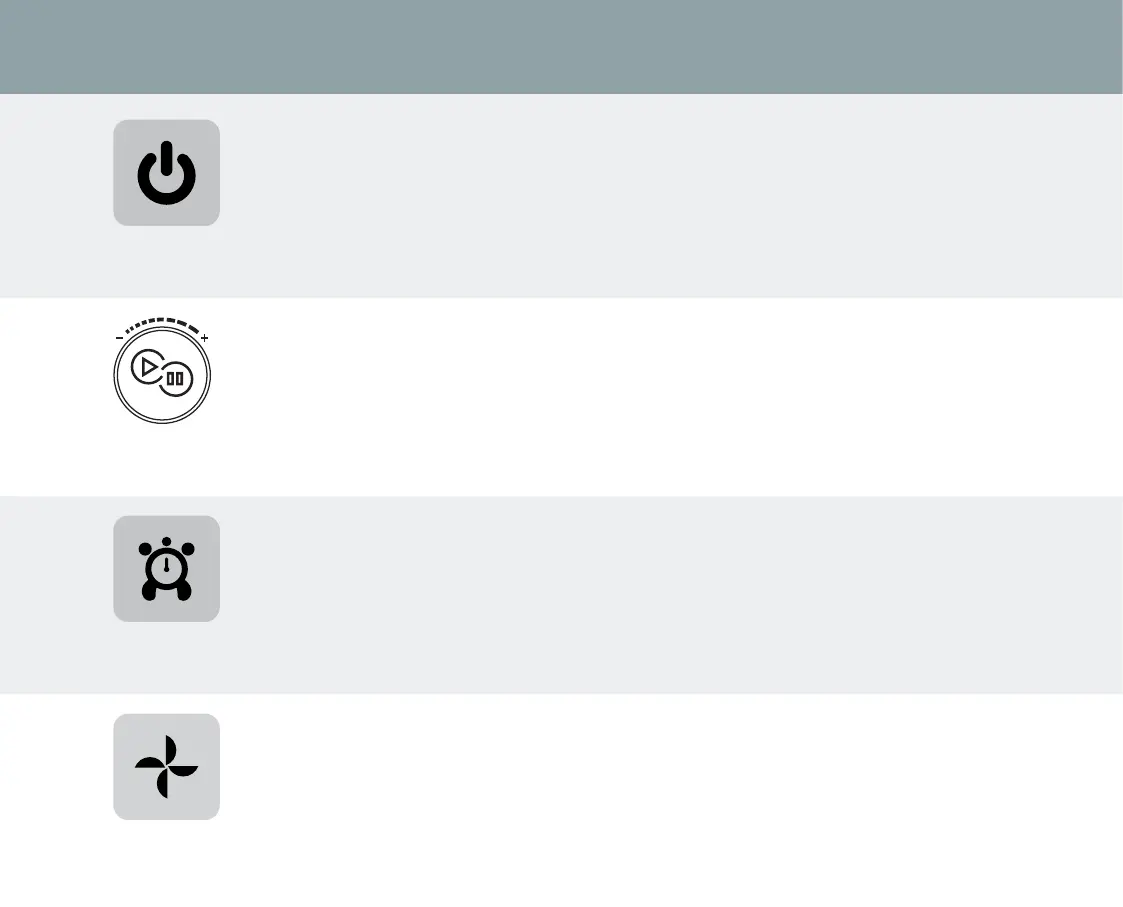
Stop/Cancel
When the Stop/Cancel button is pressed, the LCD backlight will illuminate allowing you to select your desired setting.
Pressing this button during dierent stages will return your Optimum ThermoCook to the standby mode,
• During the process of choosing your desired settings.
• During operation, your Optimum ThermoCook will stop operating immediately.
• During the DIY recording process, your recording will be cancelled.
For more information about the Stop/Cancel setting refer to page 13.
Start/Pause knob
After selecting the desired setting or program on your Optimum ThermoCook, press the button on positioned on the
front of the knob to start operating.
• To open the lid and remove the bowl press this button to PAUSE the operation.
• The Start/Pause knob can be used to select the desired setting. Turn the knob clockwise to increase the value, and
anticlockwise to decrease it.
For more information about the Start/Pause setting refer to page 13.
Timer
To set the timer for the required length of time press the timer button and the timer icon will flash on the LCD screen
indicating that you can adjust the timer.
• Use the knob to adjust the minutes between 1-60minutes.
• Press the timer button again, the seconds will flash. Turn the knob to adjust between 1-60 seconds.
• Press the timer button a third time to adjust the hours. Turn the knob to adjust between 1-12 hours.
For more information about the timer setting refer to page 13.
Speed
To adjust the speed at which your Optimum ThermoCook operates, press the speed button during the stand by mode
or the operating process.
• When you push this button, the icon will flash on the LCD screen, indicating that you can adjust the speed. Turn the
knob to select your desired speed, ranging from Level 1-10.
For more information about the speed setting refer to page 14.


 To Next Page