Scientific Atlanta Model (Cont.)
120 VAC
60Hz 40W
120 VAC
60Hz 400W
BYPASS
0003B4287797
SABDQXTL N0006246618
IR
1394 1394
120 VAC
60Hz 40W
120 VAC
60Hz 400W
BYPASS
0003B4287797
SABDQXTL N0006246618
IR
1394 1394
120 VAC
60Hz 40W
120 VAC
60Hz 400W
BYPASS
0003B4287797
SABDQXTL N0006246618
IR
1394 1394
4
5
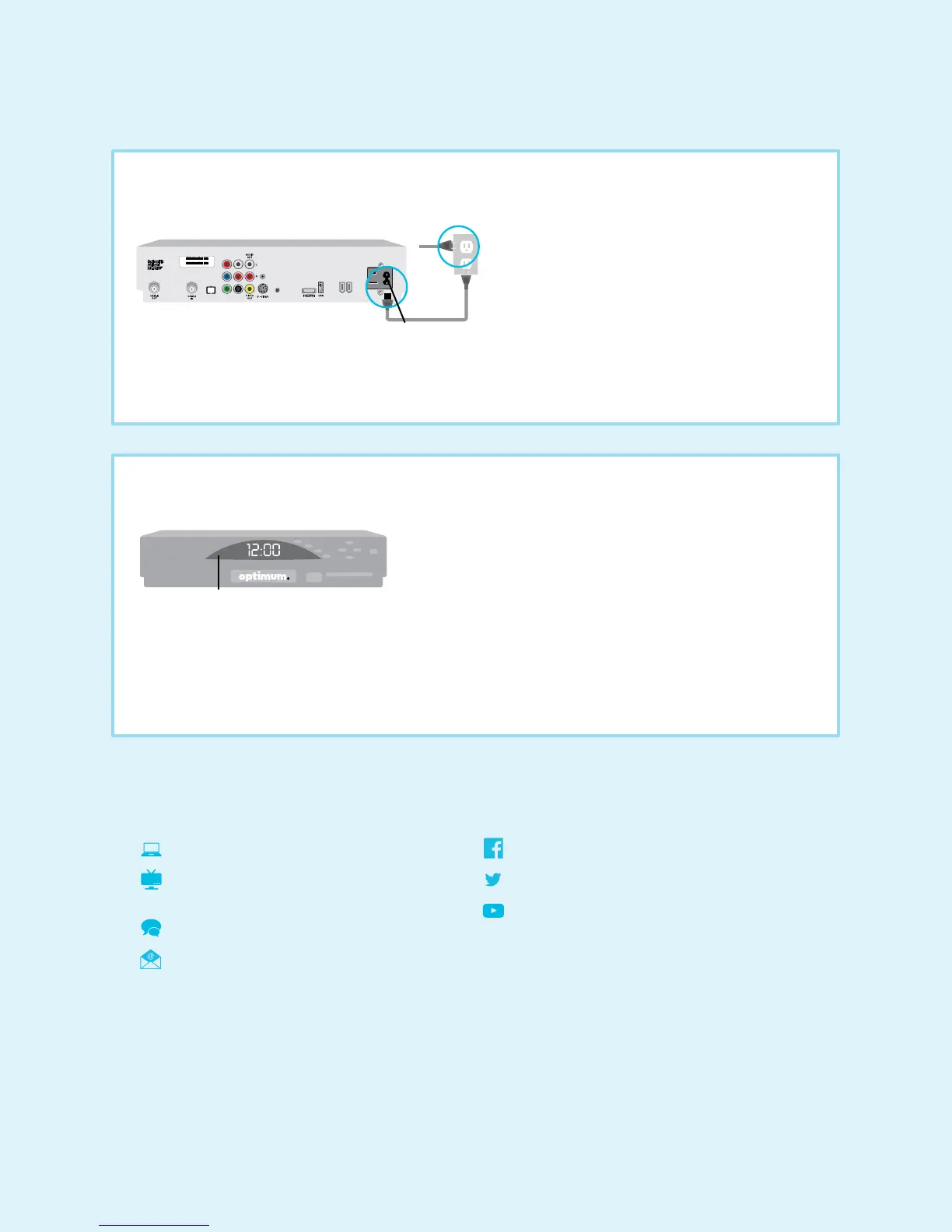
• Plug the power cord from the AC power input on the digital cable box into the wall outlet or surge protector.
DO NOT plug other components such as DVD players, VCRs or gaming consoles into the back of the digital cable box.
Back of digital cable box
Power cord
LED screen
TV plug
• Activation begins automatically and takes about three minutes. “BOOT” then “HOLD” will display on the LED
screen on the front of your digital cable box.
• Once “turn on” or the correct time displays on the LED screen, turn on your digital cable box and make sure the
TV is on.
• Wait up to 15 minutes to be sure service is fully activated.
Connect the power
Activate
AC power input
6
We’re here to help.
Reach us 24/7:
optimum.net/support
Explore Optimum Channel 900 and
Optimum Channel 14
optimum.net/chat
optimum.net/emailus
facebook.com/Optimum
@OptimumHelp
youtube.com/OptimumBrandVideos


 To Previous Page
 Loading...