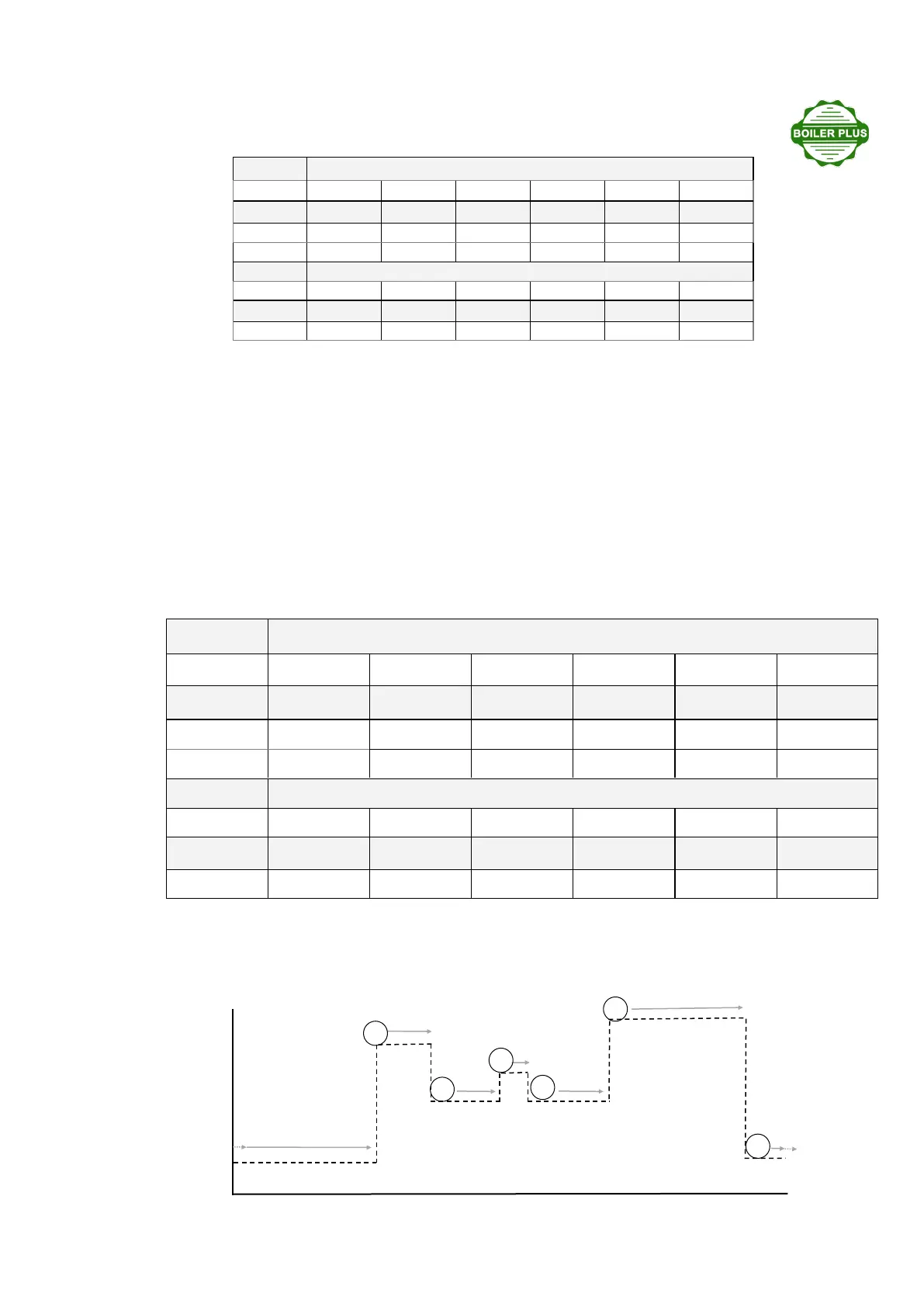
Using the six available program spaces you can set a temperature prole to suit your personal schedule. An ex-
ample is shown below. If you do not want a mid-day heang period, simply set programs 3 & 4 to the same tem-
perature as program 2. If required, each med period can be set to a dierent temperature.
Monday to Friday
Program 1 2 3 4 5 6
Time
Temp °C
Saturday & Sunday
Program 1 2 3 4 5 6
Time
Temp °C
20
0
15
0
10
0
Aernoon / early evening heang
20
0
unl 23:30
Minimum (night-
me) set-back 10
0
unl 06:00
Minimum (night-
me) set-back 10
0
unl 06:00
Morning heang
18
0
unl 08:30
Dayme set-back
14
0
unl 12:00
Lunchme heang
16
0
unl 13:00
Dayme set-back
14
0
unl 17:00
6 me / temperature programs applied over a 24 hour period.
1
2
3
4
5
6
00:00 02:00 04:00 06:00 08:00 10:00 12:00 14:00 16:00 18:00 20:00 22:00 23:59
PROG
Monday to Friday
Program 1 2 3 4 5 6
Time 06:00 08:00 12:00 13:00 16:30 22:00
Temp °C 20 15 15 15 20 5
Saturday & Sunday
Program 1 2 3 4 5 6
Time 06:30 08:30 12:00 13:00 16:30 22:30
Temp °C 21 15 18 15 21 5
Programming: reviewing or changing the factory pre-set program:
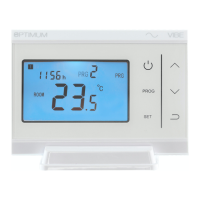
The VIBE has a factory pre-set me and temperature sequence as shown in the table below:
Touch the PROG icon for 5 seconds - the display will show the rst program. You can conrm the me by
touching the PROG icon again, or change in 15 minute increments by touching the UP or DOWN arrow icons.
Touch the PROG icon to conrm, and then you will be viewing the temperature. Conrm by pressing the PROG
icon, or change the value in 0.5
0
C steps to the new required temperature by touching the UP or DOWN arrows.
Touch PROG to conrm. You will then be viewing the second me / temperature program. Touch PROG to con-
rm, or change with the UP / DOWN arrow, and conrm with the program icon. If you want to create your own
program, you must over-write the pre-set sequence. It helps to write down what you require rst. A blank table
is printed for your use below if required. Aer programming you can touch the ON/OFF or ‘Back’ icons to save
and quit, or 10 seconds aer the last buon touch the VIBE will me-out to program mode. If whilst program-
ming, you change a temperature value during the current program period, you can apply the changed tempera-
ture immediately aer quing programming, by touching SET - wait 30 seconds - then touch PROG.


 To Next Page
 Loading...