English
45
USING THE PROJECTOR
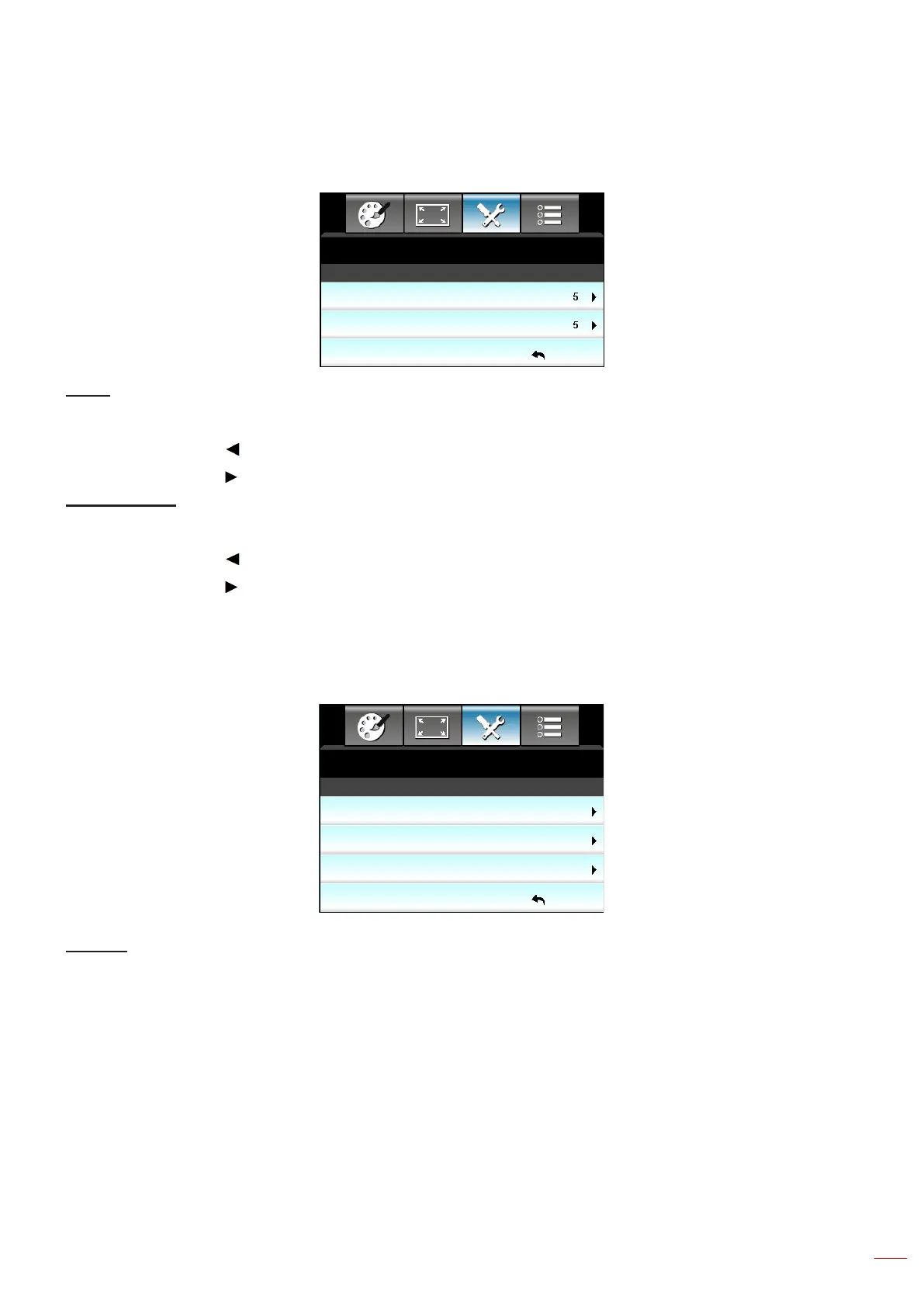
Setup audio settings volume menu
SETUP
Exit
Audio Settings : Volume
Audio
Mic
Audio
Adjust the volume level.
Press the to decrease the volume.
Press the to increase the volume.
Mic (XGA only)
Adjust the microphone input sound level.
Press the to decrease the microphone input sound level.
Press the to increase the microphone input sound level.
Setup Security menu
Security
SETUP
Exit
Off
Security
Security Timer
Change Password
Security
Enable this function to prompt for a password before using the projector.
On: Choose "On" to use security verication when the turning on the projector.
Off: Choose "Off" to be able to switch on the projector without password verication.



 To Next Page