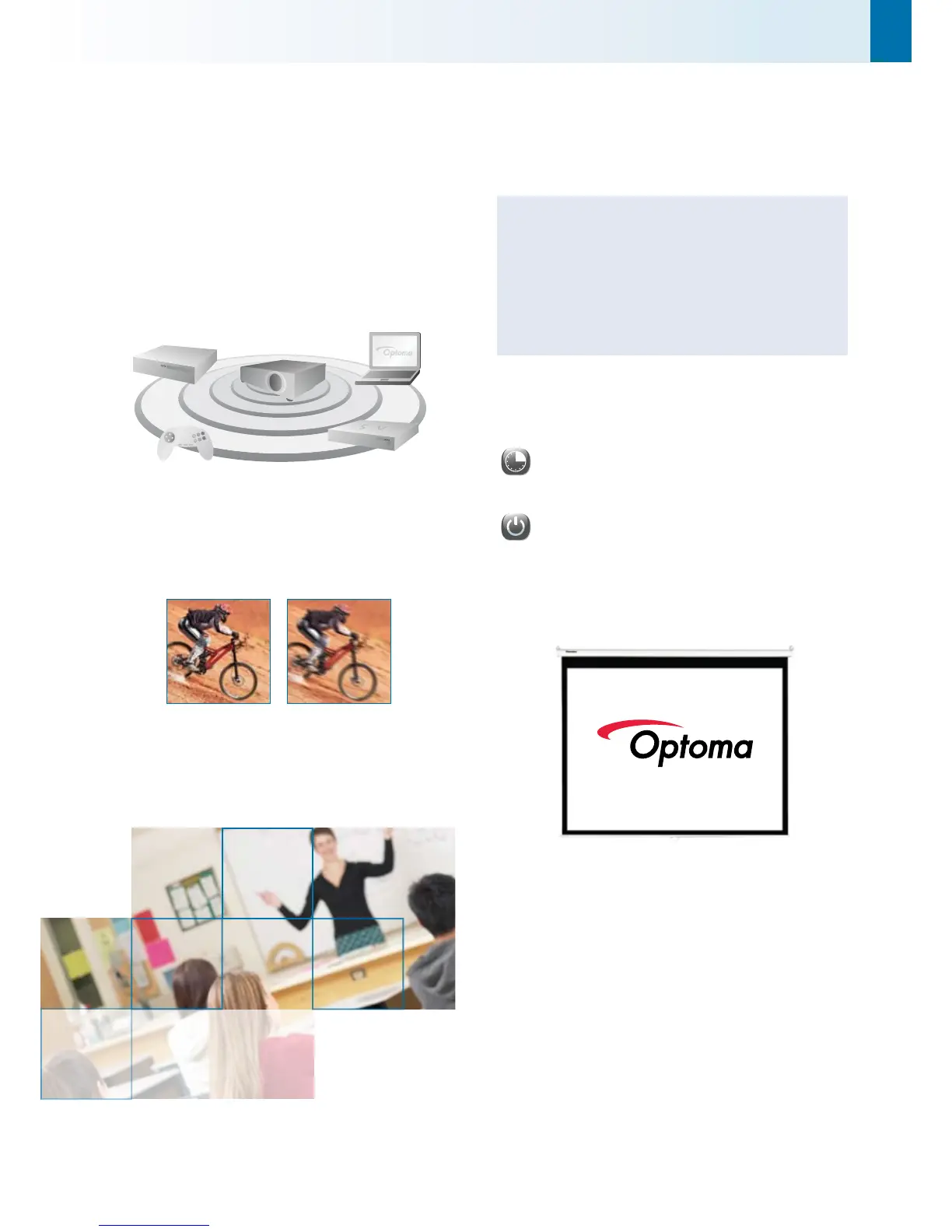
HOOK IT UP TO ANYTHING!
Easy to use with most of your home devices; simply connect,
power up and project.
You can even create a genuine movie experience anywhere.
Change the aspect ratio of the screen from 4:3 format to
16:9 – just like a real cinema.
SMOOTH, SEAMLESS PROJECTION
Even in the fastest moving scenes, the EX532 will project a smooth
and seamless image. The rapid response of DLP® technology
ensures that the projected movie or video game remains perfect
and precise.
With Without
FEATURES
6 preset picture modes
Classroom mode - 1500 ANSI Lumens
Quick keystone correction
Password protection for added security
Easy to use remote with laser pointer, mouse control and
direct source selecting
TIME AND ENERGY SAVINGS
The EX532 incorporates energy saving features to conserve power
and extend lamp life:
The timer control functions can automatically switch the
projector off to standby mode <1W, conserving power and
extending the lamp life to an astonishing 4000 hours**.
It takes less than 10 seconds for the projector to power
up and shutdown, so the EX532 not only saves time but
energy too.
CUSTOMISED START UP LOGO
Capture your favourite image as the start up logo and see it every
time you turn your projector on.
EX532
Enjoy big bright pictures
in the office, classroom
day or night



 To Next Page