EasyManua.ls Logo

Optoma EX556 - User Manual

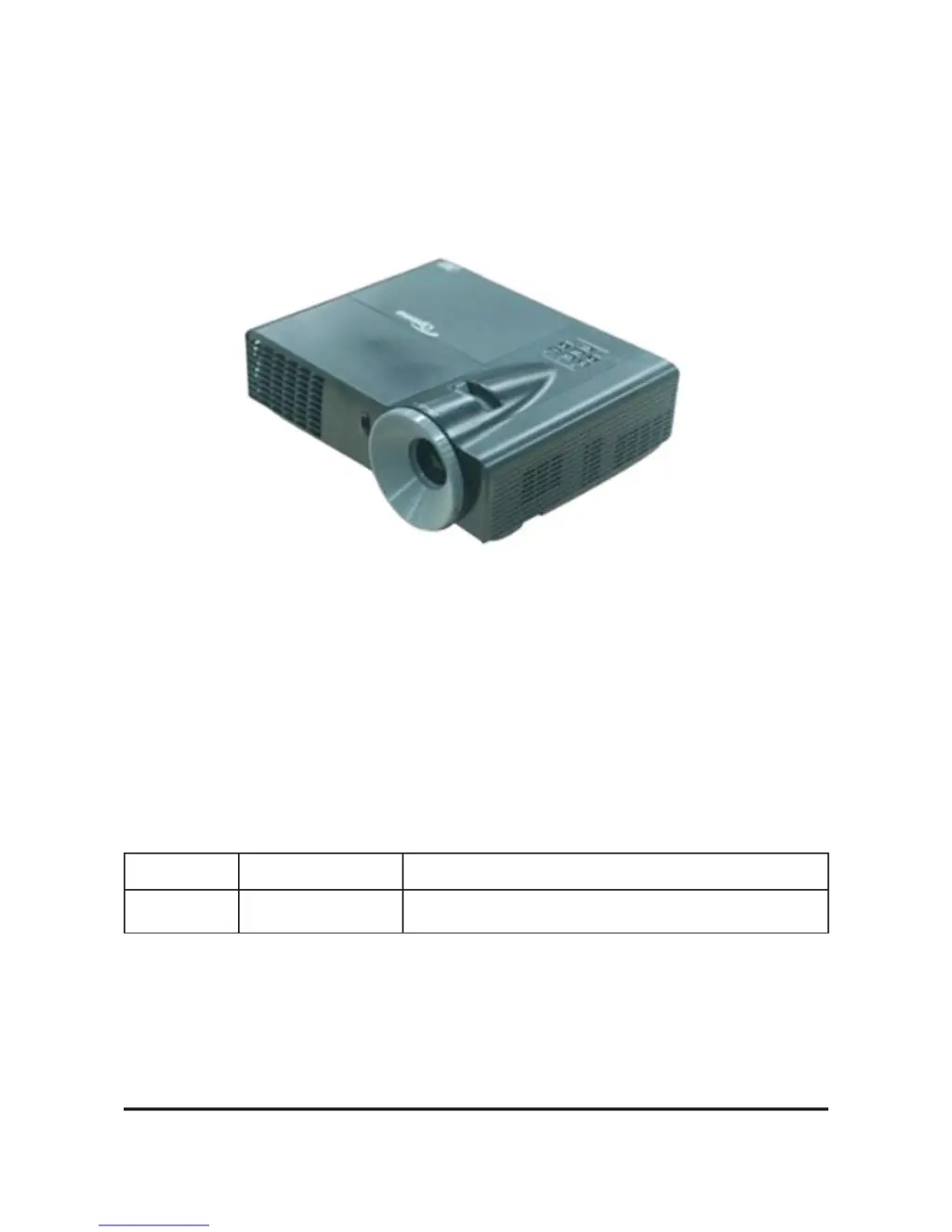
Optoma EX556
58 pages
Print Icon
To Next Page IconTo Next Page
Loading...
SERVICE MANUAL
TSE: Mina Check: Alick Approved: Alick
Date Revise Version Description
2012.05.20 V1.0 Initial Issue
EX556/ES556/EW556/ES555/EX555

Other manuals for Optoma EX556

Questions and Answers

  • B
    berryjasonAug 8, 2025
    What to do if my Optoma Projector shuts down automatically?
    • L
      Laurie OliverAug 9, 2025
      If your Optoma Projector shuts down automatically, with the Power LED flashing amber and the Lamp LED light on red, check the Lamp, Lamp Driver, Main Board, or Color Wheel. If the Power LED flashes amber and the Temp LED flashes red, check the Fan, Main Board, or Photo Sensor Board. If the Power LED flashes amber and the Temp LED is on red, check the Main Board or Fan.
  • M
    michaelwilsonAug 25, 2025
    Why is the 3D image abnormal on my Optoma EX556?
    • J
      Jeremy PowersAug 25, 2025
      If you're experiencing an abnormal 3D image on your Optoma Projector, make sure your 3D glasses are working correctly and that you're facing the projection screen. Also, verify that the CD in the DVD player is in HQFS format, or that the graphic card from your PC supports 3D format. Ensure you are standing less than 6 meters from the screen, the 3D function is enabled, and try executing '3D sync invert' in the OSD menu. If problems persist, check the main board.

Summary

Disassembly Process

Disassemble Lamp Module

Step-by-step instructions for safely removing the projector's lamp module.

Disassemble Focus Ring

Instructions on how to disassemble the focus ring mechanism for servicing.

Disassemble Top Cover Module

Steps to remove the top cover of the projector to access internal components.

Disassemble Lamp Cover

Procedure for removing the lamp cover assembly from the projector.

Disassemble Main Board

Detailed steps for safely removing the main circuit board from the projector.

Rod Adjustment

Guide for adjusting the rod for optimal image quality and color balance.

Troubleshooting

LED Lighting Message For Projector

Explains projector LED status codes (amber, green, red) for diagnosing issues.

Function Test & Alignment Procedure

Firmware Upgrade

8051 Firmware Upgrade Procedure

Detailed steps for upgrading the 8051 microcontroller firmware.

Upgrade Procedure

Step-by-step guide to perform the 8051 firmware upgrade using the programmer.

EDID Upgrade

Optoma EX556 Specifications

General IconGeneral
ResolutionXGA (1024 x 768)
Display TechnologyDLP
Zoom1.1x
Input Lag16 ms
Lamp Life10000 hours (Eco mode)
Throw Ratio2.15:1
ConnectivityHDMI, VGA, USB, RS-232
Projection Size27 - 300 inches
Noise LeveldB (Eco mode)

Related product manuals