EX556/ES556/EW556/ES555/EX555
Condential
4-1
Chapter 4
Function Test & Alignment Procedure
4-1 Test Equipment Needed
- IBM PC with HDTV resolution
- DVD player with Multi-system, equipped “Component”, “Composite”, “S-Video” and “HDMI”.
- HDTV Source (720P,1080P,1080i)
- Minolta CL-100
- Quantum Data 802B or CHROMA2327 (Color Video Signal & Pattern Generator)
4-2 Test Condition
-
Circumstance brightness: Dark room less than 2 lux.
- Product must be warmed up for 3 minutes.
- Screen size: 60 inches diagonal.
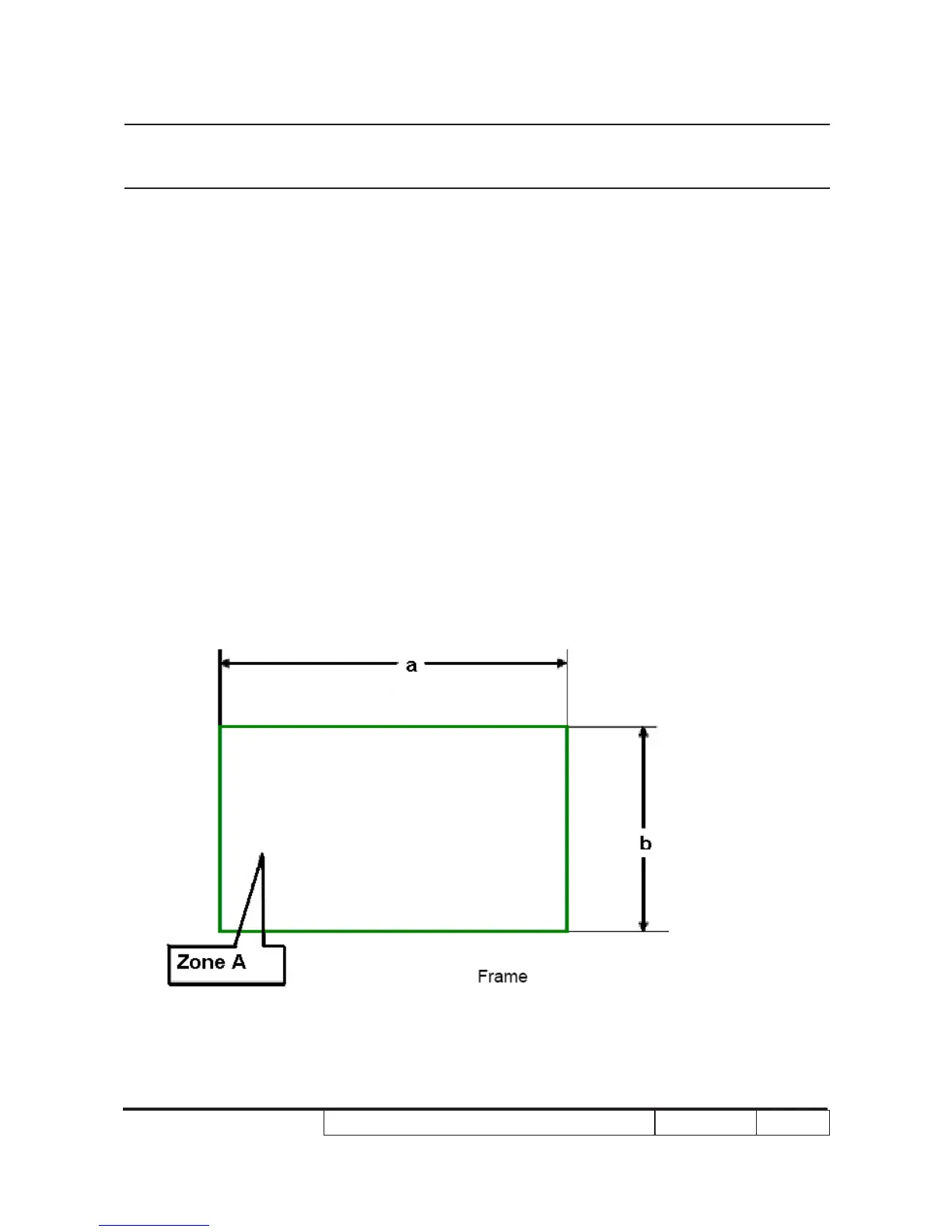
Zone Denition
< Figure: Zone A(as green line) Denition >



 To Next Page