Condential
5-2
EX556/ES556/EW556/ES555/EX555
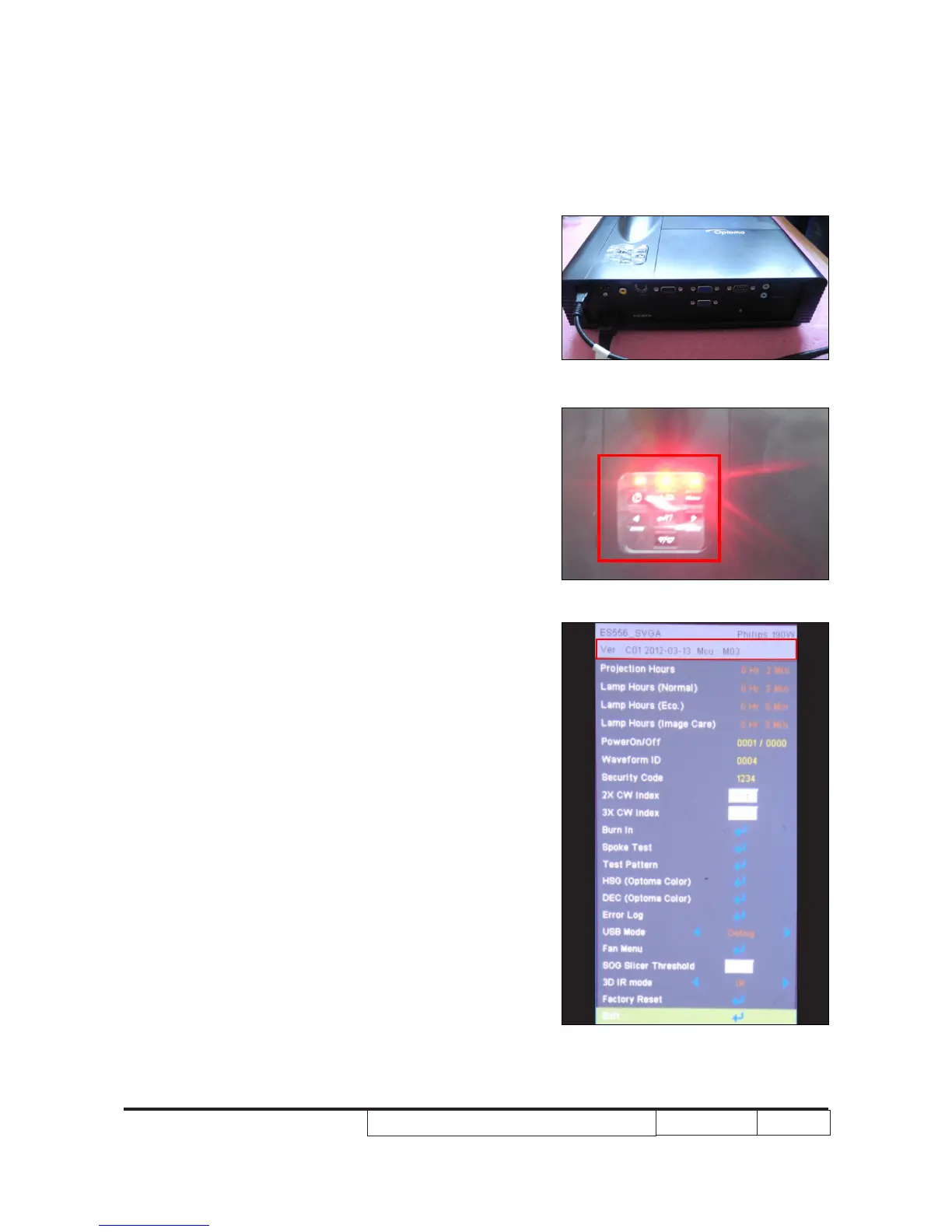
5-1-2 Get into FW mode
1. Set-up
- Hold on "POWER" button and plug in the power
cord, the power LED will start to ash until the
LED status goes to steady orange, the Temp
LED and Lamp LED will light on red.
- Loosen the "POWER" button.
- Connect projector with PC by USB cable.
Note: - The system fan and the lamp will not
operate.
5-1-3 Check FW version
- Restart the unit and get into the Service
Mode(Press Power --> Left --> Left --> Menu).
- The rmware version will be shown as red circle
on the screen.
Note: Another contents please refer to common
service manual 5-Section 1.



 To Next Page