Condential 5-1
EX556/ES556/EW556/ES555/EX555
Chapter 5
Firmware Upgrade
Section 1: System Firmware Upgrade
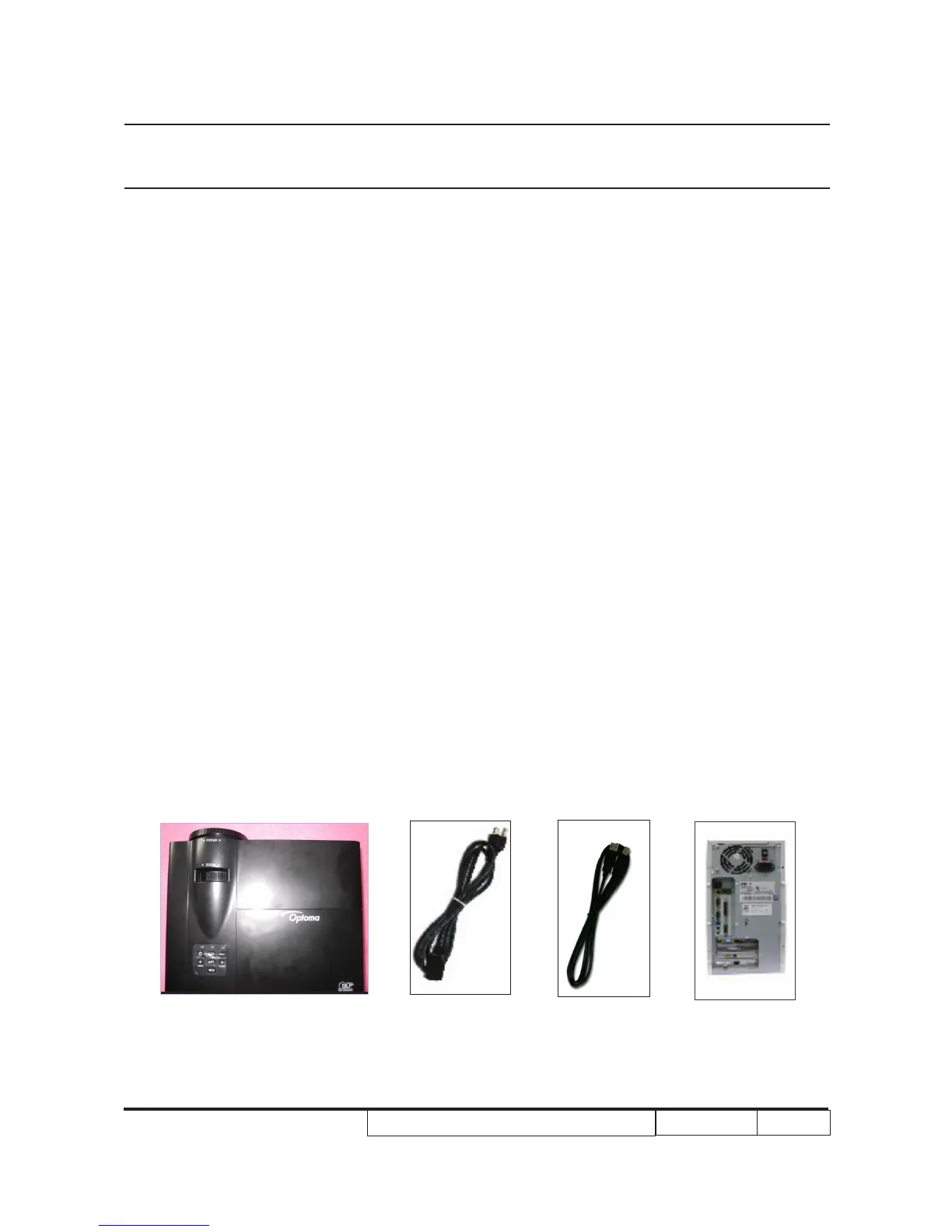
5-1-1 Equipment Needed
Software : (DDP2431-USB)
- DLP Composer Lite v10.5
- Firmware (*.img)
- library (EX556_ES556_EW556_ES555_EX555 library)
Hardware :
- Projector
- Power Cord
- Cable USB-A to USB-B(42.87304G001)
- PC or Laptop
Note: 1.The FW upgrade procedure for EX556/ES556/EW556/ES555/EX555 is the
same,we take ES556 as an example here.
2.we will show the hot key of service mode and how to check FW version,the other
contents please refer to common service manual 5-1 .
3.During FW upgrade procedure,please select “32KB” in “Skip Boot Loader Area”.



 To Next Page