Condential
4-2
EX556/ES556/EW556/ES555/EX555
4-3 I/O Port Test
4-3-1 VGA Port Test
Note: ES556/ES555 the native resolution of test signal is 800x600@60HZ.
EX556/EX555 the native resolution of test signal is 1024x768@60HZ.
EW556 the native resolution of test signal is 1280x800@60HZ.
we take ES556 for example here.
1. Frequency and tracking boundary
Procedure - Test equipment: video generator.
- Test signal: analog 800x600�60Hz800x600�60Hz�60Hz
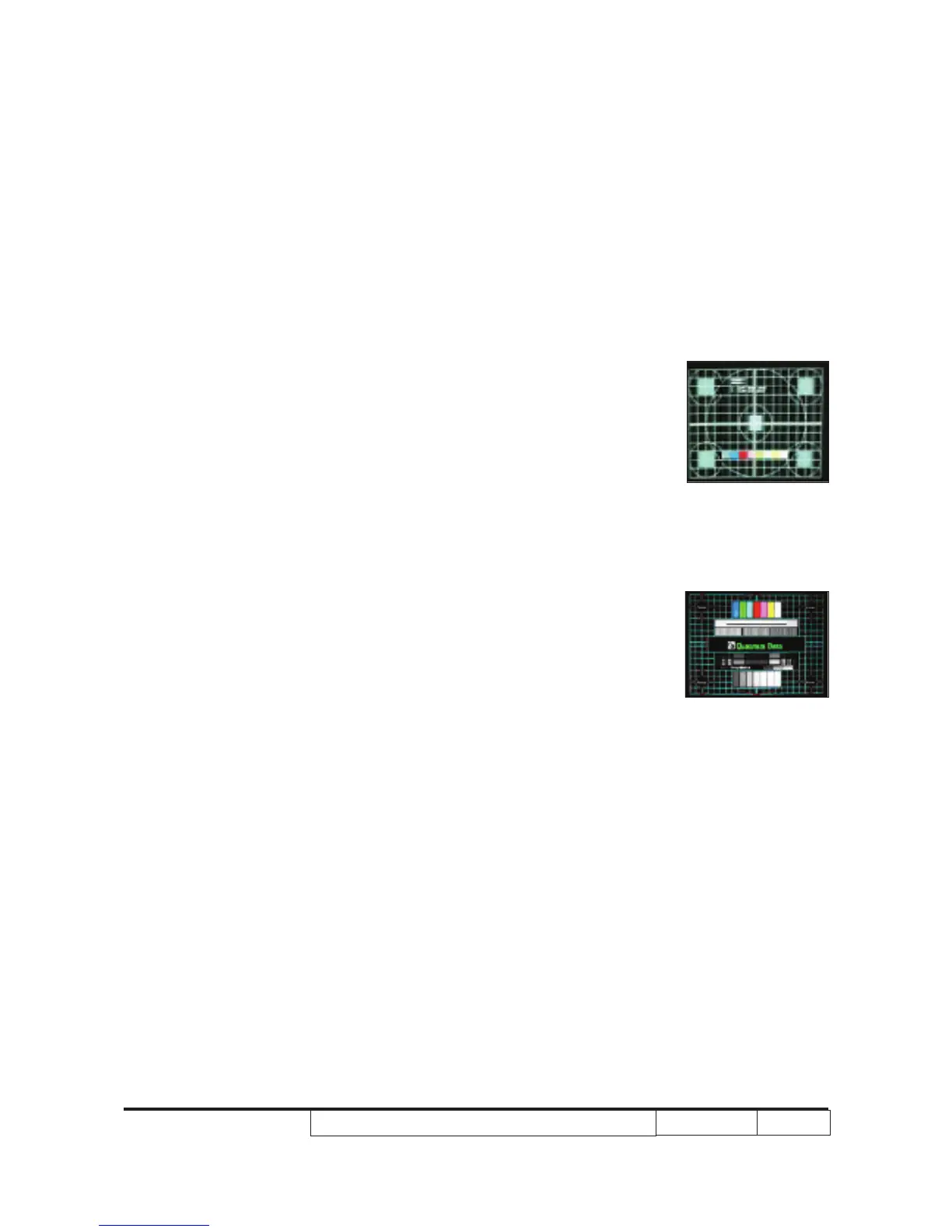
- Test Pattern: general-1 or master
- Check and see if the image sharpness is well
performed.
- If not, re-adjust by the following steps:
(1) Select “Frequency” function to adjust the image
appears to icker vertically.
(2) Select “Phase” function and use right or left
arrow key to image appears to be unstable orimage appears to be unstable or
ickers.
- Adjust Resync or Frequency/Phase/H. Position/V.
Position to the inner screen.
Inspection item - Eliminate visual wavy noise by Resync,
Frequency or Tracking selection.
- Check if there is noise on the screen.
- Horizontal and vertical position of the video should
be adjustable to the screen frame.
Criteria - If there is noise on the screen, the product is con-
sidered as failure product.
- If there is noise on the screen, use auto or manual
“frequency” function or “tracking” function to adjust
the screen.
- The PC mode functionally sure be workable include
support format with frequency and auto detected
functional will be workable.
Master
General-1



 To Next Page