Condential
4-3
EX556/ES556/EW556/ES555/EX555
2. Bright Pixel
Procedure - Test equipment: video generator.
- Test signal: analog 800x600�60Hz
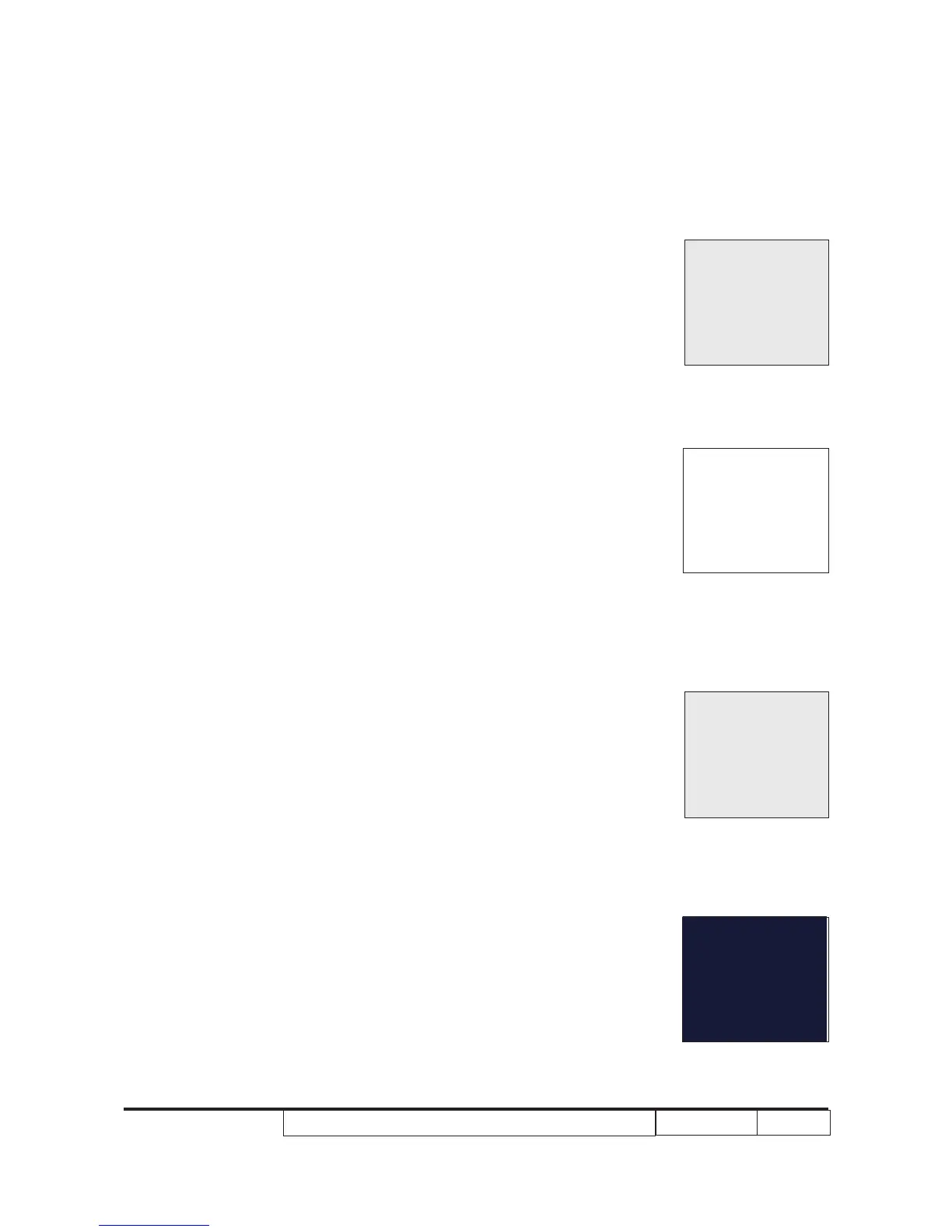
- Test Pattern: gray 10
Inspection item - Bright pixel check.
Criteria - Bright pixel is unacceptable in the active zone; 1
pixel is allowed on the frame.
- Ref. Defect specication table
3. Dark Pixel
Procedure - Test equipment: video generator.
- Test signal: analog 800x600�60Hz
- Test Pattern: full white
Inspection item - Dead pixels check.
- White pattern (IRE=100)
Criteria - The dark blemish should be no more than 4
under white pattern.
- Adjacent pixels are unacceptable.
- Ref. Defect specication table
4. Bright Blemish
Procedure - Test equipment: video generator.
- Test signal: analog 800x600�60Hz
- Test Pattern: gray 10
Inspection item - Bright blemish check.
Criteria - The bright blemish should be no more than 2
under gray 10 pattern.
- Ref. Defect specication table
5. Dark Blemish
Procedure - Test equipment: video generator.
- Test signal: analog 800x600�60Hz
- Test Pattern: blue 60
Full white
Gray 10
Gray 10
Blue 60



 To Next Page