EasyManua.ls Logo

Optoma EX550 - User Manual

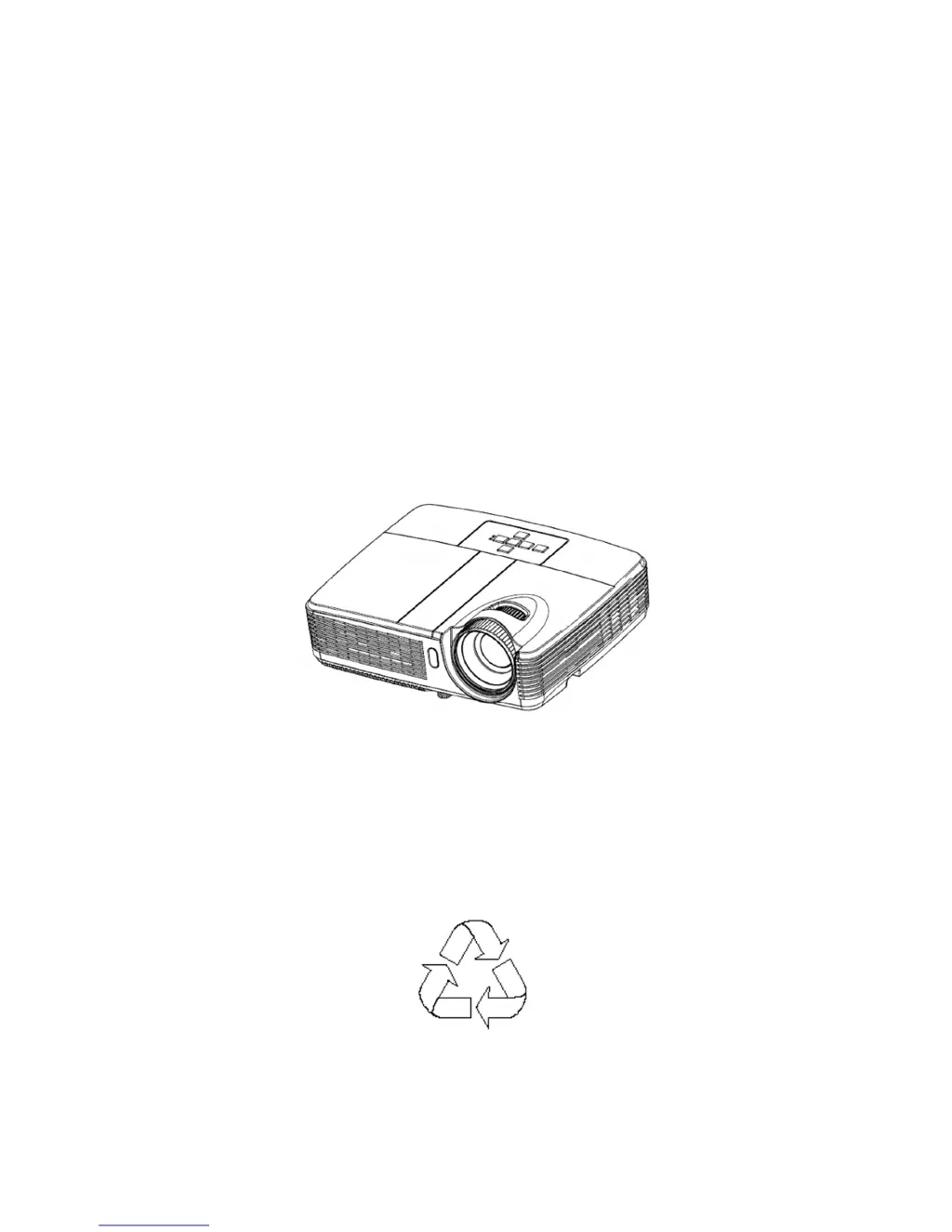
Optoma EX550
48 pages
Print Icon
To Next Page IconTo Next Page
Loading...
OPTOMA
ES550/ES551
EX550/EX551
Service Manual
100% Recycled Paper
Date: 2011/06/20

Other manuals for Optoma EX550

Questions and Answers

  • Y
    Yvonne ButlerAug 12, 2025
    What to do if my Optoma EX550 Projector fails to light up?
    • C
      Cameron CameronAug 12, 2025
      If your Optoma Projector fails to light up, check the LED indicator and follow the recommended actions. If the issue persists, consider replacing the Lamp Module, Mainboard, or Ballast.
  • A
    Ashley MooreAug 15, 2025
    What to do if my Optoma EX550 Projector has no power source?
    • C
      Cindy EsparzaAug 15, 2025
      If your Optoma Projector is not getting power, try replugging the power cord or replacing it with a new one.
  • J
    Jonathon CantuAug 23, 2025
    Why is the image abnormal on my Optoma EX550?
    • C
      Corey UnderwoodAug 23, 2025
      If the image on your Optoma Projector appears abnormal, try powering it off and on again, then reset the OSD. Also, check the input cable and signal settings. If the problem continues, the Mainboard or Optical Engine might need to be replaced.
  • N
    Neil WalkerAug 27, 2025
    Why is the color abnormal on my Optoma Projector?
    • J
      James PrattAug 27, 2025
      If the color on your Optoma Projector is abnormal, try adjusting the Color Wheel Index. If that doesn't resolve the issue, you may need to replace the Mainboard or Optical Engine.
  • S
    Sheena McleanAug 30, 2025
    What to do if the remote control fails on my Optoma EX550?
    • J
      Jamie ClarkAug 31, 2025
      If the remote control for your Optoma Projector isn't working, first check the battery level. If the batteries are good, you may need to replace the remote control.
  • J
    Joseph WhiteSep 3, 2025
    What to do if the fan fails after turning on my Optoma EX550?
    • E
      Erica WeaverSep 3, 2025
      If the fan fails after turning on your Optoma Projector, check the fan connection. If necessary, reconnect the fan or replace it.
  • S
    stephaniemorganSep 7, 2025
    What to do if there is a button failure on my Optoma EX550?
    • J
      jefferyfranklinSep 7, 2025
      If a button on your Optoma Projector fails, you may need to replace the button.
  • S
    sara35Sep 10, 2025
    What to do if my Optoma Projector shows no signal from computer?
    • J
      Jose JacksonSep 12, 2025
      If your Optoma Projector is not receiving a signal from the computer, ensure that the source is turned on. If the issue persists, try replacing the cable. As a last resort, the mainboard may need replacement.

Summary

Safety Instructions

Safety Precautions

General safety precautions for operating the projector.

Service Personnel Warning

Warnings specific to service personnel handling the projector.

Firmware Upgraded Flow

Upgrading Procedure

Step-by-step guide for updating the projector's firmware.

Machine Disassembly and Replacement

Disassembly Procedure

Step-by-step instructions for disassembling the projector.

Troubleshooting and Verifying the Repair

Troubleshooting

General troubleshooting steps and indicator status guide.

Verifying the Repair

Procedures to verify the projector's functionality after repair.

Optoma EX550 Specifications

General IconGeneral
ResolutionXGA (1024x768)
Display TechnologyDLP
ConnectivityVGA, S-Video, Composite Video, RS232
Zoom Ratio1.1x
Throw Ratio1.95 - 2.15:1
Projection Size30-300 inches
Input LagUnknown
Lamp Life4000 hours (Normal mode), 6000 hours (Eco mode)

Related product manuals