Power Cord
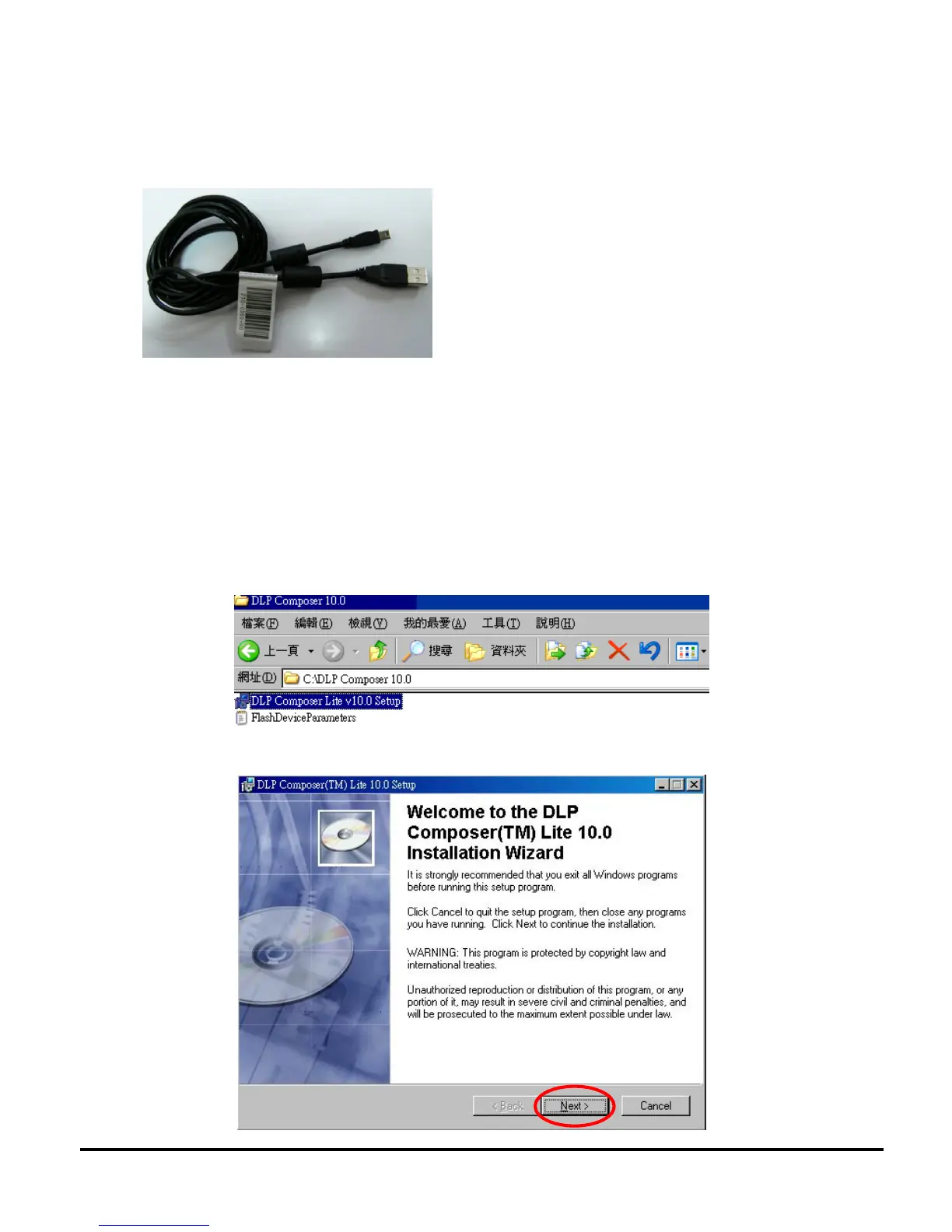
USB Cable
2.2 Upgrading Procedure
1) Upgrading the Firmware on the Unit
To update the firmware on your ES550/ES551/EX550/EX551 projector, you first need to install
the Firmware Update Utility software DPL Composer Lite v10.x.x on your PC.
Open Windows Explorer, locate the DLP Composer Lite v10.x.x Setup, and then double-click the
icon to launch installation procedure, and follow the on-screen instructions to finish the installation
procedure.
Verify you have opened the DPL Composer , then click Next >



 To Next Page