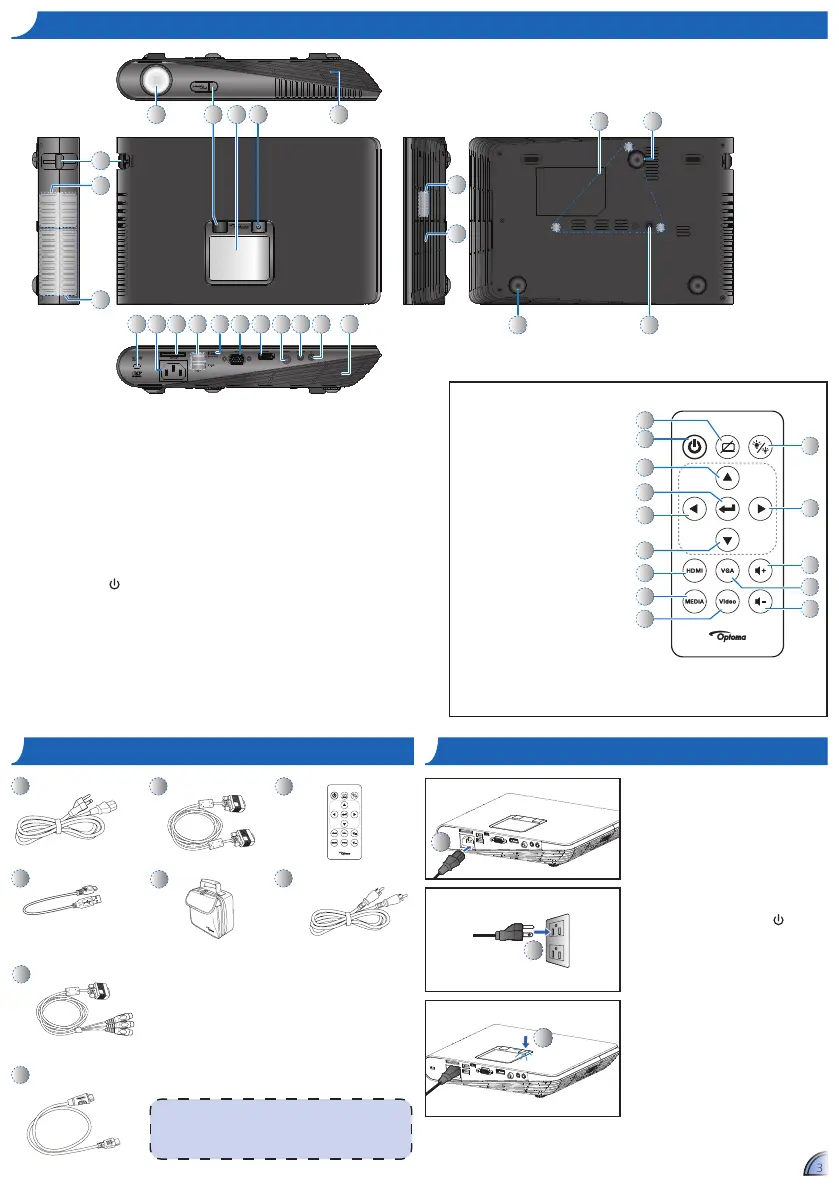
1. Connect the power cord to the AC
IN input jack on the rear of the
projector. (
)
2. Insert the plug at the other end of
the power cord into a power outlet.
(
)
The LED lights red in standby
mode.
3. Press the Power button ( ) to turn
the projector on or off. (
)
The LED turns green when the
projector is turned on.
Standard Accessory
Power cord1.
VGA cable2.
Remote control3.
<Note>
The standard accessories may vary in each region due •
to different applications.
The inclusive power cord varies per region.•
pa c K a g e ov e r v I e Wpa c K a g e ov e r v I e W
1
5
6
2
8
3
4
Optional Accessory
Micro USB to USB 4.
Type-A cable
Carrying case5.
Video cable6.
VGA to Component 7.
cable
HDMI cable8.
7



 To Next Page