2. Function
After completing the installation, turn on the IFP, and the WIFI module will run
automatically.
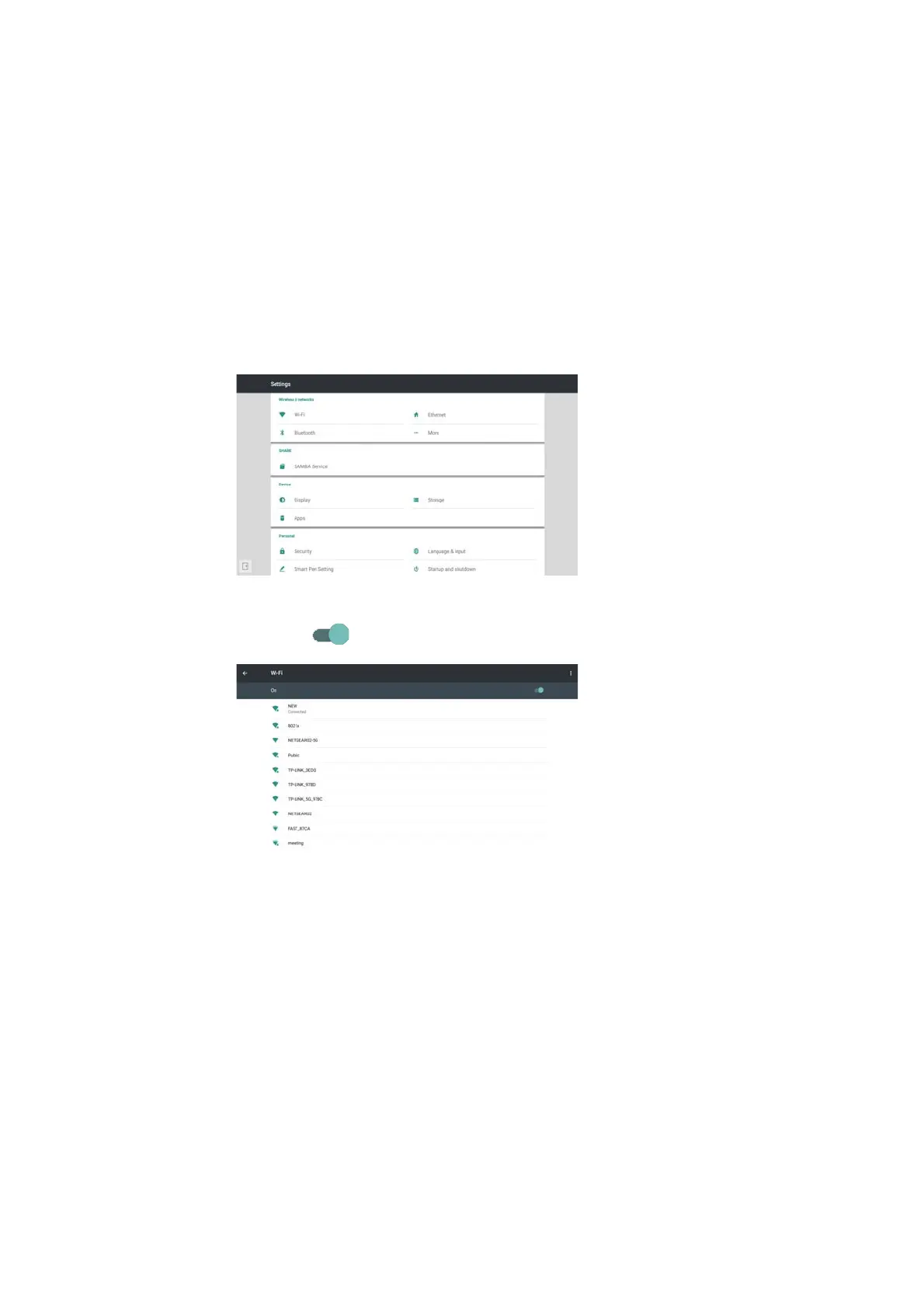
Click "Settings" on the screen, you can see the following interface.
Click “Wi-Fi”, enter the following WIFI setting interface.
Click the icon “ ”, you can turn on/off the wifi function.
3
3. Key Specifications
Wifi-Standard:Support 802.11 a/b/g/n/ac
Bluetooth:Support BT 2.1/3.0/4.0
Operating Frequency:2.4G & 5G(5150MHz-5250MHz&5725MHz-5825MHz)



 To Next Page