EasyManua.ls Logo

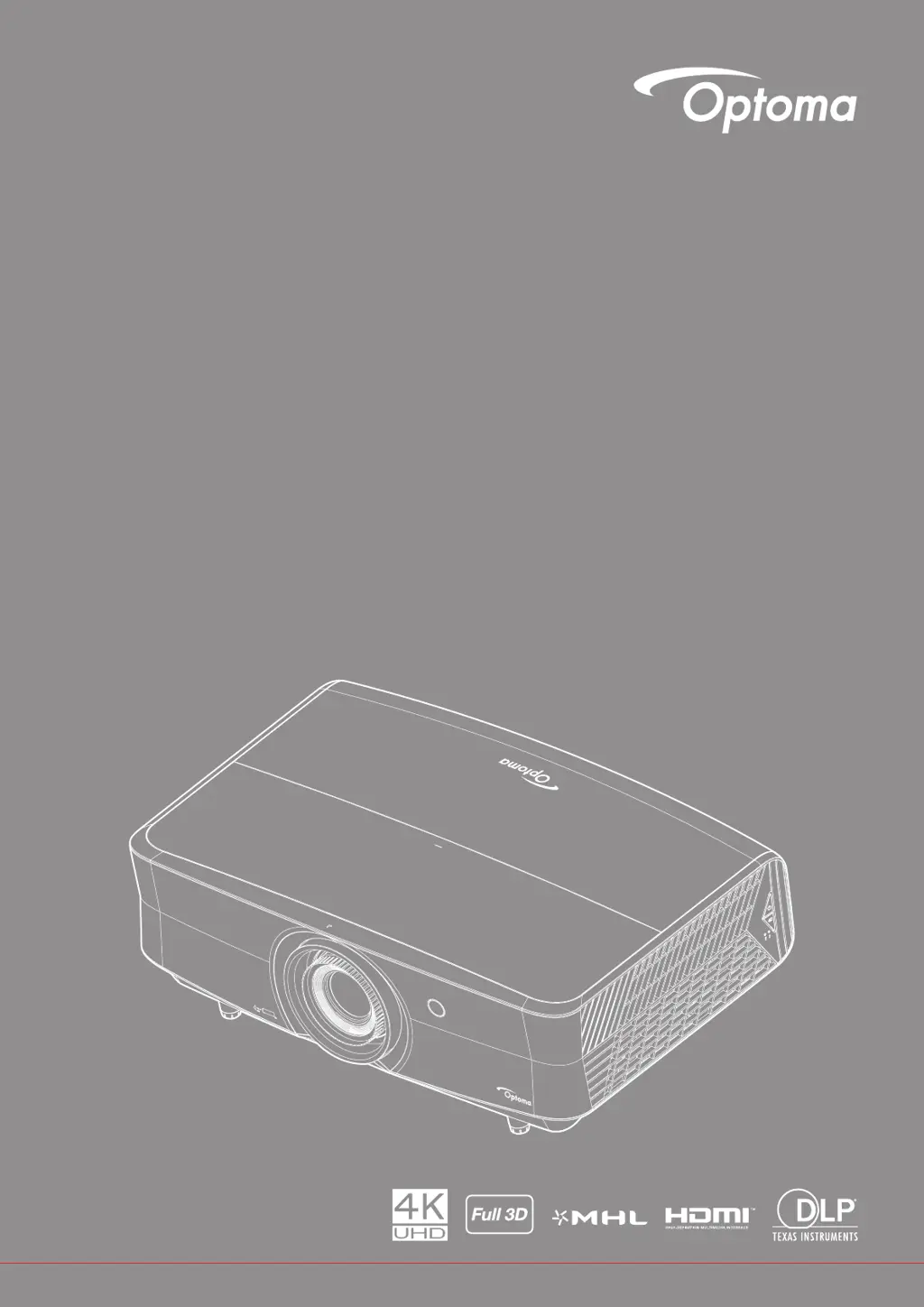
Optoma UHZ65LV - User Manual

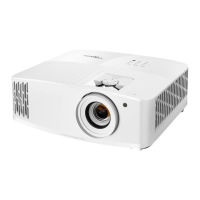
Optoma UHZ65LV
73 pages
Print Icon
To Next Page IconTo Next Page
Loading...
User manual
DLP
®
Projector

Questions and Answers

  • A
    Andrew EstesAug 15, 2025
    How to focus Optoma UHZ65LV?
    • D
      Denise RuizAug 15, 2025
      To sharpen the image on your Optoma Projector, turn the focus ring clockwise or counterclockwise until the image is clear and legible. Also, ensure that the projection screen is positioned within the required distance from the projector.
  • F
    Frederick BowenAug 19, 2025
    How to adjust Optoma UHZ65LV image size?
    • T
      Taylor HughesAug 19, 2025
      To adjust the image size on your Optoma Projector, turn the zoom lever clockwise or counterclockwise to increase or decrease the projected image size. Alternatively, move the projector closer to or further from the screen. You can also press 'Menu' on the projector panel, navigate to 'Display ? Aspect Ratio', and experiment with the different settings.
  • C
    chasewelchAug 22, 2025
    How to correct reversed image on Optoma UHZ65LV?
    • E
      Elizabeth AdamsAug 22, 2025
      To correct a reversed image on your Optoma Projector, press 'Menu' on the projector panel, navigate to 'Setup ? Projection' from the OSD, and adjust the projection direction.
  • P
    Peggy AdamsAug 26, 2025
    How to fix Optoma Projector when no image appears on screen?
    • M
      Morgan BrownAug 26, 2025
      If no image appears on your Optoma Projector screen, verify that all cables and power connections are correctly and securely connected as described in the 'Installation' section. Also, inspect the connector pins to ensure they are not crooked or broken. Finally, check that the 'Mute' feature is not activated.
  • J
    jeffrey16Aug 28, 2025
    What to do if Optoma Projector stops responding?
    • A
      alicia76Aug 28, 2025
      If your Optoma Projector stops responding to all controls, turn off the projector, unplug the power cord, wait at least 20 seconds, and then reconnect the power.
  • S
    Stephanie MartinSep 1, 2025
    What to do if Optoma Projector remote control does not work?
    • F
      Frances TuckerSep 1, 2025
      If the remote control for your Optoma Projector isn't working, verify that you are pointing it within ±15° of the IR receiver on the projector and that there are no obstructions between the remote and the projector. Move to within 7 m (23 ft) of the projector. Ensure the batteries are correctly inserted and replace them if exhausted.
  • M
    Melanie YatesSep 4, 2025
    Why is the image stretched on my Optoma UHZ65LV Projector when playing 16:9 DVD?
    • C
      chelsea55Sep 4, 2025
      To correct a stretched image when displaying a 16:9 DVD title on your Optoma Projector, ensure that the projector is set to display the image in 16:9 format. If you are playing an LBX format DVD, change the format to LBX in the projector's OSD. For 4:3 format DVDs, set the format to 4:3 in the OSD. Also, verify that your DVD player's display format is set to a 16:9 (wide) aspect ratio.
  • D
    David ChandlerSep 7, 2025
    What to do if warning indicators light up on Optoma UHZ65LV Projector?
    • H
      Hannah TurnerSep 7, 2025
      If the warning indicators light up or flash on your Optoma Projector, unplug the power cord from the projector, wait for 30 seconds, and then plug it back in to try again.
  • A
    Ashley VargasSep 12, 2025
    How to fix slanted sides on Optoma UHZ65LV image?
    • R
      Richard JordanSep 12, 2025
      If the image on your Optoma Projector has slanted sides, reposition the projector so that it is centered on the screen and below the bottom of the screen, if possible.

Summary

Safety

Important Safety Instructions

Essential safety precautions for projector operation, installation, and handling.

Laser Radiation Safety Information

Details on laser safety, warnings, and compliance with regulations.

3 D and Health Safety

Precautions for 3D viewing and potential health risks like seizures.

Setup and Installation

Projector Installation Positions

Guidance on the four possible installation positions for the projector.

Ventilation and Clearance Requirements

Important clearance requirements around the projector for proper ventilation.

Using the Projector

Powering On;Off and Input Selection

Learn how to turn the projector on/off and select input sources.

Maintenance

Additional Information

Troubleshooting Common Issues

Solutions for common problems like no image, focus issues, or distortion.

Optoma UHZ65LV Specifications

General IconGeneral
Matrix size0.66 \
Number of colors1.073 billion colors
Native aspect ratio16:9
Projection distance1.3 - 9.5 m
Vertical scan range24 - 120 Hz
Horizontal scan range31 - 135 kHz
Projection technologyDMD
Supported aspect ratios4:3, 16:10, 16:9
Contrast ratio (dynamic)200000:1
Contrast ratio (typical)2000:1
Screen size compatibility27 - 302 \
Projector native resolution2160p (3840x2160)
Light source typeLaser
Service life of light source20000 h
Service life of light source (economic mode)30000 h
Focus-
Offset100 %
Throw ratio1.39 – 2.22
Focal length range21 - 33 mm
Aperture range (F-F)2.5 - 3.26
Full HDYes
Supported video modes480i, 480p, 576i, 576p, 720p, 1080i, 1080p, 2160p
Analog signal format systemNTSC, PAL, SECAM
Supported graphics resolutions640 x 480 (VGA), 800 x 600 (SVGA), 1280 x 720 (HD 720), 1920 x 1080 (HD 1080), 3840 x 2160, 4096 x 2160
DVI portNo
HDMI version1.4/2.0
Composite video in0
HDMI connector typeFull-size
Serial interface typeRJ-45, RS-232
USB 2.0 ports quantityUSB 2.0 ports have a data transmission speed of 480 Mbps, and are backwards compatible with USB 1.1 ports. You can connect all kinds of peripheral devices to them.
Noise level29 dB
Number of OSD languages10
RMS rated power4 W
PlacementCeiling, Floor
Product typeStandard throw projector
Product colorWhite
Market positioningPresentation
Cable lock slot typeKensington
Power sourceAC
AC input voltage100-240 V
AC input frequency50 - 60 Hz
Power consumption (max)368 W
Power consumption (standby)- W
Power consumption (typical)274 W
Operating temperature (T-T)5 - 40 °C
Operating relative humidity (H-H)5 - 85 %
Remote control typeIR
Harmonized System (HS) code85286200
Weight and Dimensions IconWeight and Dimensions
Depth330.9 mm
Width498.09 mm
Height170.94 mm
Weight10518 g
Package weight12378.5 g

Related product manuals