EN-37
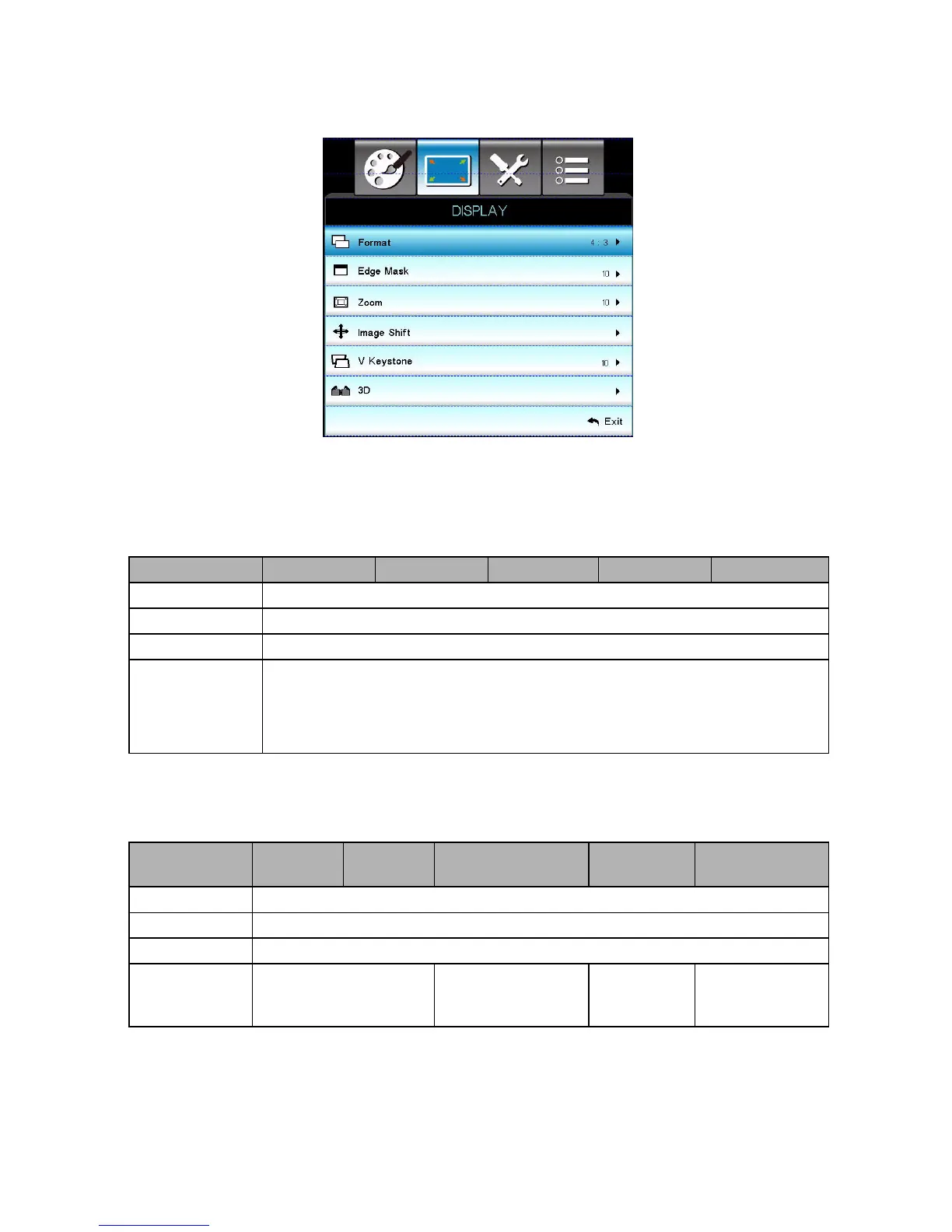
DISPLAY
Format
Use this function to choose your desired aspect ratio.
For SVGA/XGA models:
For WXGA models:
16:9 or 16:10 depend on “Screen Type” setting.
16:10 Screen
Source 480i/p 576i/p 1080i/p 720p PC
4:3 1024x768 center
16:9 1024x576 center
Native Displays the original image without any scaling.
Auto (Default)
If source is 4:3, auto resize to 1024 x 768
If source is 16:9 auto resize to 1024 x 576
If source is 15:9 auto resize to 1024 x 614
If source is 16:10 auto resize to 1024 x 640
16 : 10
screen
480i/p 576i/p 1080i/p 720p PC
4:3 1066x800 center
16:10 1280x800 center
LBX 1280x960 center, then get the central 1280x800 image to display.
Native
1:1 mapping
centered
1:1 mapping
display 1280 x
800
1280x720
Centered
1:1 mapping
centred



 To Next Page