MEU A HE
BSNBSAY
OYRAS
G T.
.G
DON’T JUMP THE GUN!
YOU NEED TO READ THIS BEFORE STARTING YOUR INSTALL.
HAS NBN FINISHED THE JOB?
In most cases, NBN will activate your Connection Box during installation.
However, sometimes it takes a little longer, so it’s a good idea to ask
your NBN technician to confirm the status before they leave.
If you attempt your Self Install before the Connection Box is active,
the lights on your Optus WiFi Modem won’t flash (as described in
Step 1, Part 4). If this is the case, just leave your modem connected.
Once the Connection Box is activated, your modem will complete
Step 1 automatically. When the modem lights have come on you
can march on to Step 2.
If your NBN Connection Box has been inactive for more than three
hours, give us a call on 1300 300 427 to check the status.
TRANSFERRING PHONE NUMBERS
If you are transferring your phone number to Optus from another
carrier, it may take a day or two to complete if you started your
self install outside the standard hours of 8.30am–4.45pm,
Monday to Friday AEST.
You will be able to make calls once your modem is activated,
however, you won’t be able to receive calls to this number until
the transfer is complete.
So to avoid any interruption, we recommend you stick to stardard hours.
Otherwise, we’ll flick you an SMS to let you know when it’s back on deck.
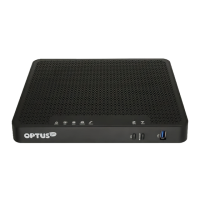
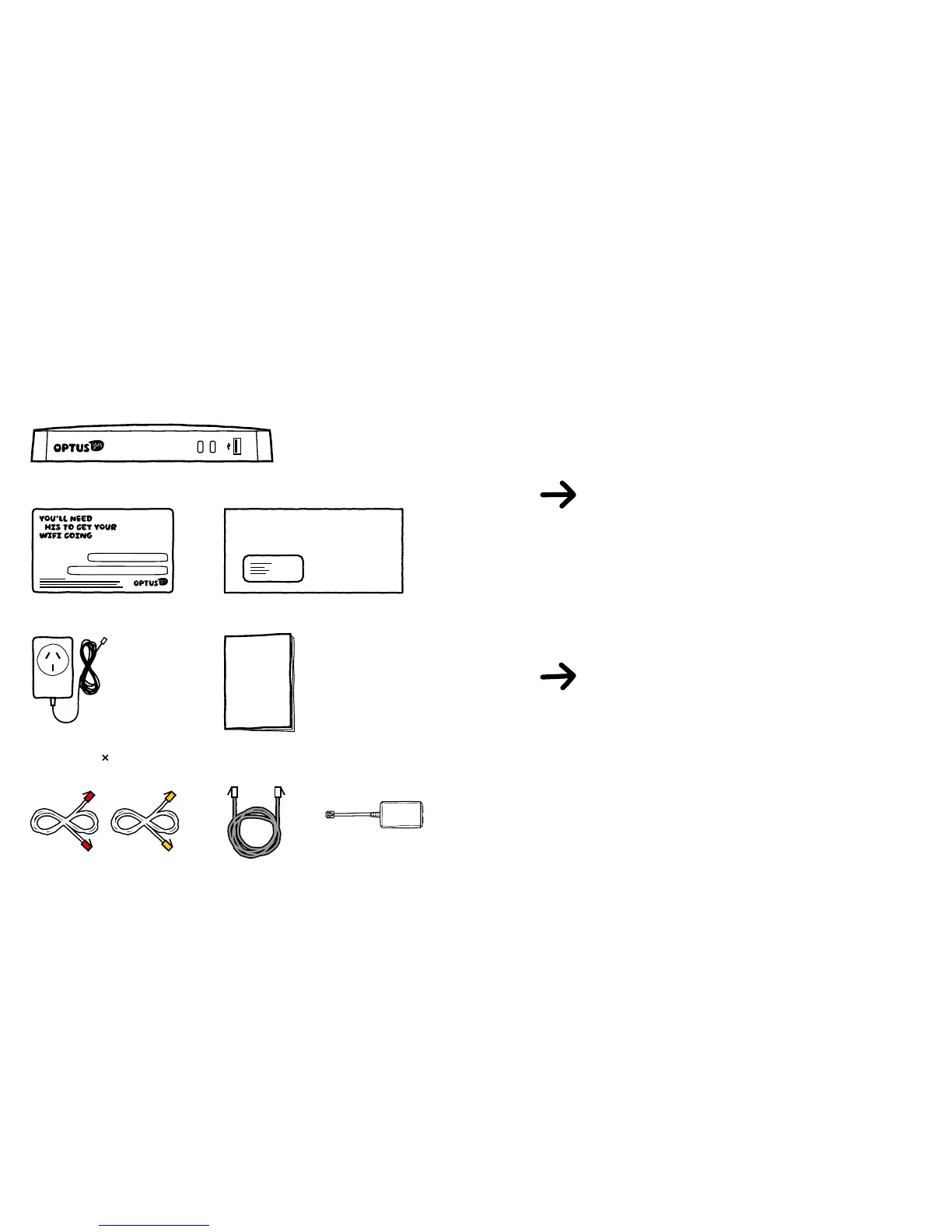
NBN WIFI MODEM
IMPORTANT INFORMATION FOR NBN CUSTOMERS: Equipment supplied requires mains power which may not
be suitable if you have a serious illness or condition, require disability services, have a back to base alarm,
or require an uninterrupted telephone line, in which case, please give us a shout to discuss other options.
PHONE CABLE
(Again, only if you’re
connecting your home phone)


 To Next Page
 Loading...