User Guide
8
5. Installing…
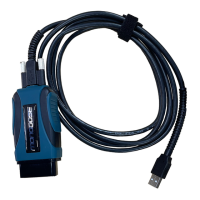
6. Once the setup application has finished, connect the
Mongoose-Plus
®
to the PC. Once you have gotten a message
in the lower, right-hand corner of your screen that the
device has been installed, click on Activate My Device.
- Plus
This document is copyrighted by Opus IVS™ Permission is granted to copy portions of this manual—in whole or in part—provided that such copies
are for use with the product provided by Opus IVS™
Opus IVS™ logo must appear on all copies as it appears in the original.


 To Next Page