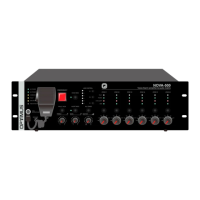
DC-800ETH version 4.3.001
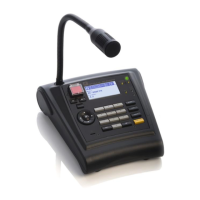
IP Microphone desk
and Control central
13. OPERATIONS IN EMERGENCY MODE .................................................................................................................................... 20
13.1. Enter the EMERGENCY MODE ..................................................................................................................................... 20
13.2. Activate a WARNING message .................................................................................................................................... 20
13.3. Activate an EVACUATION message ............................................................................................................................. 20
13.4. Sending a live voice message in EMERGENCY MODE .................................................................................................. 20
13.5. Exiting the EMERGENCY MODE ................................................................................................................................... 20
13.6. Systems with more than one DC-800ETH paging desk ............................................................................................... 20
14. ALARMS .............................................................................................................................................................................. 22
15. DIMENSIONS ....................................................................................................................................................................... 24
16. TECHNICAL CHARACTERISTICS ............................................................................................................................................. 24
17. NETWORK SPECIFICATIONS IN A OPTIMAX 2 SYSTEM .......................................................................................................... 25
18. SOFTWARE AND FIRMWARE VERSIONS ............................................................................................................................... 29
19. DOCUMENT VERSION TRACKING ......................................................................................................................................... 29
20. GUARANTEE ........................................................................................................................................................................ 30
WARNING. This is a Class A unit. In a domestic environment this unit may cause radio interferences. In this case the user
must take the necessary precautions.


 To Next Page