9
EN
Switching units of measure
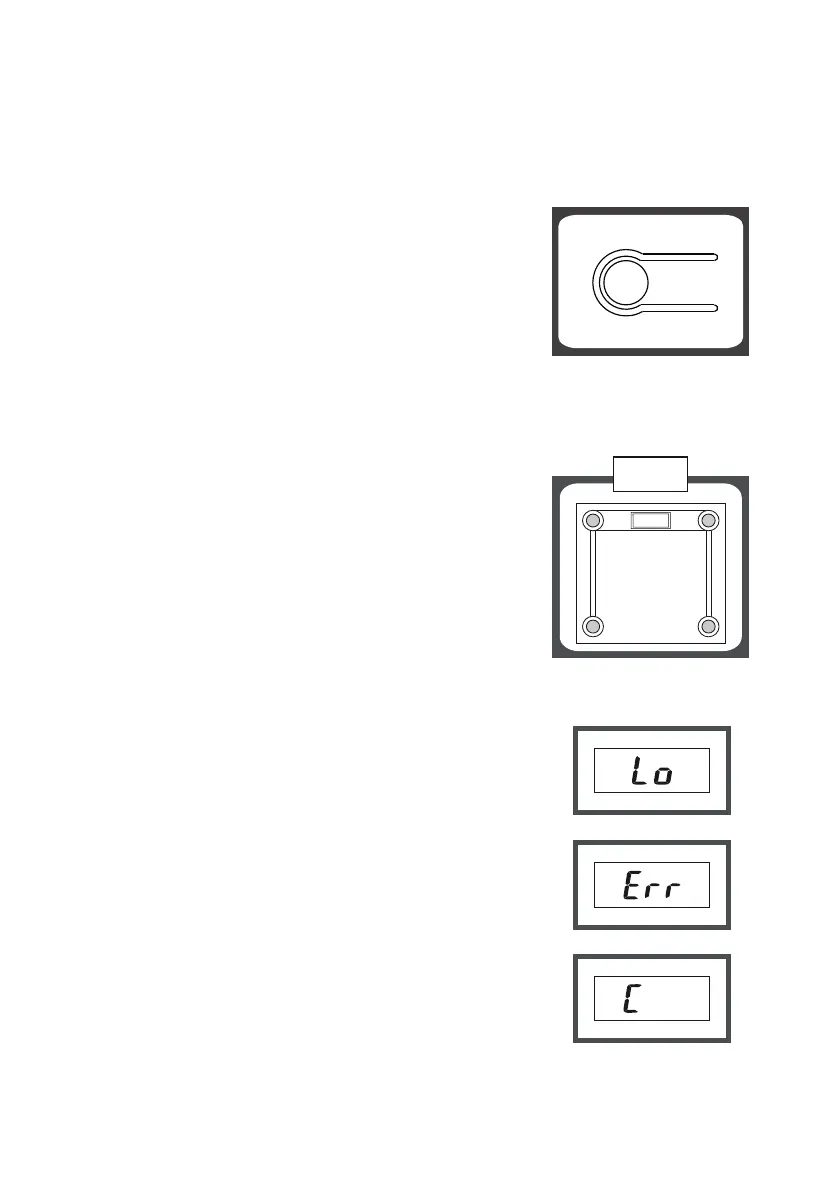
If you need to change the weight units, you can do so by pressing the
„kg/lb“ switch. The scale will then weigh in metric or English units of
weight.
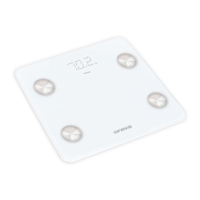
Switch location
A The switch is located on the bottom of the
scale next to the batteries.
B Press the unit switch repeatedly to select
kg (metric weight unit) or lb (English we-
ight unit). The selection of weighing units
is only possible with the balance switched
on. The units will appear alternately on the
display.
Switching off the scale
Automatic shutdown
If you do not use the scale (no one is standing
on it) and the display shows „0.00“ for approx.
15 seconds, the scale switches off automatically.
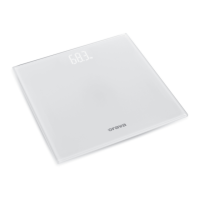
Warning indicators
1 „Lo“
Weak batteries. The batteries need to be
replaced with new ones.
2
„Err“
The maximum load capacity of the scale
has been exceeded. Assemble the object
to be weighed immediately to prevent da-
mage to the scale. The maximum load is
indicated on the display.
3 „C“
Incorrect measurement. Repeat the measurement.


 To Next Page