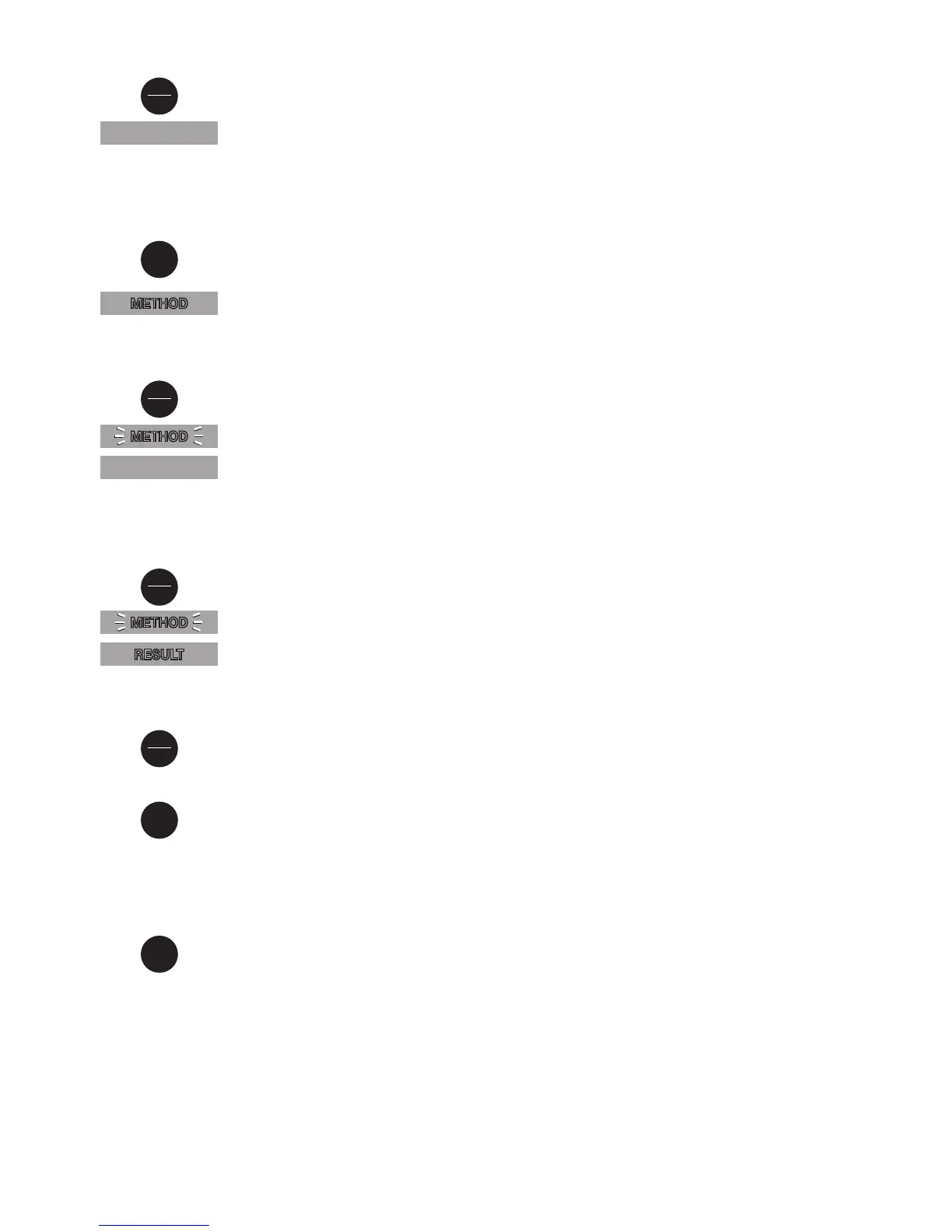
Switch the unit on using the ON/OFF key.
The display shows the following:
Attention:
The unit is designed to measure copper either with tablet reagents (Cut)
or with powder packs (CuP).
Please select the required method as described below.
Select the test required using the MODE key:
Cut → CuP → Cut → .......... (Scroll)
The display shows the following:
Fill a clean vial with the water sample up to the 10 ml mark, screw the cap on
and place in the sample chamber with the ∆-mark on the vial aligned with the
∇−mark on the instrument.
Press the ZERO/TEST key.
The method symbol flashes for approx. 8 seconds.
The display shows the following:
After zero calibration is completed, remove the vial from the sample chamber.
Add the appropriate reagent; a color will develop in the sample.
Screw the cap back on and place the vial in the sample chamber with the ∆ and
∇ marks aligned.
Press the ZERO/TEST key.
The method symbol flashes for approx. 3 seconds.
The result appears in the display.
The result is saved automatically.
Repeating the analysis:
Press the ZERO/TEST key again.
New zero calibration:
Press the MODE key until the desired method symbol appears in the display
again.
Operation
METHOD
METHOD
METHOD
0.0.0
RESULT
Cut
On
Off
Mode
Zero
Test
Zero
Test
Display backlight
Press the "!" key to turn the display backlight on or off. The backlight is switched
off automatically during the measurement.
!
Mode
Zero
Test



 To Next Page