LO BAT
Resetting the factory calibration
cAL
SEL
SEL
CAL
CAL
SEL
Resetting the user calibration to the oriinal factory setting resets all parameters.
A user calibrated method will be indicated by an arrow in the display.
To reset the calibration to the factory setting:
Press both the MODE and ZERO/TEST key and hold.
Switch the unit on using the ON/OFF key. Release the MODE and ZERO/TEST
keys after approx. 1 second.
The following messages will appear in turn on the display:
The factory setting is active.
(SEL stands for Select)
or:
Calibration has been set by the user.
(If the user calibration is to be retained, switch the unit off using the ON/OFF key.)
Calibration is reset to the factory setting by pressing the MODE key.
The following messages will appear in turn on the display:
Switch the unit off using the ON/OFF key.
Zero
Test
Mode
On
Off
Mode
On
Off
Time Cal
Store Date
▼
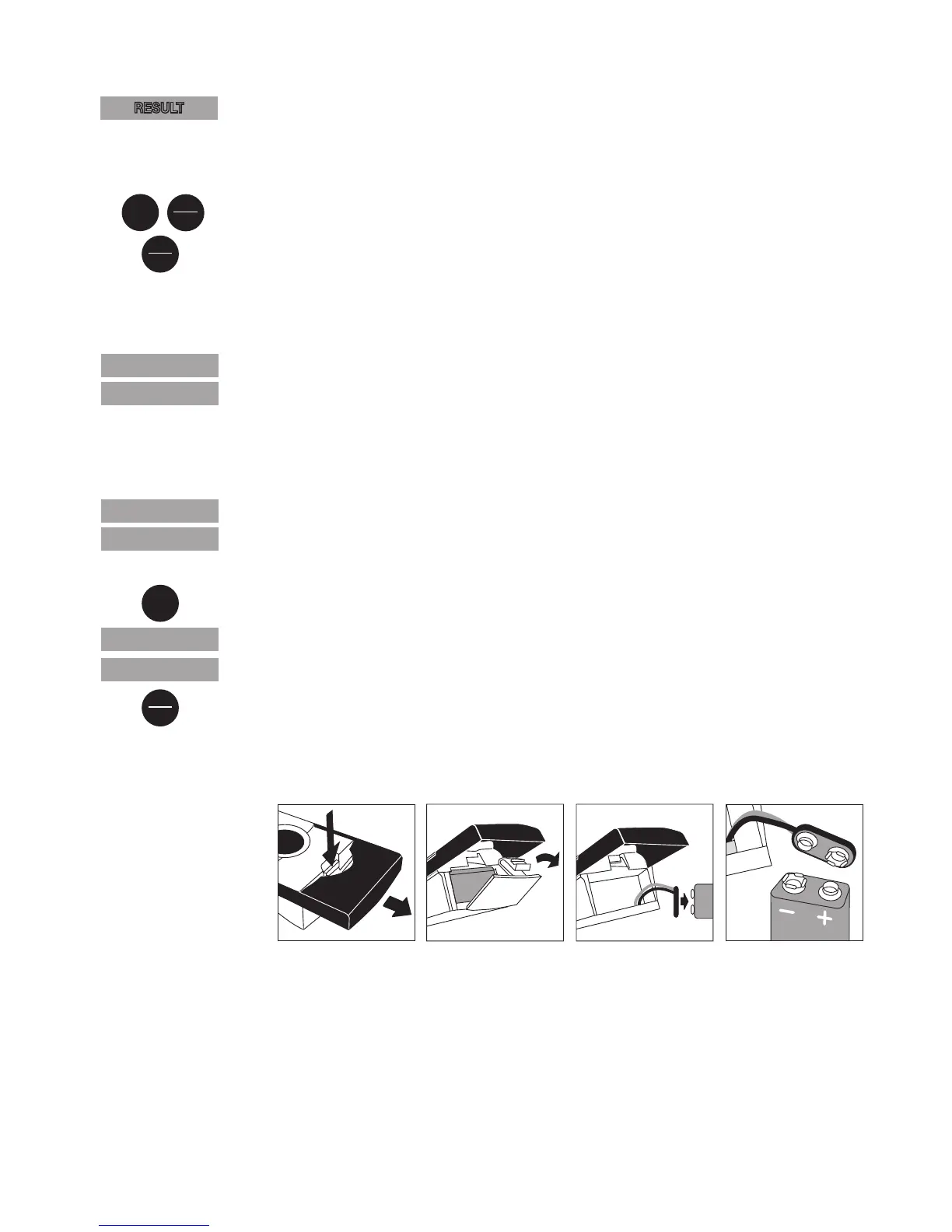
Changing the battery
RESULT



 To Next Page