9
Assembling Your Device
Before using the device, you must install the SIM card, memory
card, and charge the battery.
Your device uses a nano SIM card. The SIM card may come
preinstalled or you can use your old SIM card.
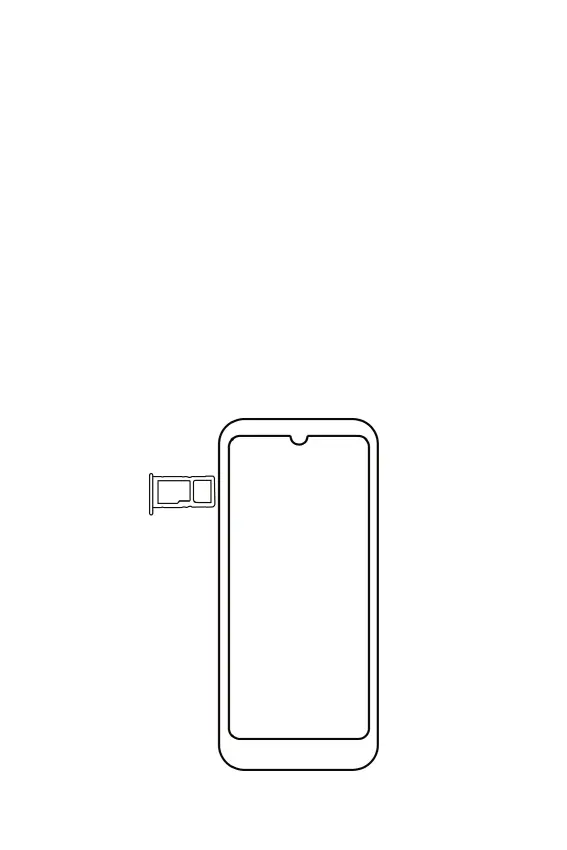
Installing a SIM Card/microSD Card
To install a SIM card or a microSD, follow the below steps:
1. Insert the SIM pin tool into the SIM pinhole on the tray to
open the tray.
2. Insert the SIM and/or microSD card with the gold contacts
facing down and close the tray.



 To Next Page