47
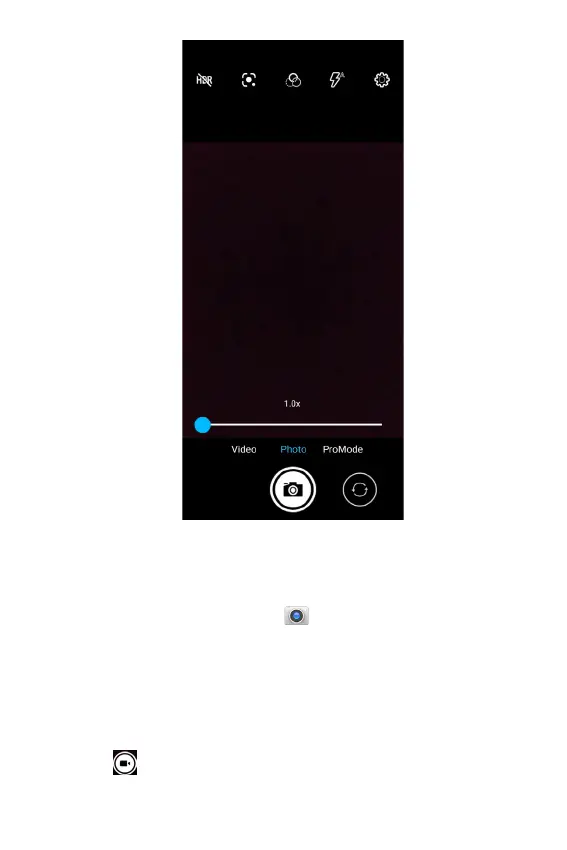
Recording a Video
1. From the Home screen tap .
2. Tap Video on the screen to switch to the video mode.
3. Aim the camera at the subject using the device's main
display screen as a viewfinder.
4. Pinch the screen to zoom in or pinch open to zoom out.
5. Tap
to start recording the video.



 To Next Page