18 19
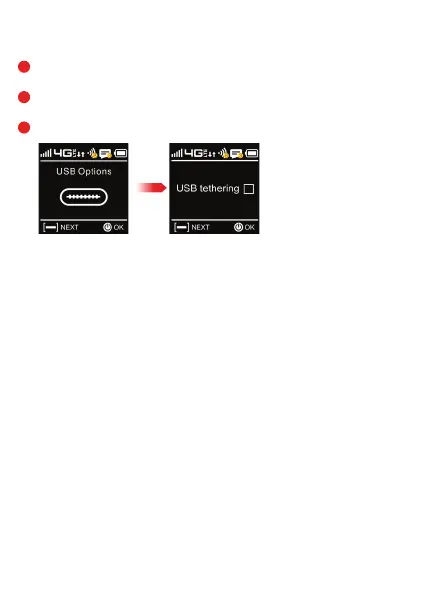
Wi-Fi Hotspot USB Options
Select USB Options Select USB Tethering
You can tether a device by using the USB-data cable.
Press Power/OK to view USB tethering option.
Press Power/OK to select/unselect this option.
Press Menu/Next to return.
1
2
3
OK/Power



 To Next Page